Cost / License
- Free
- Open Source (Apache-2.0)
Application typeApplication types
Platforms
- Mac
- Windows
- Linux
E


Apps similar to How to Convert include XnConvert, which is free for personal use. Other options are RIOT - Radical Image Optimization Tool, Any Video Converter, Filestar and ReaConverter. You're spoiled for choice with Image Converters like How to Convert: we list more than 25 alternatives for Windows, Mac, Linux, the web and Android.

Oxipng is a multithreaded lossless PNG compression optimizer in Rust. It can be used via a command-line interface or as a library in other Rust programs.


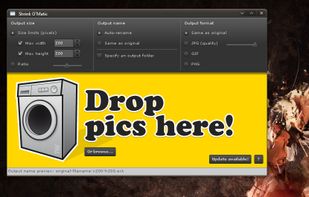
Shrink O'Matic is an AIR application to easily (batch) resize (shrink) images. It handles JPGs, GIFs and PNGs.


Online Image Converter converts your BMP, JPG, PNG, GIF or ICO files quickly and easily. It is completely free.
 United States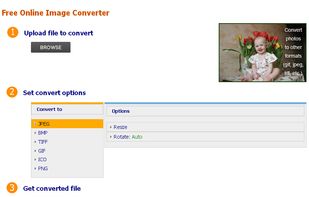


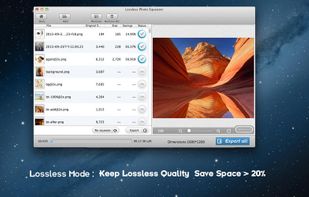
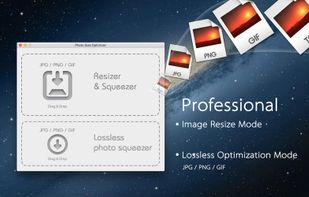
A powerful photo resizer and optimizer for Mac, allows you to optimize all your photos by 80% ~ 20% comparing to their originals while keeping their original resolution, quality.
 China
China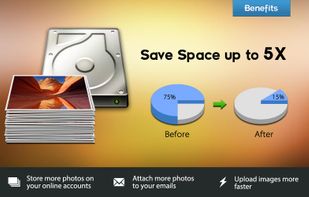


Alchemy lets you convert and merge images with ease through an intuitive, drag and drop interface. On Mac, it's easily accessed through the Mac menubar.
United States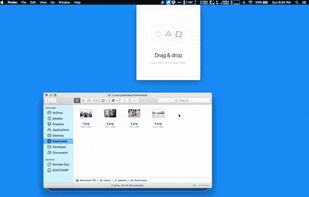


Free Image Convert and Resize is a compact yet powerful program for batch mode image processing.
 United Kingdom


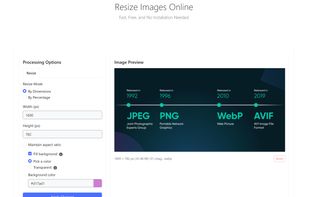
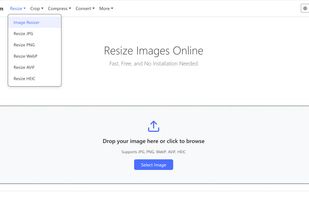
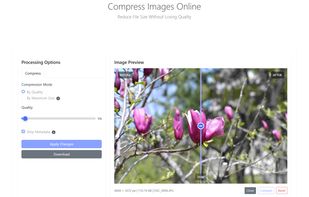
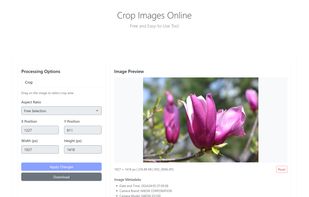
PixTrim is a simple online tool to resize, crop, compress, convert, flip, and rotate images in popular formats like JPG, PNG, WebP, AVIF, and HEIC — all for free and right in your browser.


ImageResizer - Batch-resize and convert your images in just one click with maximum comfort.
 Russia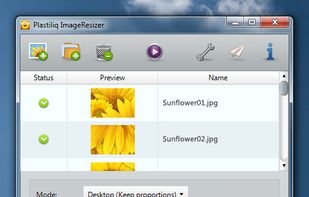
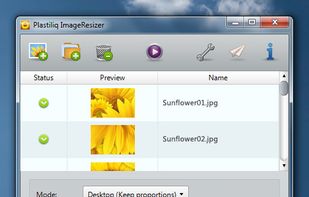
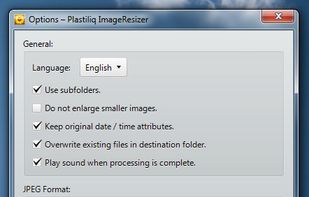


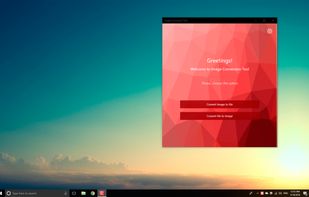
Image Conversion Tool allows you easily converts jpg, png, bmp, gif, tiff, heic and other images to pdf, eps, ico, odd, ps, psd and other formats and other formats.
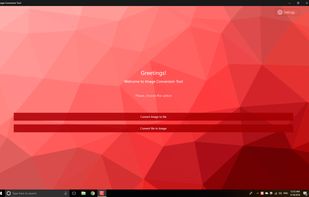
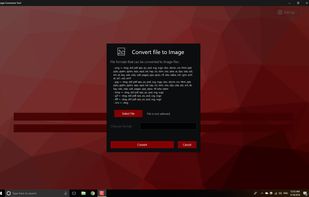


Total Image Converter converts images to other formats, crops, resizes and rotates them. Convert large TIFFs into small JPEGs, make photos suitable for the web or recover old photos in unsupported formats - Total Image Converter will do everything for you.
United Kingdom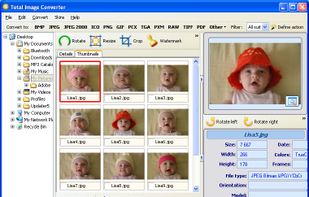


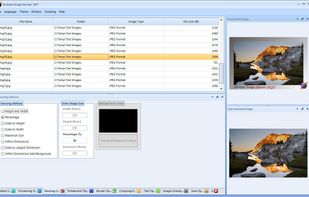
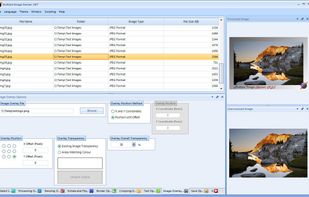
Multiple Image Resizer .NET is a batch image processor. The software was originally designed and built to batch resize images but now features a wider range of batch image processing functionality.