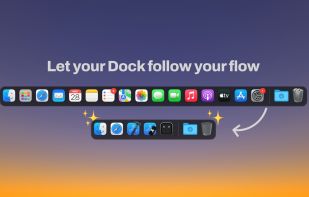
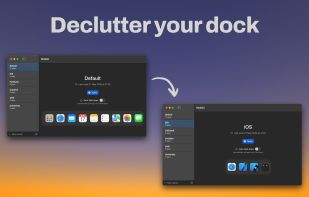
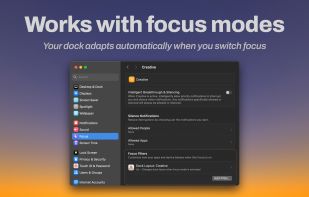
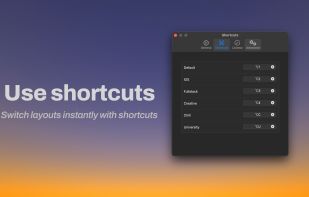
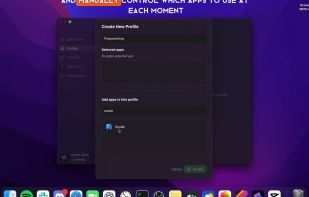
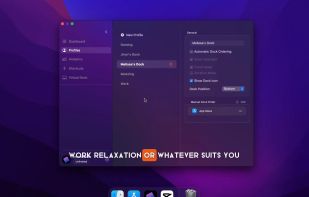
Modoki lets you effortlessly create multiple Dock layouts and automatically applies them when changing macOS Focus modes (or manually if you prefer).
Cost / License
- Paid
- Proprietary
Application type
Platforms
- Mac
 Ukraine



+1


Apps similar to Hidock include Modoki. It's paid, but DockProfiles and GeekDock are free. Other options are DockIt Space, InfyniDock, ExtraDock and Dockfinity. You can choose from more than 10 Dock Utilities like Hidock for Mac.
Modoki lets you effortlessly create multiple Dock layouts and automatically applies them when changing macOS Focus modes (or manually if you prefer).
Ukraine
DockProfiles lets you save and switch between different macOS Dock layouts instantly. Whether you’re gaming, working, designing, or studying, one click loads the right apps, folders, and websites.
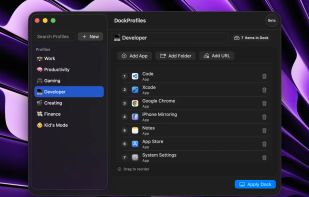
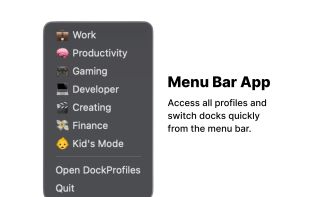


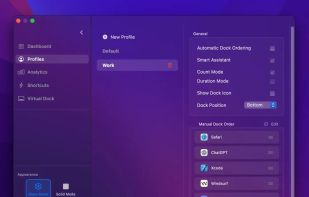
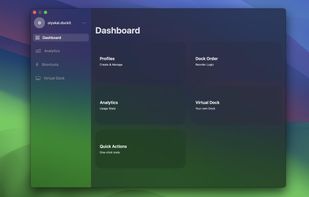
Organize your Mac Dock like never before with custom profiles for different workflow, manual profiles and automatic dock ordering!.

InfyniDock is a macOS Dock alternative and Mac window manager for exact window switching. It can run as a Menu Dock from the menu bar, a FloatDock visual switcher, or a full window-first Dock. It helps users preview and switch to individual windows across apps, displays, and Spaces.
 China
China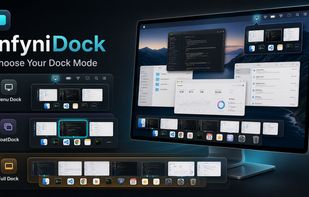

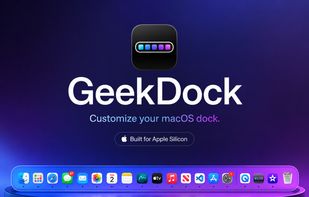
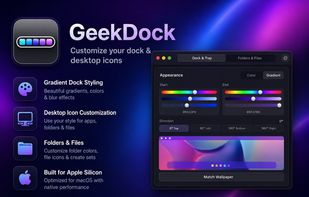
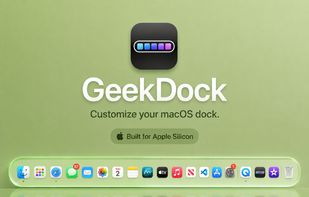
GeekDock is a simple macOS app for styling your Dock, menu bar, folders, files, and desktop icons with colors, gradients, and clean icon themes.
 United States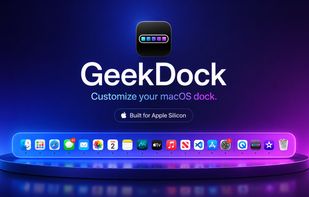


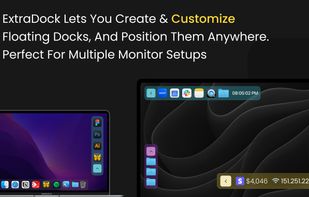
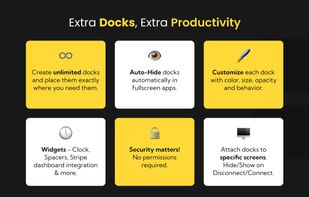
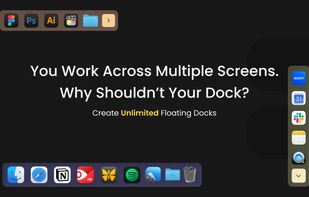
ExtraDock is a powerful macOS productivity app that lets you create unlimited custom floating docks and place them anywhere on your screen, transforming how you organize your workspace — especially on multi-monitor setups.


DockFinity lets you create and switch between different Dock configurations. Save profiles for different contexts like "Work", "Gaming", or "Design" and switch between them instantly.
 Germany
 EU
EU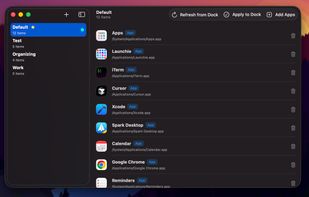


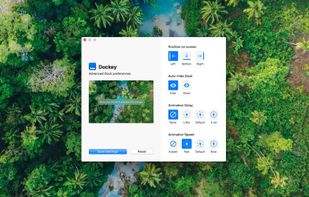
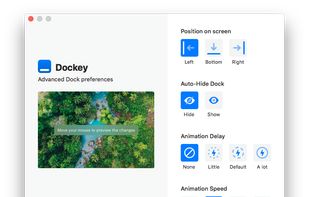
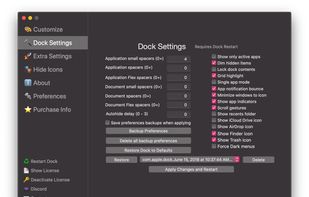
Dockey makes changing some of the more advanced Dock preferences as easy as clicking a button. With integrated preview, you can see how it would look and feel like and save changes you're happy with the result.


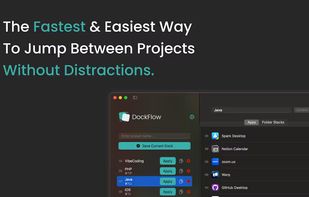
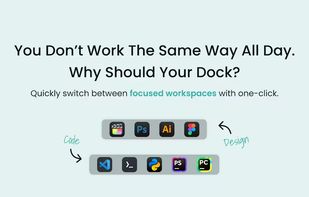
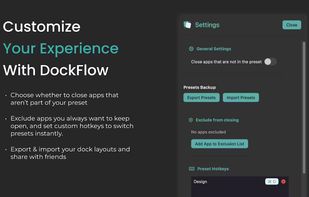
Boost your productivity with DockFlow. Instantly save, manage, and switch between multiple macOS Docks. It's simple and built for focus.
 Israel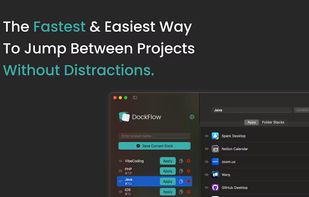


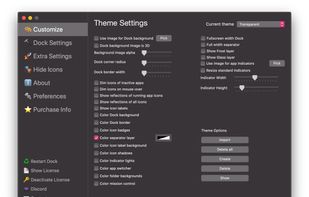
cDock 3 gives you full control over the Dock. There are tons of ways to customize the look and feel of the Dock. You can even enable some awesome hidden features. cDock is designed to make theming your Dock easy and robust on macOS 10.10 and up.
United States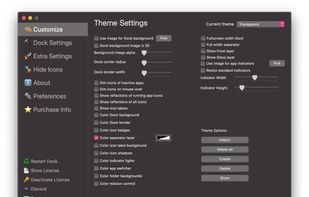

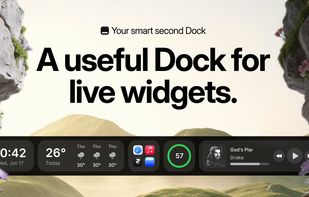
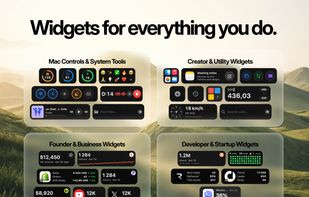
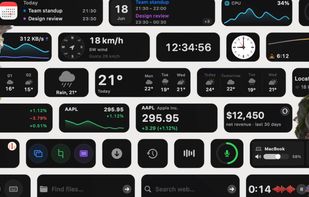
CoolDock is an award-winning second Dock for macOS. It sits beside your original Dock, so nothing about your current setup changes, and gives you a live strip of widgets, apps, folders and quick actions built for the way you actually work.
 BulgariaEU