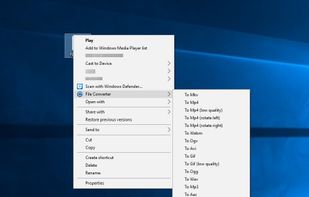
File Converter is a very simple tool which allows you to convert and compress one or several file(s) using the context menu in Windows Explorer.
Platforms
- Windows
- File Explorer
 France
 EU

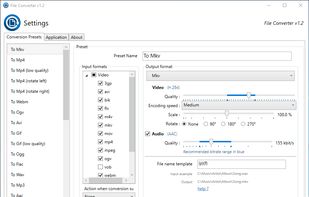


The best File Compressor alternative to HandBrake is File Converter, which is both free and Open Source. If that doesn't suit you, our users have ranked more than 100 alternatives to HandBrake and 13 are File Compressors so hopefully you can find a suitable replacement. Other interesting File Compressor alternatives to HandBrake are GetCompress, FFShare, ExSqueezeMe and Pimosa.
File Converter is a very simple tool which allows you to convert and compress one or several file(s) using the context menu in Windows Explorer.
FranceEU
Desktop app for offline batch compression and conversion supporting over 100 formats, including images, videos, GIFs, and PDFs. Features drag-and-drop, reusable presets, folder monitoring, preview, trimming, clipboard compression, context menu, shortcuts, and automation.
 United Kingdom
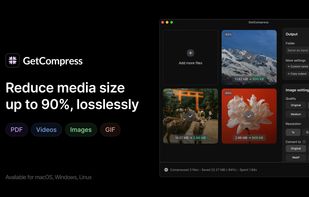


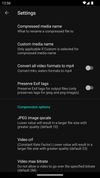




Native macOS app enabling drag-and-drop video compression up to 90% smaller, format conversion, upscaling, interactive reframing, animated keyframe cropping, and aspect ratio presets designed for TikTok, Instagram, feeds, and YouTube with no complex settings.
 FinlandEU


Edit, convert, and enhance video, audio, and images in one web platform with crop, trim, merge, resize, rotation, speed control, format conversion, compression, overlays, filters, batch processing, waveform creation, and metadata editing.
 India
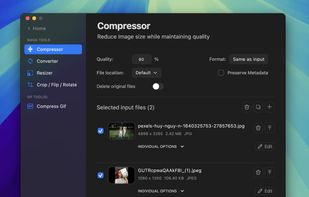
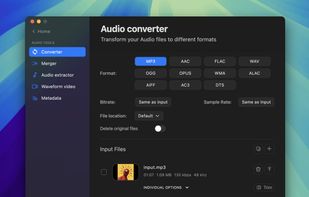
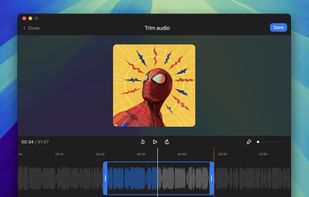
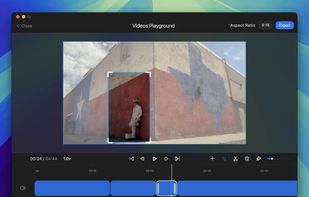


RedpandaCompress is a free online platform designed to compress video files efficiently. It leverages ffmpeg.js and WebAssembly to process videos directly in the browser, eliminating the need for software installation.


Compress batches of videos of any file size without limits. Reduce bandwidth costs, save storage space, stay within social media limits, and make your website faster to load.
 SwedenEU



Kompact is a privacy-first, fully offline utility for managing and processing digital images. Easily compress photos (JPEG, PNG, WebP), resize dimensions, and apply text watermarks, all without relying on cloud services.



 FranceEU


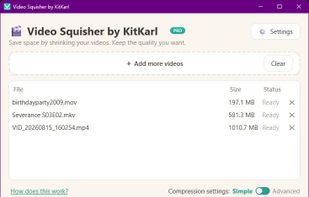
A local desktop utility that makes video files smaller by analyzing and re-encoding them in AV1 or HEVC. Choose a visual-quality level for automatic compression, or enter an exact file-size limit for email, messaging, and upload requirements; originals remain untouched.
 Canada


Convertify is your ultimate free & offline file converter suite for Windows. Convert images (inc. AI upscale), video, audio, docs, archives & eBooks (180+ formats) privately on your PC.
 United States


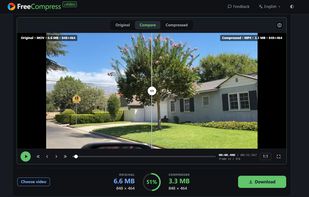
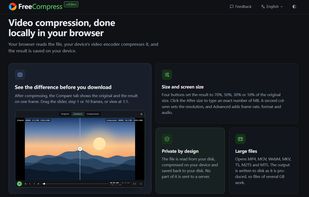
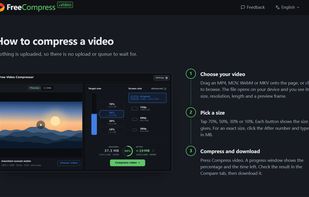
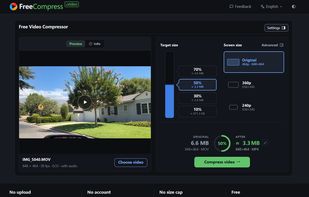
FreeCompress.video makes video files smaller inside the browser. The file is read from your disk and re-encoded by your device's own video encoder, so nothing is uploaded and a 2 GB recording goes through the same way as a 20 MB clip.
United States