Cost / License
- Paid
- Proprietary
Application typeApplication types
Platforms
- Windows
 Germany
 EU
EU




+1


recordMyDesktop has been discontinued. Similar apps include OBS Studio, which is free and open source. Other options are GPU Screen Recorder, SimpleScreenRecorder, Bandicam and VokoscreenNG. You're spoiled for choice with Screen Recorders like recordMyDesktop: we list more than 100 alternatives for Windows, Mac, Linux, the web and Android.
GermanyEU
Captures high-quality video from your PC with smooth recording up to 50 frames per second, unique Background Mode for uninterrupted capture when videos are hidden, customizable settings, and compatibility with streaming sources and scheduled sessions.
 United States

Istanbul is a desktop session recorder for the Free Desktop. It records your session into an Ogg Theora video file. To start the recording, you click on its icon in the notification area. To stop you click its icon again. It works on GNOME, KDE, XFCE and others.


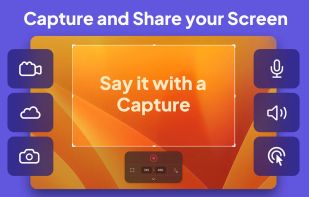
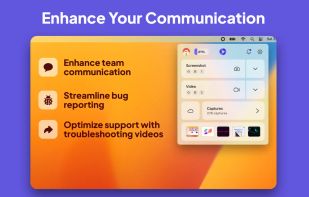
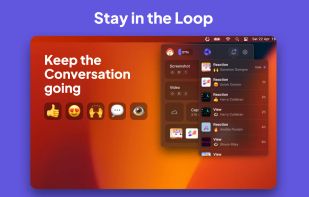
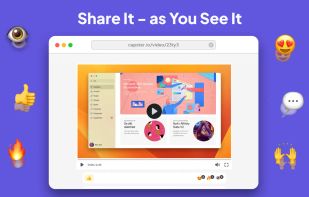
Capster helps you enhance your asynchronous communication with captures of your screen. Record your screen as you demonstrate a feature, idea, or bug, or take a screenshot and annotate it to better convey your point - and instantly share it through the cloud.


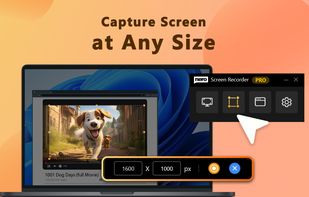
Tipard Screen Capture is able to capture any video/audio. This software allows you to record any video like webcam video, streaming video or other video tutorials on PC. Besides, it allows you to adjust the size of your screen.
 Hong Kong SAR China


SolveigMM HyperCam is a new version of the famous HyperCam , being jointly developed with Hyperionics LLC.
 Russia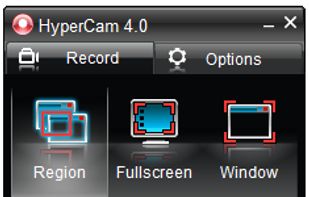


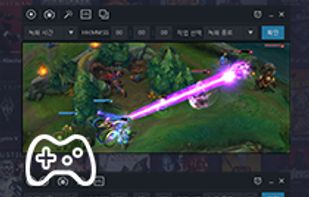
Record what you see on your PC screen exactly as it appears. GOM Cam also records all audio outputs from your PC, allowing you to make more dynamic videos. Record your computer screen, webcam video or games, and share with others on YouTube, Google Drive or Facebook.



Quick Screen Recorder is a lightweight desktop screen recorder for Windows, built on top of WinForms (C#).
 Canada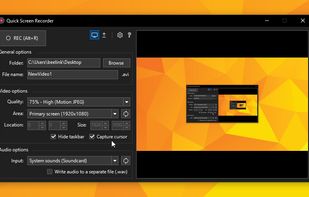


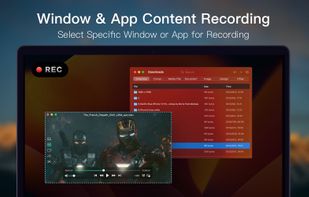
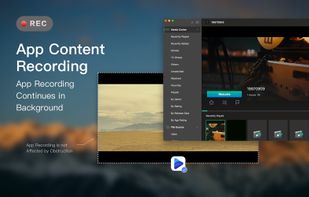
Screen Recorder for Mac is a powerful tool that allows you to quickly and easily capture your computer screen in high-quality video format. With just one click, you can record the full screen, a designated area, or footage from your camera.




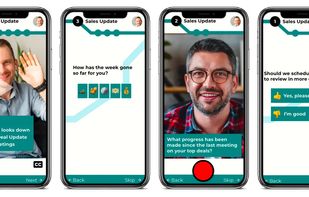
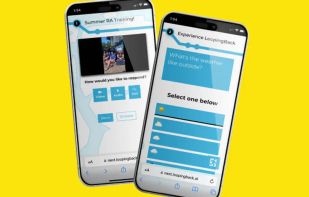
LoopingBack enables video as a message and response type for surveys, emails, stand ups, and other communications. It also uses AI to help users get from collection of information to results faster.
United States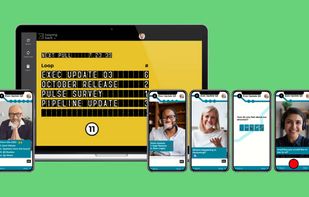


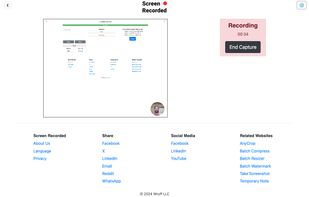
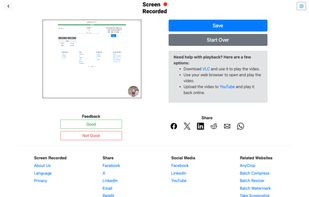


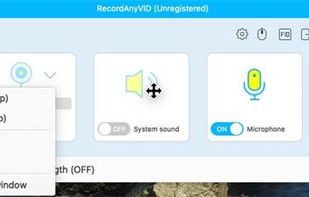
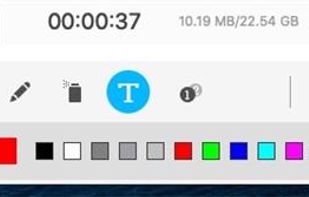
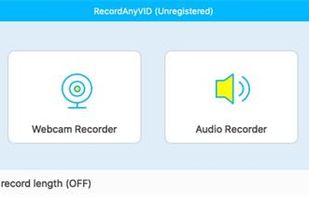
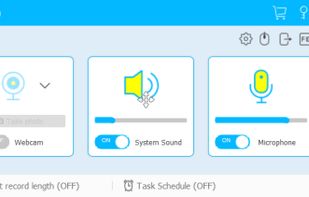
It's an easy-to-use screen recorder software for Windows and Mac computers. With it, you can easily select the recording area such as screen or customized size you like.
 China
China