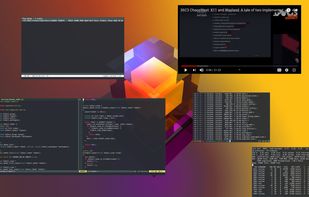
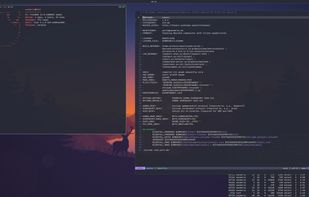
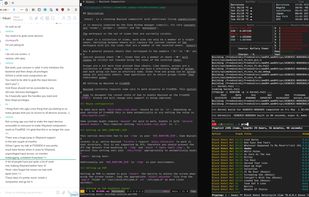
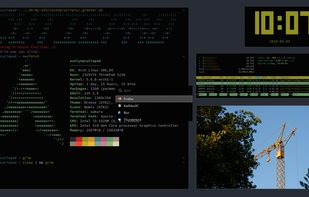
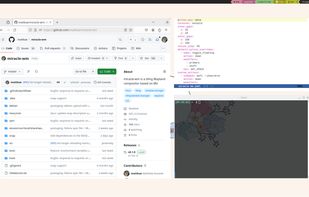
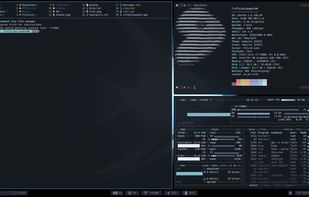
hikari [ja. Light] is a stacking Wayland compositor which is actively developed on FreeBSD but also supports Linux.
Cost / License
- Free
- Open Source
Platforms
- Linux
- BSD



+2


Apps similar to GridWM (KDE Plasma) include Microsoft PowerToys, which is free and open source. Other options are Hyprland, niri, Sway and i3. You're spoiled for choice with Window Managers like GridWM (KDE Plasma): we list more than 25 alternatives for Linux, Windows and Mac.
hikari [ja. Light] is a stacking Wayland compositor which is actively developed on FreeBSD but also supports Linux.

Labwc stands for Lab Wayland Compositor, where lab can mean any of the following:
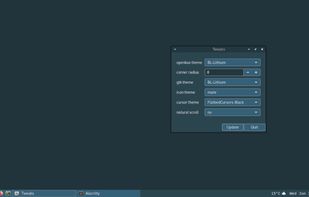


Stack Window Manager With Manual Grid Tiling Layout Extended Desktop Area Left Hand Keyboard + Right Hand Mouse.
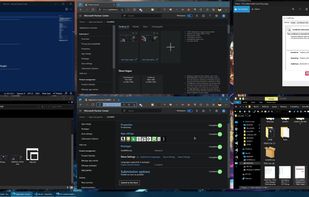
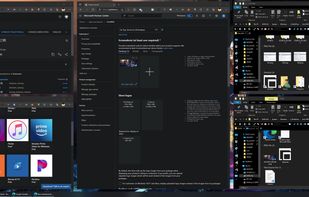
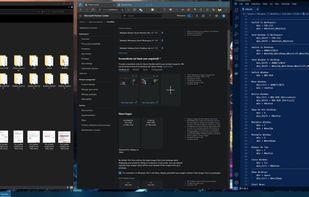
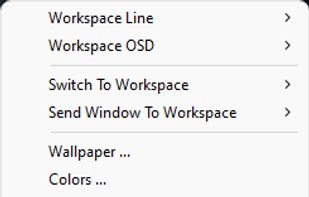


Pinnacle is a Wayland compositor built in Rust using Smithay. It's my attempt at creating something like AwesomeWM for Wayland.
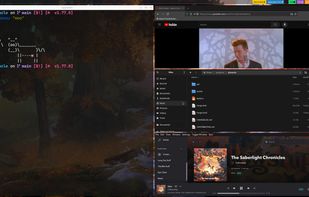

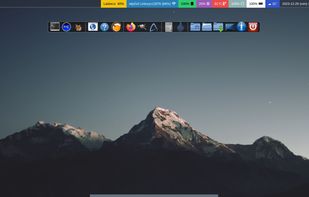


A Wayland compositor based on Mir. It features a tiling window manager at its core, very much in the style of i3 and sway. The intention is to build a compositor that is flashier and more feature-rich than either of those compositors, like swayfx.
 United States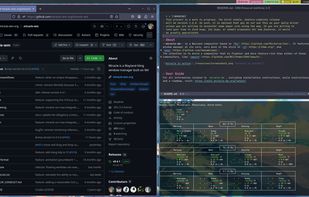


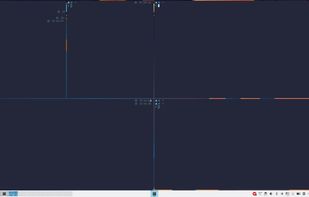
An autotile manager for Plasma 6. An (unofficial) spiritual successor to Bismuth built on KWin 6. The descendant of autotile.

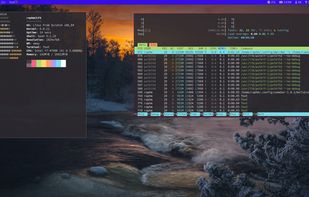
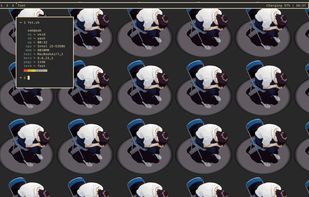
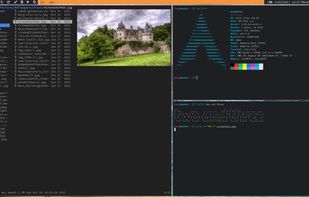
dwl is a compact, hackable compositor for Wayland based on wlroots. It is intended to fill the same space in the Wayland world that dwm does in X11, primarily in terms of functionality, and secondarily in terms of philosophy. Like dwm, dwl is:

 Bulgaria
 EU
EU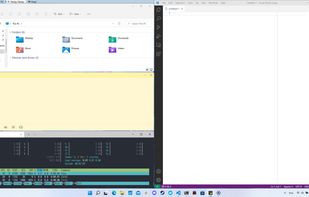
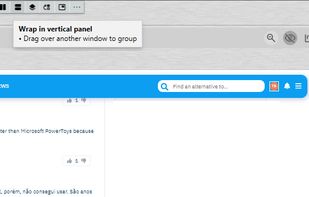


Taekwindow is a simple, lightweight and free Windows program that allows you to move and resize windows by dragging them with the Alt key, similar to many X11 window managers.


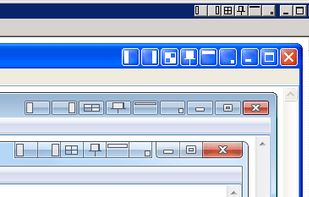
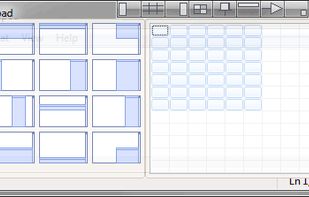
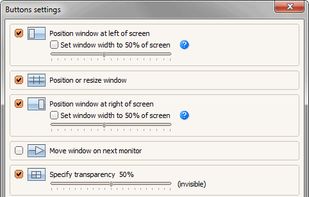
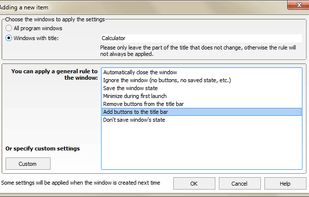
Chameleon Window Manager will allow you to control the windows of your programs using customizable buttons added to the title bars of the windows (Always on Top, Minimize to Tray, Minimize to Caption, Specify Transparency, Position window at left/right of screen).
 Russia