Gnome Do Alternatives

Gnome Do is described as 'GNOME Do allows you to quickly search for many items present on your desktop or the web, and perform useful actions on those items' and is a very popular application launcher in the os & utilities category. There are more than 100 alternatives to Gnome Do for a variety of platforms, including Windows, Mac, Linux, KDE Plasma and File Explorer apps. The best Gnome Do alternative is Everything, which is free. Other great apps like Gnome Do are Flow Launcher, Vicinae, Raycast and Alfred.

Copy a direct link to this comment to your clipboard
Get a badge for your siteGnome Do alternatives page was last updated

Alternatives list

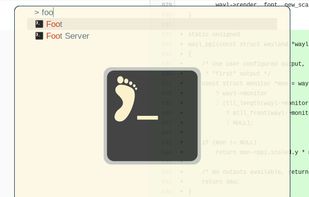
  1. The Application Finder is a program to find and launch installed applications on your system, and quickly execute commands.

    Cost / License

    • Free
    • Open Source

    Application type

    Platforms

    • Linux
    • Xfce
     
  2. Fly-Pie icon
     1 like

    :pie: Fly-Pie is an innovative marking menu written as a GNOME Shell extension. - GitHub - Schneegans/Fly-Pie: Fly-Pie is an innovative marking menu written as a GNOME Shell extension.

    Cost / License

    • Free
    • Open Source (MIT)

    Platforms

    • Linux
     
  3. Skylight icon
     1 like

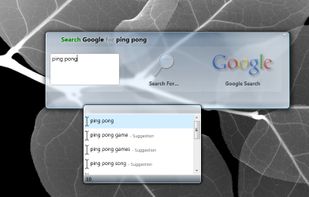
    Skylight is an experimental keyboard launcher. It lets you quickly find and open anything on your computer or the web. Start apps, documents or search websites with a few keystrokes, it even learns from your habits.

    Cost / License

    • Free
    • Proprietary

    Application type

    Platforms

    • Windows
     
  4. Promptu icon
     5 likes

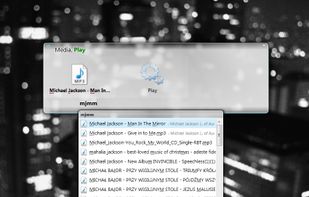
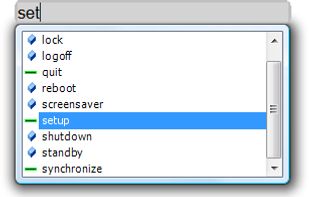
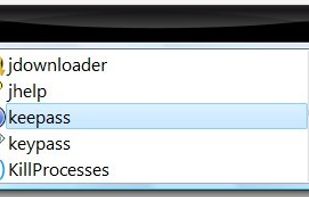
    Say goodbye to repetitive, time-consuming tasks, like hunting through your programs, folders, files, and bookmarks for the ones you need. Promptu lets you associate meaningful names with programs, folders, files, bookmarks, etc, and access them almost instantly from your...
    Cost / License

    • Free
    • Proprietary

    Application type

    Platforms

    • Windows
     
  5. Lattix icon
     2 likes

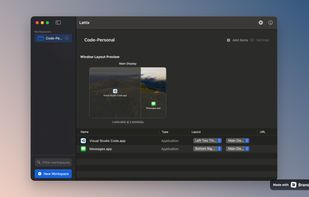
    Advanced resource launcher designed to open apps, files, and websites in custom window layouts, organize resources into named workspaces, assign hotkeys for instant switching, enable pixel-perfect window snapping, and streamline repetitive workflows for deep focus.

    Cost / License

    • Paid
    • Proprietary

    Application type

    Platforms

    • Mac
     
  6.  5 likes

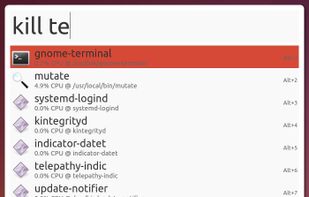
    Mutate is a simple launcher inspired by Alfred for Ubuntu.

    Cost / License

    • Free
    • Open Source

    Application type

    Alerts

    • Discontinued

    Platforms

    • Linux
     
  7. Salmon icon
     3 likes

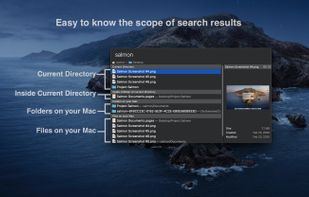
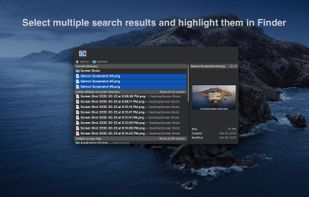
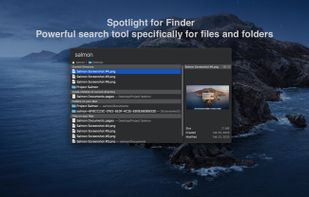
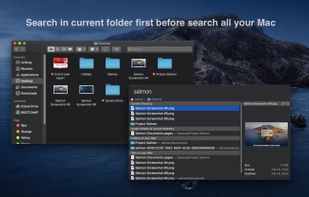
    Salmon - Spotlight for Finder. Powerful search tool for files and folders with support for multiple selection. Powerful @modifiers to filter and sort.
    Cost / License

    • Paid
    • Proprietary

    Application type

    Platforms

    • Mac
     
  8. Zazu icon
     15 likes

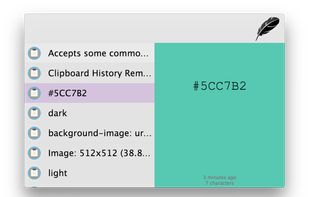
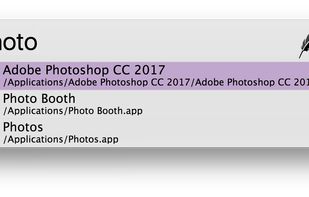
    Zazu is a new open source productivity app, that allows developers to be in the drivers seat. Unlike other solutions, there is no built-in integrations, so every plugin has the full scope of what Zazu has to offer.
    Cost / License

    • Free
    • Open Source

    Alerts

    • Discontinued

    Platforms

    • Mac
    • Windows
    • Linux
     
  9. A replacement for i3-dmenu-desktop

    Its purpose is to find .desktop files and offer you a menu to start an application using dmenu.

    11 j4-dmenu-desktop alternatives

    Cost / License

    • Free
    • Open Source

    Application type

    Platforms

    • Linux
     
  10. Flashlight icon
     7 likes

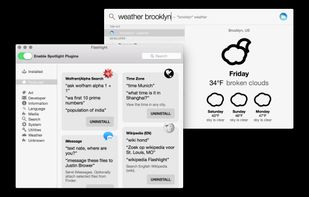
    Flashlight gives you control over Spotlight. There are tons of options for customization so you can do things how you want to. Flashlight is designed to make enhancing Spotlight easy and enhance it's usefulness on macOS 10.9 and up.

    59 Flashlight alternatives

    Cost / License

    • Free
    • Open Source

    Application type

    Platforms

    • Mac
     
  11. Mighty Box icon
     3 likes

    It's a Quicksilver clone written in c# for windows

    Cost / License

    • Free
    • Open Source

    Alerts

    • Discontinued

    Platforms

    • Windows
     
  12. Enso Launcher icon
     21 likes

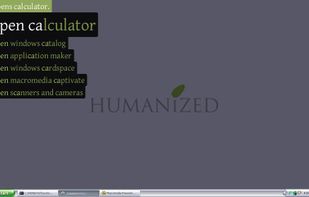
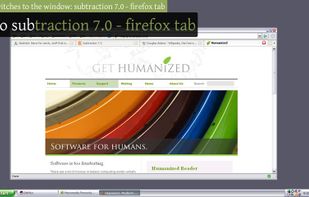
    Enso is dead simple to use. You just hold down the Caps Lock key and type an Enso command, which is displayed in a translucent overlay. Once the command is typed, you simply release the Caps Lock key to activate it, and the overlay disappears.

    Cost / License

    • Free
    • Proprietary

    Application type

    Alerts

    • Discontinued

    Platforms

    • Windows
     
You are at page 5 of Gnome Do alternatives