Cost / License
- Free
- Proprietary
Platforms
- Mac
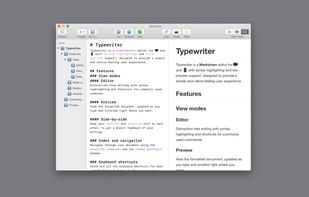

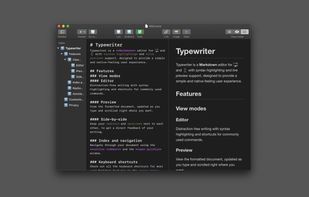


Apps similar to ghostwriter include Notesnook, which is open source with a free version. Other options are Zettlr, Typora, Trilium Notes and Pulsar Editor. Text Editors like ghostwriter are a crowded field, with more than 100 alternatives for Mac, Windows, Linux, the web and iPhone.

Nimble Writer is a general-purpose tool for writing stories, be it short fiction stories or even complete novels or books. It focuses on being distraction-free, simple, and fully customizable.
 United States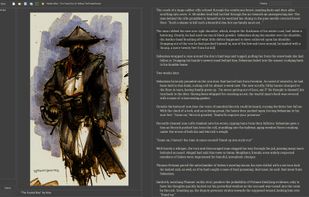
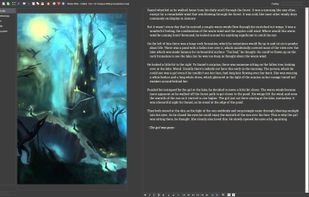

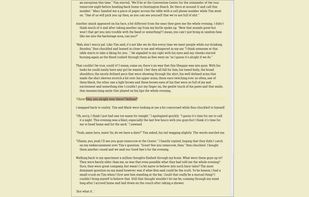


Ommwriter is a simple text processor that firmly believes in making writing a pleasure once again, reinvindicating the close relationship between writer and paper. The more intimate the relation, the smoother the flow of inspiration.
 Spain
Spain EU
EU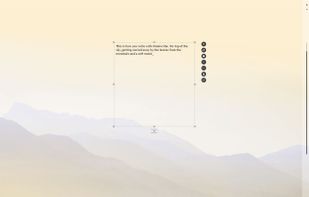


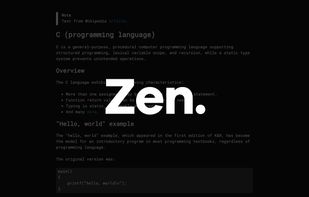
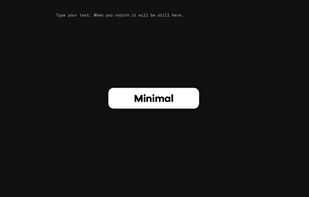
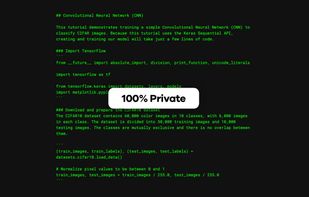
Zen by Unit is a free, minimal, fast, private writing app. Just open and use.


 Canada
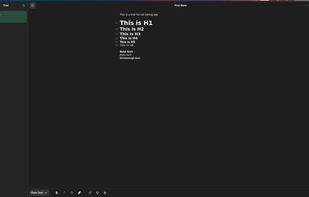


Typewrite is a real-time collaborative writing environment with Markdown support, versioning and Dropbox syncing.


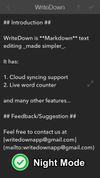
Try WriteDown, an app that made text editing simpler. You can write your note whether you are at home, at work, or on the go. Your notes are synchronized to the cloud, so you can easily read it wherever you want.



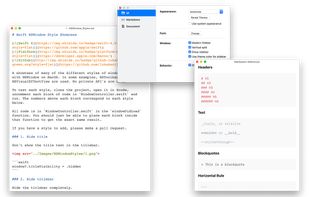
A modern macOS markdown editor - themeable, tabs, sidebar, GitHub flavored markdown, exporting, latex and more.
 Australia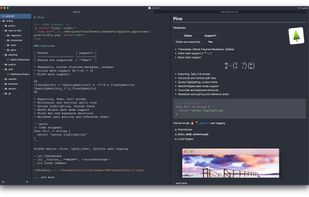


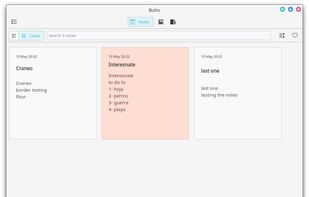
Buho is a note-taking app. Buho will let you take quick notes, save links, create books and pages for taking classes notes.
 Mexico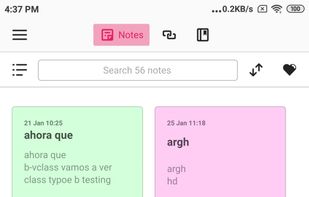


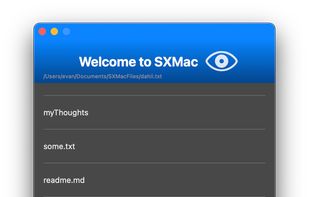
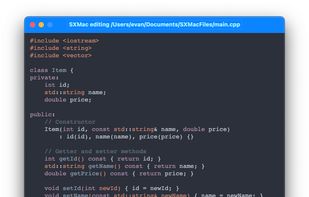
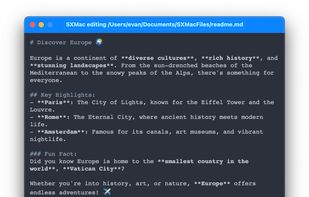
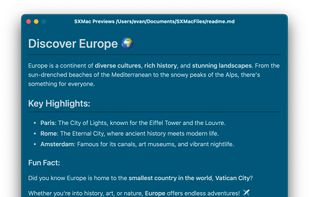
SXMac is a light, notes like app that can be used as a rich text editor, markdown editor and preview, code editor with more than 100 supported languages. If you need specific files or anything else in one place.


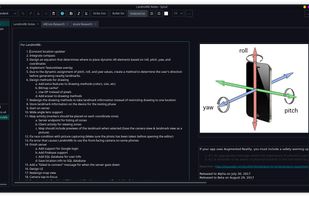
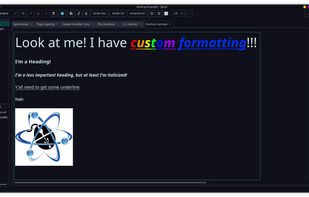
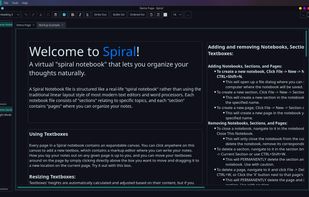
Spiral is a program that allows users to take notes in a format similar to a spiral notebook. Unlike traditional word processors and text editors that are configured in a way that makes it difficult to document things in a non-linear fashion, Spiral pages allow users to click...


Imagine a hassle-free text-writing experience. Don't worry about saving files, complex markup, or accidentally deleted notes.
 EstoniaEU