Cost / License
- Free
- Open Source
Application type
Platforms
- Mac
- Windows
- Linux
- Vim

N


GeoShell is described as '- The premier minimalist Windows shell replacement. It replaces the default Explorer interface. It features menu bars—“geoBars”—that can be dragged-and-dropped anywhere on the users screen. There are also desktop menus that can be triggered whenever a user clicks' and is an app in the os & utilities category. There are more than 25 alternatives to GeoShell for a variety of platforms, including Windows, Linux, Mac, Android and iPhone apps. The best GeoShell alternative is Files, which is both free and Open Source. Other great apps like GeoShell are Open Shell, File Explorer, Noctalia and Finder.

Talisman Desktop is a configurable Windows shell replacement introduced in 1997 by Lighttek Software. It is available in a number of languages including English, French, Spanish, Swedish, Portuguese, Russian and Italian.
 Russia
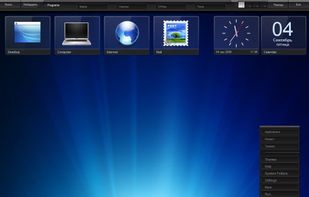


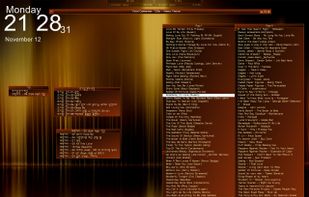
BB4Win (Blackbox for Windows) is an alternative shell for Microsoft Windows. The program aims to emulate the look and feel of a Linux based desktop. The BB4Win project was discontinued in 2005 but various branches have been built from the source.
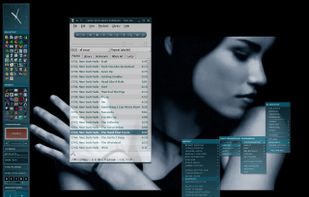
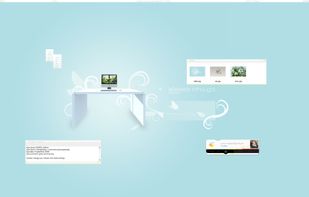
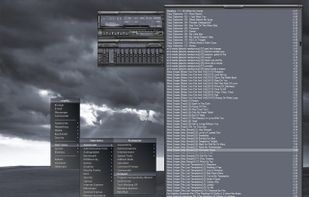


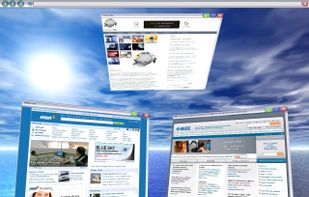
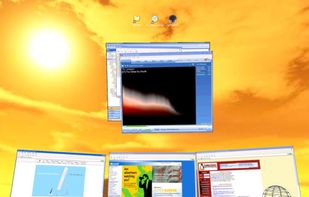
The SphereXP is a 3D desktop replacement for Microsoft Windows. Taking the known concept of three-dimensional desktops to its own level. It offers a new way to organize objects on the desktop such as icons and applications. It has been tried out by millions worldwide.
 United States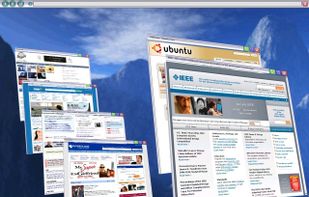


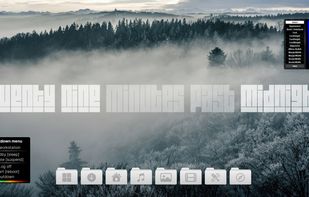
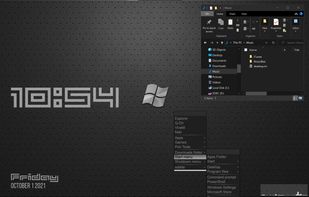
xoblite is an advanced "extended shell" for Microsoft® Windows® 10/11, part of the Blackbox for Windows family.


Windows File Manager lives again and runs on all currently supported version of Windows, including Windows 10.
United States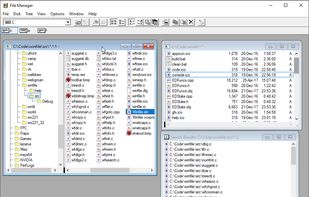


bbLean is the lean version of Blackbox for Windows. It tries to keep balance between features and complexity, to give you some efficient means within a compact shell.
 Germany
 EU
EU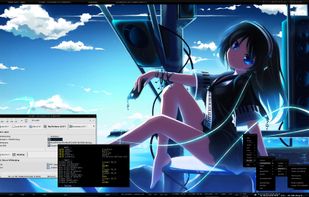




DeskSpace is a 3D desktop visualisation tool, allowing you to seamlessly switch between 9 desktops.
 Australia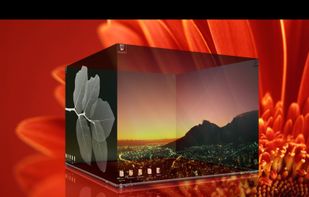


 United Kingdom



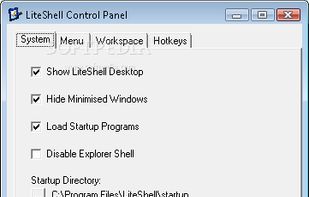
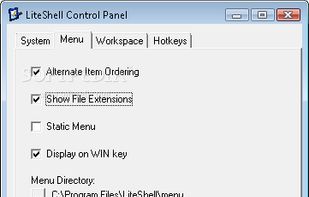
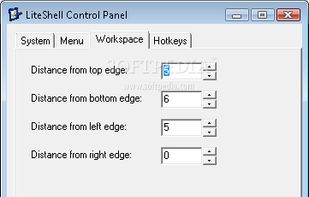
tiny windows shell (explorer.exe) replacement designed for slow PCs. Is a minimalist's shell - no screen space is occupied by the shell. When you right-click on the desktop or press a hotkey, a menu provides access to your programs, documents, tasks and anything else you.