

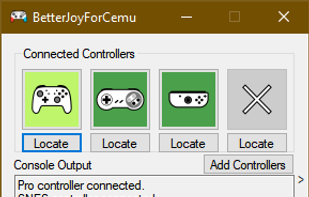
Allows the Nintendo Switch Pro Controller, Joycons and SNES controller to be used with CEMU, Citra, Dolphin, Yuzu and as generic XInput.
Cost / License
- Free
- Open Source
 United Kingdom
Platforms
- Windows


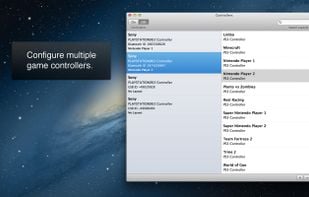
GamePad Companion is described as 'Available exclusively on the Mac App Store. GamePad Companion 3.1 is a utility that makes it easy to configure your GamePads (controllers, joysticks, etc..) to play your favorite OSX games. You can configure your controller to work as your mouse cursor and buttons, or to map to' and is an app in the gaming software category. There are four alternatives to GamePad Companion for Mac and Windows. The best GamePad Companion alternative is BetterJoy, which is both free and Open Source. Other great apps like GamePad Companion are Joystick Mapper, Controllers and USB Overdrive.
Allows the Nintendo Switch Pro Controller, Joycons and SNES controller to be used with CEMU, Citra, Dolphin, Yuzu and as generic XInput.

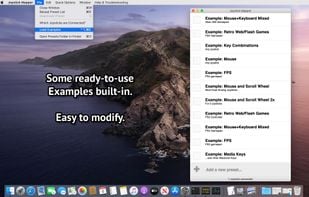
Joystick Mapper is an application that allows you to configure your joysticks or gamepads to simulate keyboard keys/mouse movement/mouse click/mouse scroll, so you can control any app or game using them, even the ones without built-in support.
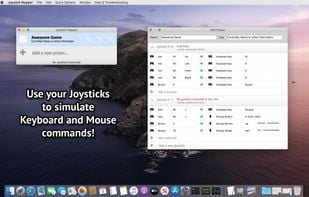
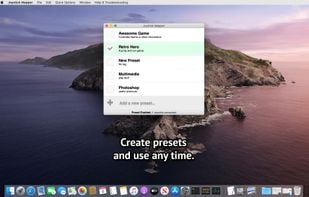
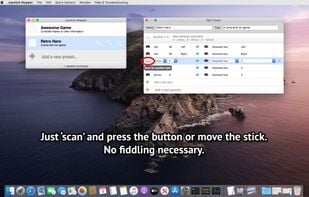


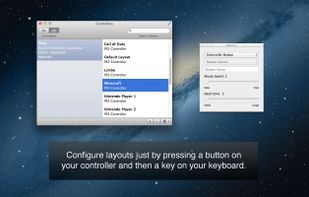
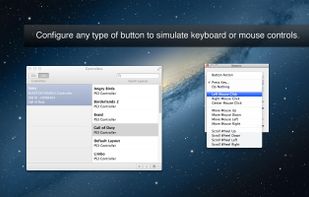
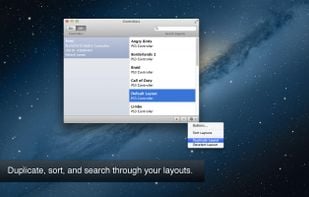
Consoles allows you to use console controllers to play almost any game on Mac, even games that don't have built-in support for controllers.


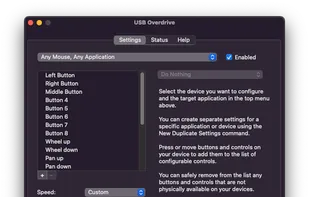
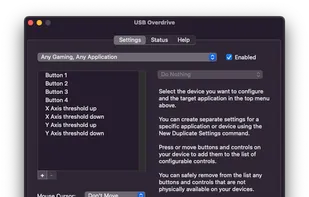
The USB Overdrive is a device driver for macOS that handles any USB or Bluetooth mouse, keyboard, trackball, joystick, gamepad or gaming device from any manufacturer and lets you configure it either globally or on a per-application, per-device basis.


 Brazil
 Italy
Italy EU
EU
the compatibility of this app is to small