





GameNative
14 likes
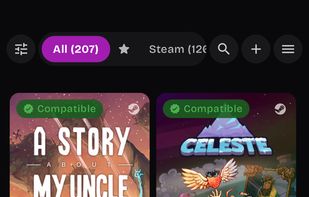
Enables running Windows games from Steam, Epic, and GOG directly on Android devices using APK installation, offering game library management, cloud saves, seamless progress, and a lightweight compatibility layer requiring user login and manual updates.

Cost / License
- Free
- Open Source (GPL-3.0)
Application type
Platforms
- Android
- Android Tablet
- Meta Quest


Features
Highlights All activities
GameNative News & Activities
Recent activities
 Darlene Sonalder added GameNative as alternative to ARMDeck
- Darlene Sonalder updated GameNative
- 4thy updated GameNative
- 4thy added No registration required as a feature to GameNative
- 4thy added Works Offline as a feature to GameNative
- 4thy added Ad-free as a feature to GameNative
- 4thy added No Tracking as a feature to GameNative
- 4thy added Controller Support as a feature to GameNative
- 4thy added Privacy focused as a feature to GameNative
- 4thy liked GameNative

Developed by
 Utkarsh Dalal
 Licensing
Open Source (GPL-3.0) and Free product.Alternatives
11 alternatives listedBadge
Get an embeddable badge for GameNativeSupported Languages
AlternativeTo Categories
OS & Utilities, Games, System & Hardware, Gaming SoftwareGitHub repository
- 11,235 Stars
- 455 Forks
- 142 Open Issues
- Updated




The ultimate emulator list [2026]
Here are the best emulators for any system (well the most popular systems at least)!
At least according to me.


Emulation on Android
A List With Apps For Things Related To Emulation On Android &/or Other Platforms (Mainly Android Support)


android
A list with 13 apps by neversad without a description.


No comments or reviews, maybe you want to be first?