Cost / License
- Free
- Open Source (GPL-3.0)
Application typeApplication types
Platforms
- Linux
- Wayland
- GTK
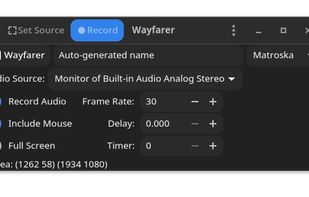


Gamecaster has been discontinued. Similar apps include OBS Studio, which is free and open source. Other options are GPU Screen Recorder, SimpleScreenRecorder, MSI Afterburner and Bandicam. There's no shortage of Screen Recorders like Gamecaster, with more than 50 alternatives for Windows, Mac, Linux, self-hosting and the web.

HyperCam v2 is a video capture software that records AVI movies (screencam) directly from your monitor, for software presentations, software training, demos, tutorials, and fun! HyperCam supports text annotations, sound, and screen notes (great for creating automated software...
 United States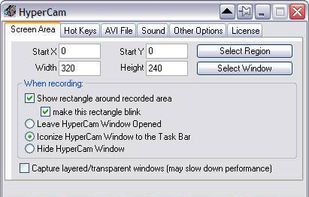


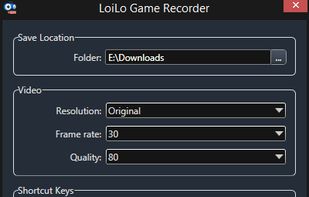
LoiLo Game Recorder is a completely free, fast, simple and very effective videogame recorder.
 Japan
Japan


A small tool to capture things going on on an X-Windows display to either individual frames or an MPEG video similar to tools such as Lotus ScreenCam or Camtasia.
 Germany
 EU
EU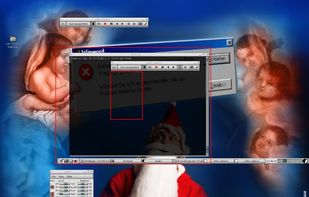


There exist a lot of screen recorders, but all lack the speed for doing some full screen recording. The speed is just to low or cpu to high.
GermanyEU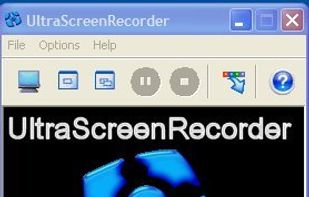


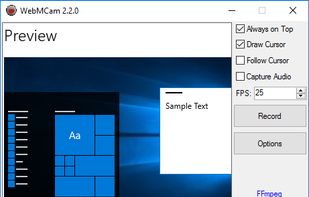
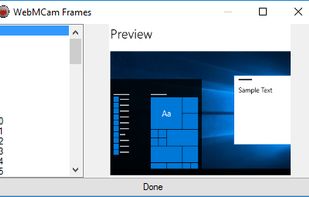


D3DGear is very fast video game recording software, game video recorder and video game live stream broadcasting software for PC. D3DGear video game recording and broadcasting performance and quality are superior among other game video recorder programs.
United States


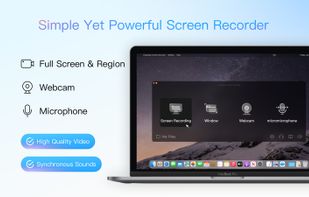
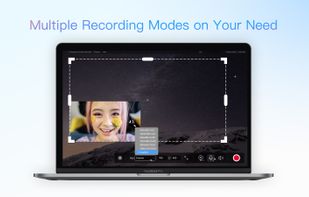
Kingshiper Screen Recorder for Mac is a powerful and user-friendly software tool designed for capturing screen activity on your Mac. It provides various recording modes, you can select one to begin your recording to suit your specific needs.
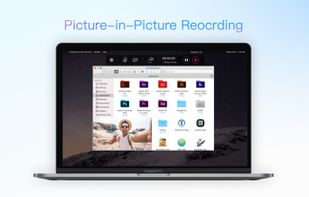


liteCam HD is the most intuitive and powerful professional screen recording software for Windows PC around. Capture and record anything on your computer screen in full HD from streaming videos, webinars, live game play, and more.
 South Korea


SCREEN2EXE is a free utility designed in order to create instant screen demos with the highest compression ratio in the world!
 China
China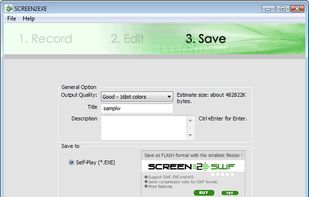


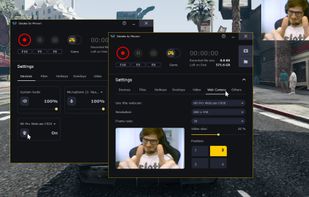
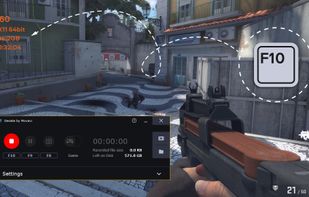
Gecata by Movavi is a lightweight game recording software for PCs that lets you capture gameplay or a Windows desktop with one click and no lags.
 CyprusEU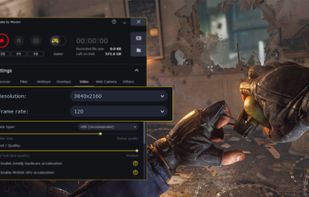


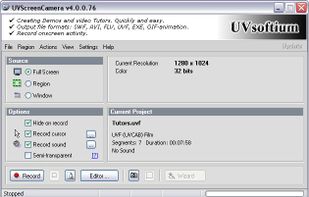
Using UVScreenCamera you can easily create animated demo or tutorials by recording your computer's desktop activity, including all mouse movements, window graphics, mouse clicks and everything else you see on screen.
 Russia