




framechart
Like
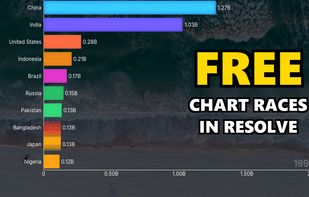
DaVinci Resolve plugin that turns a CSV into animated bar/line charts and chart races — GPU-rendered in your timeline, 4K, transparent.

Cost / License
- Freemium (Pay once or Subscription)
- Proprietary
 EU
EUPlatforms
- Windows
- Linux

Features
Highlights All activities
framechart News & Activities
Recent activities
 DonData added framechart as alternative to Chartle and SnappyCharts
- DonData updated framechart
 DonData added framechart as alternative to Datawrapper
- DonData added framechart
- Paul updated framechart
 DonData added framechart as alternative to Flourish, Living Charts, AECharts, ChartGlow and 3 more


Developed by
 Henning Lange
 Licensing
Proprietary and Freemium product.Pricing
One time purchase that costs $99, and / or subscription that costs $19 per month + free version with limited functionality.Alternatives
10 alternatives listedBadge
Get an embeddable badge for framechartSupported Languages

No comments or reviews, maybe you want to be first?