


Cost / License
- Paid
- Proprietary
Application type
Platforms
- Mac
- iPhone
- iPad
 United States




+9
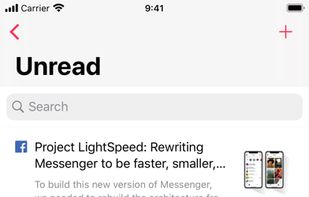


Apps similar to forlater include Raindrop.io, which has a free version. Other options are wallabag, ArchiveBox, Instapaper and Memex. You're spoiled for choice with Bookmark Managers like forlater: we list more than 100 alternatives for the web, Mac, iPhone, iPad and Android.
United States United States


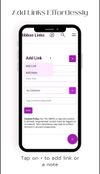
RibbonLinks is a smart bookmark manager and read later app that turns random web links into an organized personal knowledge base. It allows you to save, organize and revisit any web content including articles, videos, and research.
 India
India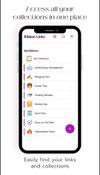



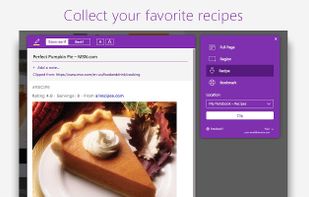
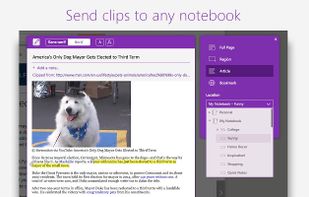
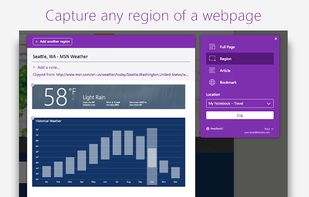
You're busy. OneNote Web Clipper lets you quickly clip all or part of a web page to OneNote, and save it for later. Clip images, pdfs, videos, or a visual bookmark of a page. Best of all, you can access them from any computer, tablet, or phone - even when you're offline.




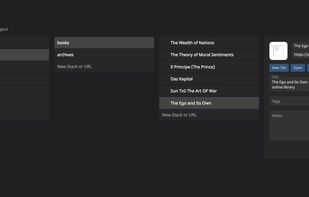
WebCull is an online link manager that helps you keep all your links organized for one place that's accessible from everywhere.


Bookmark, Archive, Screenshot & Markup - All-In-One Web Collector, must-have research tool
United States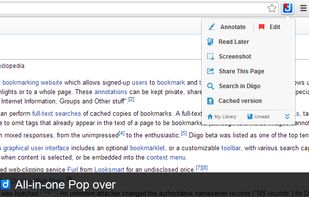


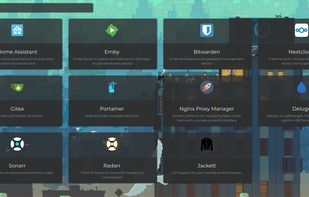
Another web application bookmark dashboard, with fun features.
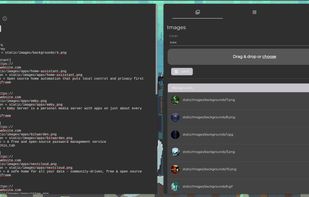


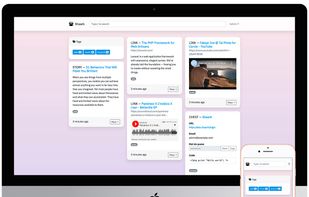
Shaark is a self-hosted platform to keep and share your content: web links, posts, passwords and pictures.


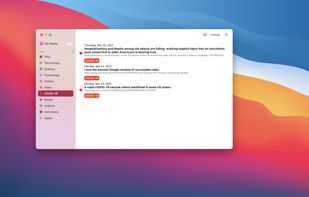
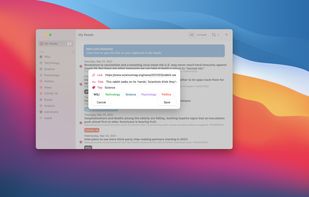
Quickly save links from online stories, blogs, articles, and podcasts, with automatic clipboard detection and tagging. Syncs across iOS devices, lets you view in your default browser, and share—all with a minimalist, private approach and no account required.
United States


PasteDeck is a home for all of your favorite websites, links, images, videos, articles and so much more! All of your bookmarks in one place, organized the way you want them, accessible from any location, any time and from any device!
United States


Browse later is a Firefox add-on using WebExtensions that let you save the current tab to read it at a later stage.


