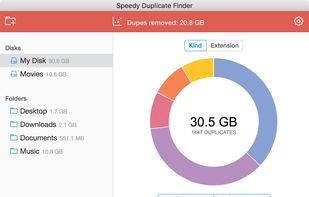
Extremely fast duplicate file finder for Windows, Mac & Linux.
Cost / License
- Freemium
- Proprietary
Application typeApplication types
Platforms
- Mac
- Windows
- Linux
 Cyprus
 EU
EU




Apps similar to Foldermatch include FreeFileSync, which is open source with a free version. Other options are Czkawka, dupeGuru, rsync and Beyond Compare. There's no shortage of Duplicate File Finders like Foldermatch, with more than 100 alternatives for Windows, Mac, Linux, Android and iPhone.
Extremely fast duplicate file finder for Windows, Mac & Linux.
CyprusEU
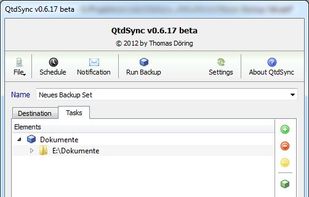
A graphical interface for the Rsync engine that will synchronise files between two computers either locally or over the internet. The beauty of Rsync is that it only transfers the exact part of a file that has changed (differential synchronisation), saving bandwidth and time.


FBackup is a free backup software for both personal and commercial use. It protects your important data by backing it up automatically to any USB/Firewire device, local or network location. The backed up data can be either compressed (using standard zip compression) or an exact...
 RomaniaEU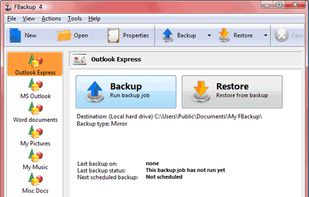
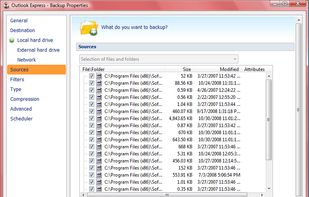
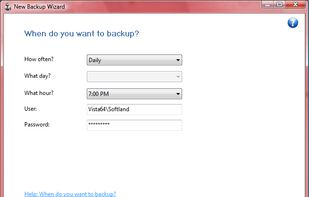


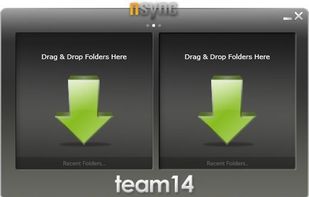
nsync is a free, open source software that performs synchronization of your data between desktop PCs, laptops, USB drives and more.


A commandline tool to find unnecessary files (duplicates, tmpfiles, unstripped binaries and more)
 GermanyEU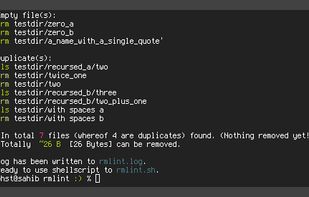


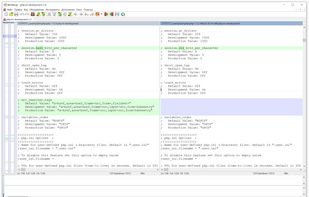
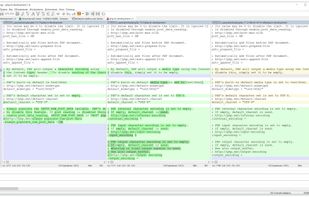
WinMerge JP is a fork of the original WinMerge, but after 2018 the two are nearly identical. WinMerge JP's features including 3-way compare has been merged into the original.


Find and remove duplicates of the same file easily before they cause system instability
 China
China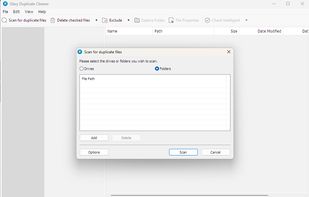
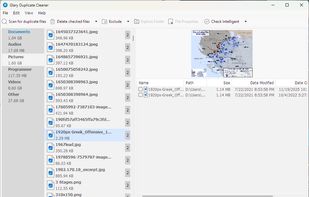


Fast Duplicate File Finder will help you find fast all duplicate files in a folder and its sub folders. The applications will compare the content of your files so it will find duplicates even if they are using different file names.
 United States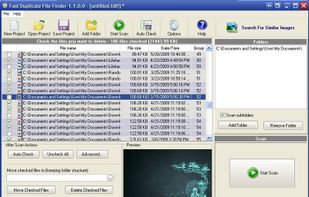
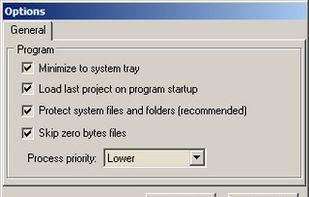


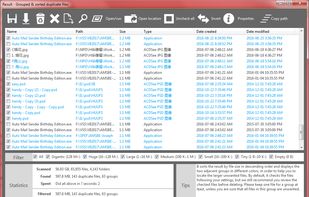
Quickly finds duplicate files relied on their content, focus on finding and cleaning the duplicate files on Windows.
United States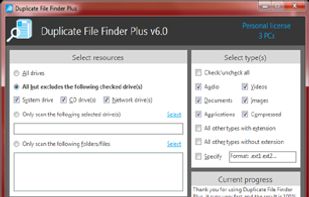


Experience seamless file synchronization and sharing with advanced encryption across Windows, Mac, and Linux. Effortlessly backup and sync files, music, and photos with maximum privacy and cross-device compatibility.
GermanyEU




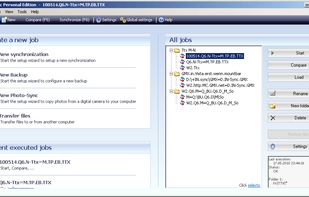
PureSync is a professional file backup and synchronization software, that can automatically keep a backup of your important files, import files from your digital camera and synchronize the contents of multiple folders, but not from "Windows Mobile" devices and no...
GermanyEU



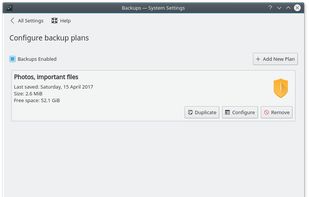
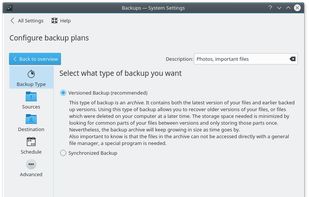
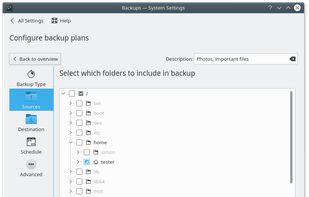
Kup is created for helping people to keep up-to-date backups of their personal files. Connecting a USB hard drive is the primary supported way to store files, but saving files to a server over a network connection is also possible for advanced users.