KSUploader is a instant sharing tool, you can capture screens, upload files or your clipboard.
Platforms
- Mac
- Windows
- Linux


Apps similar to FlyScreen include ShareX, which is free and open source. Other options are Greenshot, Flameshot, macshot and Snipping Tool. You're spoiled for choice with Screenshot Capture Tools like FlyScreen: we list more than 100 alternatives for Windows, Mac, Linux, the web and Android.
KSUploader is a instant sharing tool, you can capture screens, upload files or your clipboard.

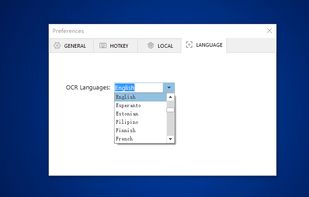
You can use Easy Screen OCR to capture a snapshot and start OCR process. this program will detect the text from the image and start OCR process immediately. You can extract the text to copy and paste in seconds.
 China
China


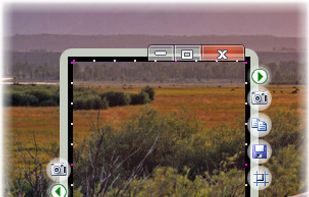
The smallest free tool for taking screenshots of different size. Just open SnapaShot, resize it's window to fit the area you want to save, and press "save it" button.


TeenyGrab is a free alternative to TinyGrab. TinyGrab is a popular application for quickly uploading screenshots, and sharing them. The only problem is, the full version (with features such as uploading to a custom FTP server) costs $$$.
 United States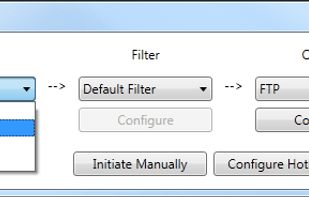


Free AI app that auto-organizes your screenshots, links & saves from Instagram, TikTok and Pinterest — and brings them back exactly when you're ready to act.
United States




Ybex Clipboard is an easy to use tool and a free web service to capture, annotate and share your screen, texts and images.
 Russia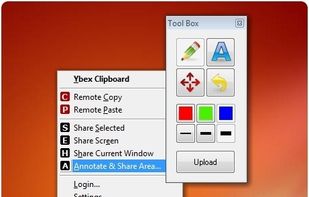


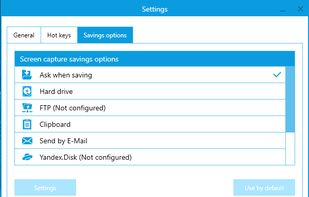
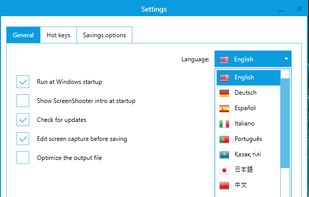
Simple, but powerful application for taking screenshots, editing them with included editor, and saving using multiple options, such as local storage, cloud, FTP-server, or direct copying to the clipboard or E-mail message.
Russia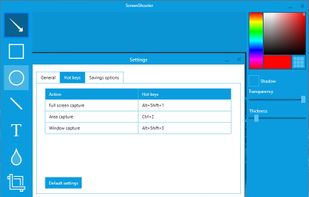


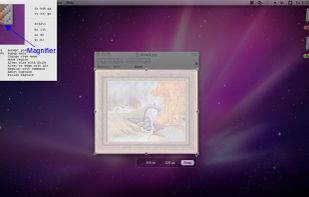
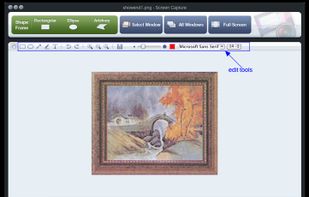
Onde Screen Capture for Mac is currently the most professional and powerful screen grabbing utility running on Mac OS, by which you can easily capture any part on your Mac desktop such as rectangular or ellipse region, freehand region, full screen, active window or all windows...
United States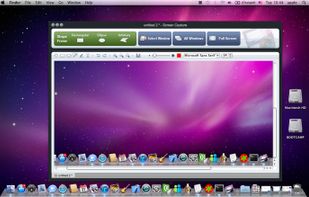


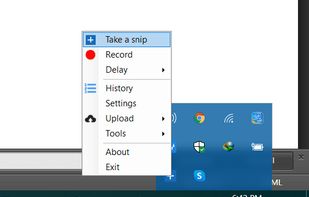
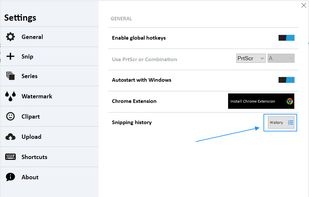
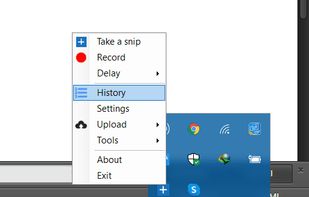
With Free Snipping Tool, not just you create snips, you can save your snips on major backup services like Imgur, Google Drive and Dropbox. Not just this you can also upload them via FTP or simple WebRequest.
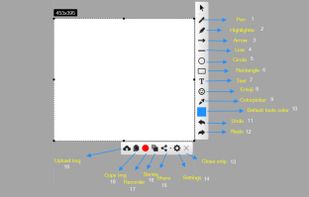


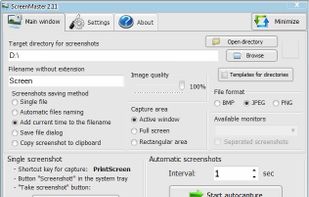
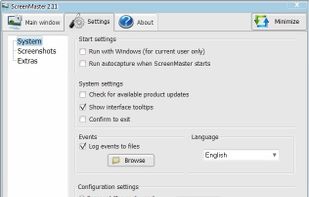
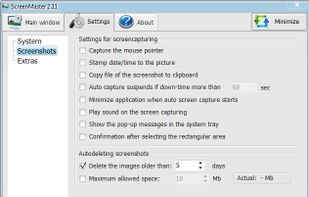
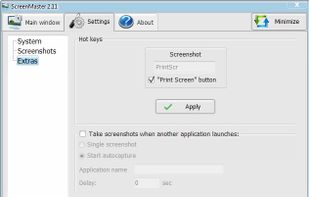
ScreenMaster is the program for automatic screenshots capture that allows to take the images with a pre-defined frequency. The program has the options for fast screenshot saving to a specified folder.

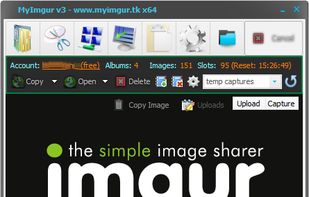
MyImgur is the most handy capture and uploader tool you’ll ever find for Windows computers. Intuitive 1-click actions and simple settings to very quickly capture areas of your screen or specific windows and send them to Imgur for sharing, or select a few files from your computer...

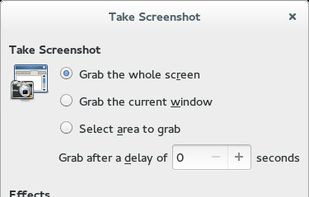
GNOME Screenshot is a utility used in the GNOME desktop environment for taking screenshots. It was part of the GNOME Utilities (gnome-utils) package, but was split into its own package for the 3.3.1 version in 2011.
United States