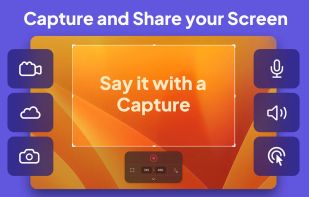
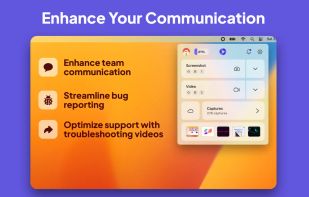
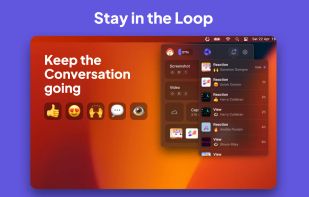
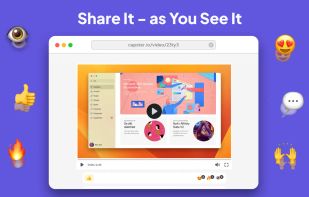
Bug Shooting is the perfect tool for software developers as well as testers. Bug Shooting provides you an easy way to create screen captures and attach them to items of your bug tracking or issue management system, e.g.
Firefox Screenshots Alternatives
Firefox Screenshots is described as 'Intuitive screenshots baked right into the browser. Capture, save and share screenshots as you browse the Web using Firefox' and is a screenshot capture tool in the photos & graphics category. There are more than 100 alternatives to Firefox Screenshots for a variety of platforms, including Windows, Mac, Web-based, Google Chrome and Linux apps. The best Firefox Screenshots alternative is ShareX, which is both free and Open Source. Other great apps like Firefox Screenshots are Flameshot, Greenshot, Snipping Tool and Snagit.
Alternatives list
Ashampoo Droid Screenshot is a fully-fledged mobile application to capture, edit and share screenshots and images on your Android device. Capture screen contents, take photos with your built-in camera or simply load existing images and add stylable arrows, shapes, stamps and...
Cost / License
- Freemium
- Proprietary
Application types
Platforms
- Android
- Android Tablet


+5


+1


Capture macOS screenshots with a floating thumbnail for quick actions like renaming, copying, extracting text, scrolling capture, and local background removal. Supports custom folders, virtual desktops, Apple Silicon, temporary stashing, privacy, and customization.


Gemoo's YouTube video screenshot converter is a valuable tool for content creators who want to improve the quality and visibility of their YouTube videos. It quickly generates high-quality screenshots from any YouTube video for free, and there is no need to register to get...


Longshot is a versatile software that allows you to conveniently annotate images, capture scrolling screenshots, highlight windows, and turn any image or text into a tack for easy viewing and comparison.


+2
Style My Snap is a free online tool that helps you create professional-looking screenshots, code snippets, and Twitter posts. Perfect for developers, designers, and content creators who want to make their images stand out on social media and documentation.
Cost / License
- Free
- Proprietary
Platforms
- Software as a Service (SaaS)


You grab Screens or Windows using the standard PrtScn and Alt-PrntScn keys and MGrab will intercept the saved data as it is sent to the clipboard and put it into your chosen folder as a BMP or JPG file leaving the clipboard free for you to take another screenshot.