


 Russia
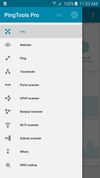

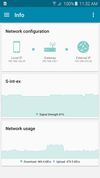


Apps similar to Fing include Nmap, which is free and open source. Other options are Angry IP Scanner, Zenmap, Advanced IP Scanner and NetPeek. Network Monitors like Fing are a crowded field, with more than 50 alternatives for Windows, Mac, Linux, Android and iPhone.
Russia
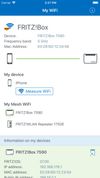
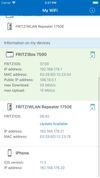
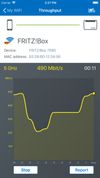
FRITZ!App WLAN makes it quick and easy to connect your Android or iOS device to wireless routers such as the FRITZ!Box. The app also offers a detailed overview of nearby wireless networks.
 Germany
 EU


Offers visual traceroute with mapped routes on Google Maps, calculating total and per-hop distance, providing hop data including RTT, supporting IPv4/6, with a clean ad-free interface requiring no registration, ideal for troubleshooting and network analysis.
 United States


Simple IP Config is a small, portable IP changer utility to change common Windows network settings quickly and easily without having to click through the endless system windows.


NetExec (a.k.a nxc) is a network service exploitation tool that helps automate assessing the security of large networks.


Advanced IP Address Calculator (Free) - Easy-to-use IP subnet calculator that lets you to calculate every aspect of your subnet configuration in a few mouse clicks!
Russia

NetViews is a modern, macOS network scanning app inspired by the specialized needs of IT, Wi-Fi, and network professionals. It combines host discovery, Wi-Fi insights, real-time monitoring, and vendor/DNS insights with a clean, native interface - giving you the tools you need...
United States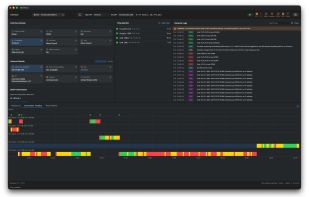
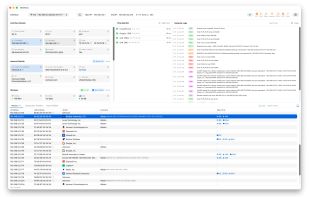
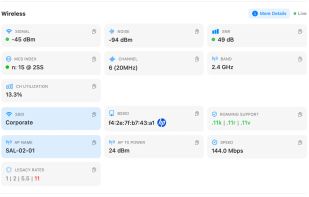
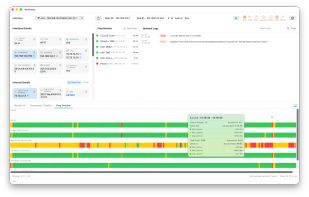

Netutilus is a native Mac network toolbox and a modern replacement for the Network Utility that Apple removed from macOS.
 United Kingdom
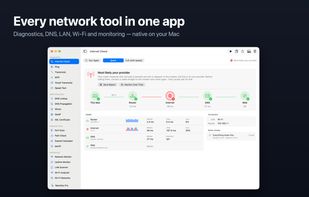
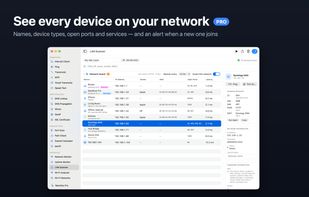
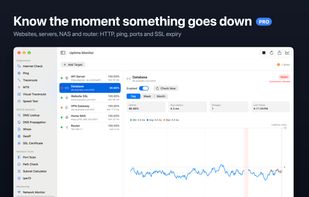
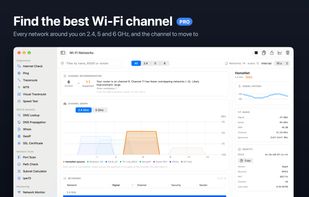



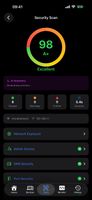
A free, privacy-first network toolkit for iPhone, iPad and Mac - 19 pro tools to scan, test, diagnose and monitor your network, with AI explanations and no ads or account.
 South Africa


Have you ever wanted to know what other computers your information packets go through on the internet? Or maybe your connection seems a little bit slow, and you'd like to know where the slowdown's happening... These and many other questions can be answered by...


Dock your MacBook, Wi-Fi turns off. Undock, it's back. Mux monitors every network on your Mac and auto-switches to the highest-priority one available.
United States


