

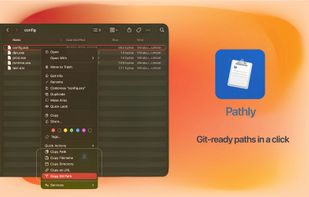
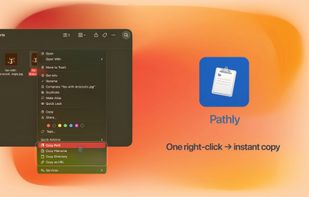
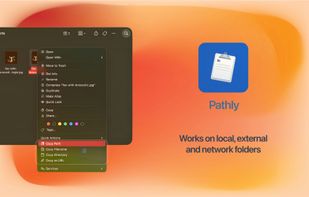
One right-click in Finder to instantly copy full path, folder path, Git relative path, URL and more — no more Option key tricks.
Cost / License
- Paid
- Proprietary
Application type
Platforms
- Mac
- Global



+2
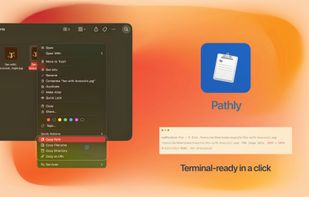


Apps similar to FileUtils include Shell, which is free and open source. Other options are FileMenu Tools, Easy Context Menu, Menuist and ShellExView. Context Menu Managers like FileUtils are a crowded field, with more than 25 alternatives for Windows and Mac.
One right-click in Finder to instantly copy full path, folder path, Git relative path, URL and more — no more Option key tricks.

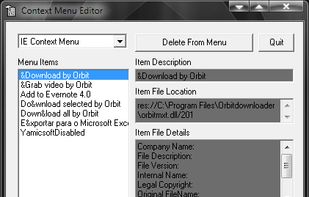
Context Menu Editor can view and delete links to programs on your context menus (the popup menus you see when you right-click). Context Menu Editor does not delete the programs, it just removes them from your menus.




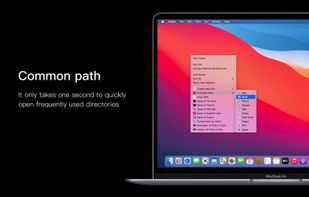
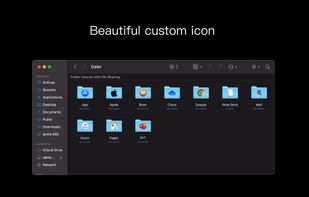
A powerful right-click menu tool on Mac. It's rich functions make your right-click menu even more powerful. The deeply rooted design helps you greatly improve your MacOS experience!.
 China
China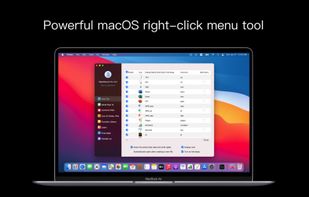



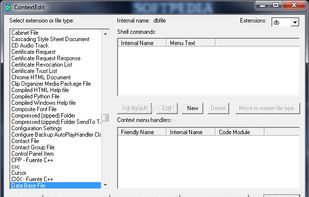


Fast Explorer is a handy Windows shell context menu editor that allows you to add new menu items, cascaded menus, customize menu bitmaps and hint text, and even clean up context menu items and remove shell extensions of files and folders.


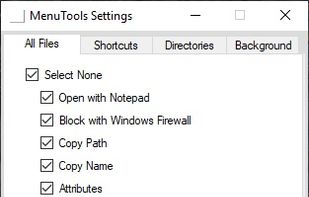
xMenuTools is an open source context menu extender for Windows Explorer. Some useful tools include, Open with notepad, block with Windows Defender, Open CMD prompt from here, Find Wallpaper and some file/folder attributes for quick access.


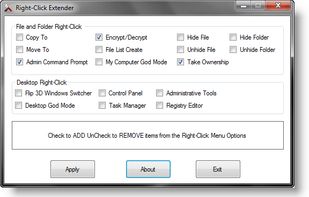
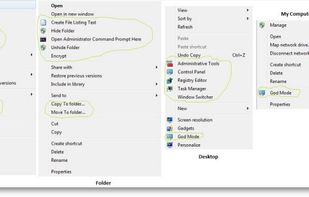
Right-Click Extender will allow you to add or remove the following additional options to a File, Folder, Computer and Desktops Right Click Context Menu.


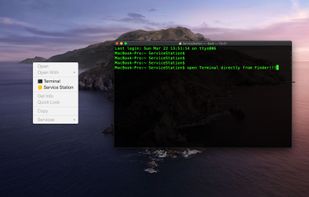
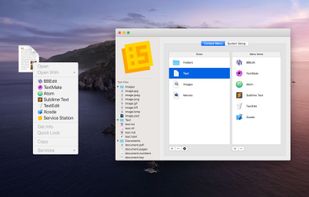
Customize your right-click menu with Service Station.
Your own personal "Open With" menu containing only the Applications and Scripts that YOU want. Edit your Finder context menus to provide quick access to Applications and Scripts.
Open Terminal by right-clicking th.


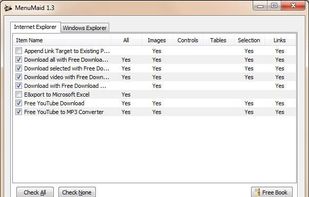
Are you looking for a fast and easy way to clean up your Window Explorer and Internet Explorer right-click (context) menu? Look no further. MenuMaid makes it simple! Just uncheck the items you don’t want to show up. Restore them at any time.

Right Click Context Menu Adder it’s a free and portable utility which allows you to add your favorite program shortcut, website link, file or folder shortcut in Windows 7 and Windows 8 Desktop context menu quickly and easily.
 Portugal
 EU
EU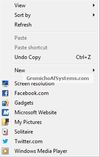



Right Click Windows Magic is an open-source set of right-click (context) menu tools for admins, power users and other magic beings. Batch&Powershell.
 SloveniaEU