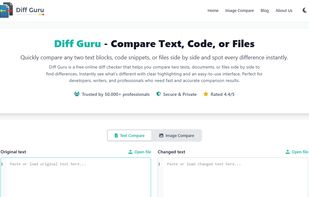
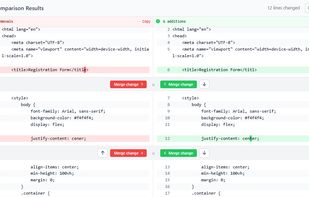
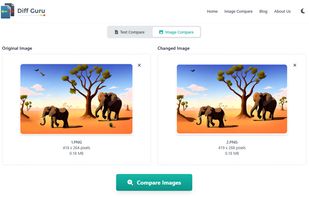
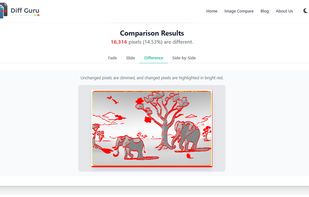
DiffPlug is a free text editor/differ and image viewer/differ. Purchasing a license allows you to diff other kinds of files such as Simulink.
Cost / License
- Freemium (Pay once)
- Proprietary
Application types
Platforms
- Mac
- Windows
- Linux

FileMerge is described as 'Lets you compare one file to another or one directory to another and merge the files or directories together' and is a Diff Tool in the development category. There are more than 50 alternatives to FileMerge for a variety of platforms, including Windows, Mac, Linux, Web-based and BSD apps. The best FileMerge alternative is WinMerge, which is both free and Open Source. Other great apps like FileMerge are Meld, Beyond Compare, KDiff3 and P4Merge.
DiffPlug is a free text editor/differ and image viewer/differ. Purchasing a license allows you to diff other kinds of files such as Simulink.

Compare text files or entire directory hierarchies, export and apply patches, and perform non-destructive find and replace operations on text files.


DiffFork is a diff tool for Mac OS X. DiffFork can compare both folders and files, presenting differences in a visual format.

Compare Files Using ' Diff Doc' a visual file compare and folder compare utility that creates a detailed file diff. File comparison can optionally be done with the command line. Compare Word and Compare XLS files in addition to PDF, txt, rtf...
ECMerge is a comparison and synchronization tool with two and three-way merge for text and folders and difference on binary, text, images and folders, locally, via FTP/S, SFTP or in version controls. For Windows, Mac OS X, Solaris and Linux.


Workshare Compare is the leading document comparison software that lets you perform file comparison of two documents against multiple modified versions.
xxdiff is a QT based graphical file and directories comparator and merge tool. It provides comparing two files, three files.

dwdiff is a diff program that operates at the word level instead of the line level. It is different from wdiff in that it allows the user to specify what should be considered whitespace, and in that it takes an optional list of characters that should be considered delimiters.
Diffchecker will compare text to find the difference between two text files. Just paste your files and click Find Difference!.