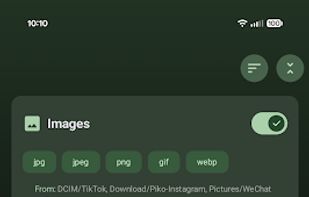
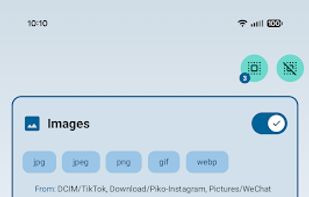
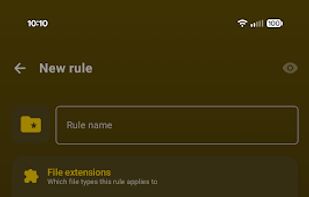
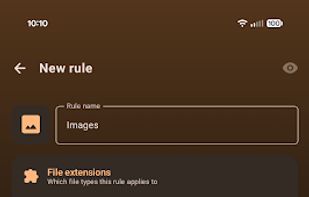
Turn messy Android storage into a rule-driven library: choose sources, filters, destinations, and schedules, then let the app manage it for you.


FileFlows is described as 'Effortlessly transcode videos, remove black bars, cut commercials, and convert to popular formats like H.265, HEVC, AV1, and H.264' and is a Video Converter in the audio & music category. There are more than 10 alternatives to FileFlows for a variety of platforms, including Mac, Windows, Linux, Android and F-Droid apps. The best FileFlows alternative is FilePipe, which is both free and Open Source. Other great apps like FileFlows are Hazel, FileFlow File Organizer, Recall Local and Ornix.
Turn messy Android storage into a rule-driven library: choose sources, filters, destinations, and schedules, then let the app manage it for you.


Automates file management on Mac by monitoring folders, sorting, renaming, moving, archiving, and tagging files with user-defined rules. Manages trash, removes remnants after app deletion, integrates with Spotlight, imports to media libraries, and supports automation.


FileFlow scans your files periodically and organizes them according to your rules.


Ornix automatically organizes your messy Downloads folder. Set it once, and Ornix watches your folders, sorting files into categories like Documents, Images, Videos, and more.


A free GUI application for HandBrake and FFmpeg/FFprobe with an emphasis on batch conversion (including recursive folder scans and folder watching) -Windows, macOS, Linux & Docker.

Tdarr is a self hosted web-app for automating media library transcode management and making sure your content is in your preferred codecs. Designed to work alongside Sonarr/Radarr and built with the aim of modularisation, parallelisation and scalability, each library you add has...


Forget about the mess in your Downloads folder! This extension allows you to set custom download locations with a flexible and strong RegExp-based rules.

Unmanic is a simple tool for optimising your file library. You can use it to convert your files into a single, uniform format, manage file movements based on timestamps, or execute custom commands against a file based on its file size.


Automatically organizes the Android Downloads folder by sorting files into images, videos, documents and apps.