


Extra Keys Alternatives
Apps similar to Extra Keys include WinCompose, which is free and open source. Other options are Retro Typer, Rocket, BabelMap and UnicodePad. You can choose from more than 10 apps like Extra Keys for Windows, Mac, the web, iPhone and iPad.
Alternatives list

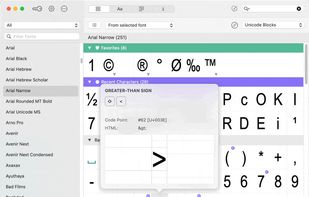
The character map that works! PopChar is an application that lets you insert special characters, umlauts and foreign letters into any document. With this character map, there is no need to search for or remember complex keystrokes.
Cost / License
- Paid
- Proprietary
Platforms
- Mac
- Windows
 Austria
 EU
EU
 +2
+2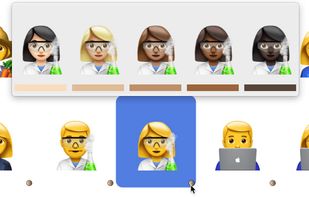


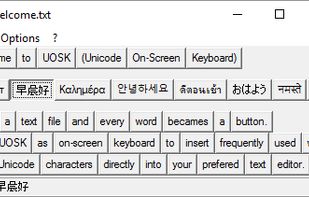
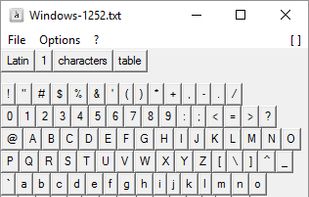
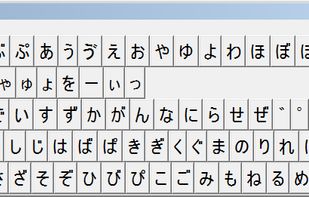
Uosk is a light tool that opens any ASCII, ANSI, UTF-8 and UTF-16 text file and converts words (e.g. separated by spaces) into buttons. Clicking one button the text snippet is pasted into any text editor (Notepad, WordPad, MS Office, OpenOffice...).
Cost / License
- Free
- Open Source
Platforms
- Windows


Cost / License
- Freemium
- Proprietary
Platforms
- Windows


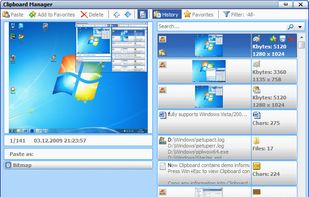
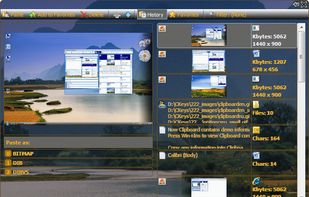
Virtual On-Screen Keyboard, Hotkey Manager, Windows Clipboard Viewer, Fast Speed Typing Tools,
Cost / License
- Paid
- Proprietary
Platforms
- Windows
 Canada
 +7
+7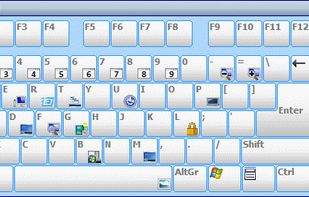


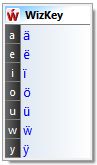
WizKey makes it easy to type accented and other special Unicode characters using a standard US/UK keyboard with easy to remember keyboard shortcuts.
Cost / License
- Paid
- Proprietary
Platforms
- Windows
 Australia
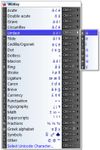


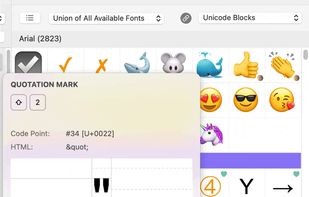
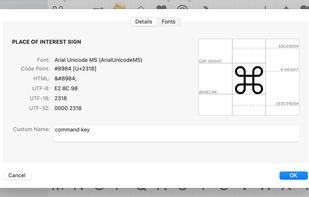
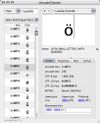
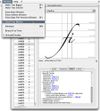
Mac OS X application to explore Unicode. Analyse and convert Unicode strings for HTML or programming. Supports UniHan, Services, AppleScript and more.
Cost / License
- Free
- Proprietary
Platforms
- Mac


Use Copy Paste Character to insert proper typographic characters, such as “quotation marks” and the interrobang ?, or simply use it to spice up your e-mail messages, tweets, or text messages with h?ppy faces, sn?wmen or ? arrows ?.
Cost / License
- Free
- Proprietary
Alerts
- Warning
Platforms
- Online
- iPhone

Cost / License
- Free
- Proprietary
Platforms
- Mac
 Romania
- EU
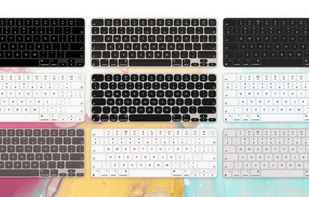


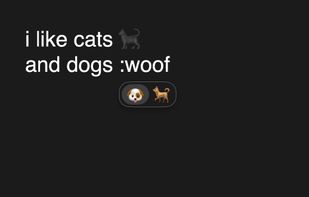
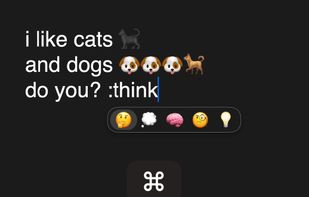
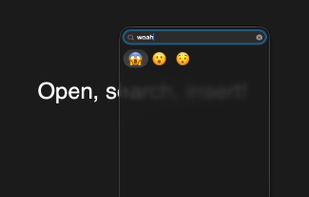
Splice brings Slack-style emoji triggers and GIF search to macOS, so the right reaction is always a few keystrokes away.
Cost / License
- Paid
- Proprietary
Platforms
- Mac
 United States
 +1
+1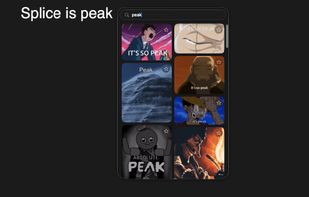


 Sweden


