

locally hosted web application that allows you to perform various operations on PDF files.
Cost / License
- Freemium
- Open Source
Application types
 United States
Platforms
- Mac
- Windows
- Online
- Self-Hosted
- Cloudron
- Docker Hub


+1


Export PDF to EXCEL is described as 'Free online file conversion tool that helps users convert PDF files into editable Excel spreadsheets quickly and securely' and is an website. There are more than 50 alternatives to Export PDF to EXCEL, not only websites but also apps for a variety of platforms, including Windows, Mac, SaaS and Android apps. The best Export PDF to EXCEL alternative is Stirling-PDF, which is both free and Open Source. Other great sites and apps similar to Export PDF to EXCEL are PDF24 Creator, BentoPDF, Adobe Acrobat DC and PDFCreator.
locally hosted web application that allows you to perform various operations on PDF files.

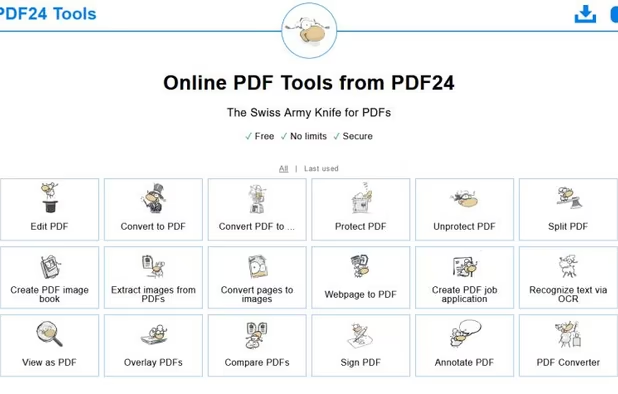
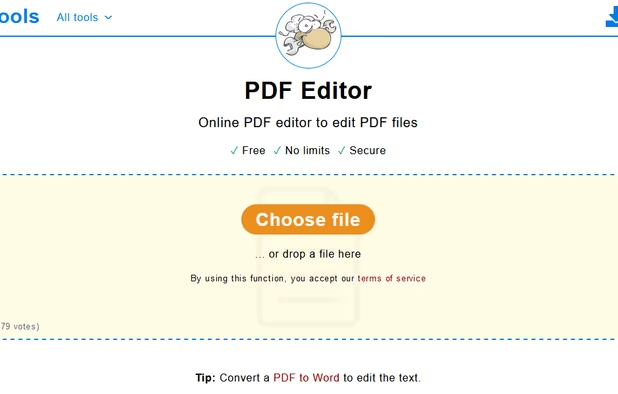
PDF24 Creator is free and feature-filled PDF creation, merging and conversion tool for Windows. Its unique feature among the free PDF printer tools is an editor, which allows to easily assemble, create and modify PDF files with Drag & Drop.


BentoPDF is a PDF Toolkit that works fully offline with no sign ups. It's fast, secure and forever free. In an era where data is a commodity, we take a different approach. All processing for BentoPDF tools happens locally in your browser.


Manage documents effortlessly, edit PDFs, create them from other formats, and e-sign anywhere. Secure sharing and comparison tools ensure smooth workflows and data protection. New AI Assistant offers quick document insights. Perfect for desktop and web platforms.


PDFCreator is a virtual PDF printer that converts any printable document into a PDF file. It works with all Windows applications, including Word, Excel, browsers, and design tools.


Breeze PDF is a powerful, free PDF editor that works entirely offline in your browser. No uploads, 100% privacy guaranteed.


Sejda helps with your PDF tasks: edit existing text, split, merge, extract, compress, export to other formats and more.


Free open-source web software for signing (alone or with others), organizing (merge, sort, rotate, delete, extract pages, ...), editing metadatas or compressing PDFs.


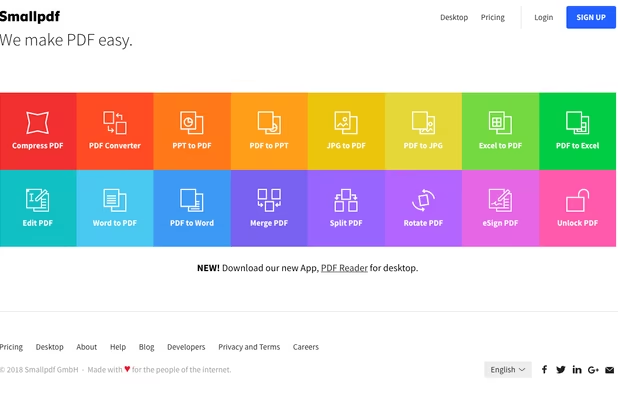
Smallpdf is the first PDF Software you will actually like. The perfect gateway to productive, portable and cost-efficient document management solutions in your everyday life.




Read, annotate, and highlight PDFs, fill interactive forms with saved input, underline or strike through text, manage bookmarks, sync files from cloud services, and share documents. Compatible with Preview and Adobe Acrobat annotations, supporting extensive iOS features.
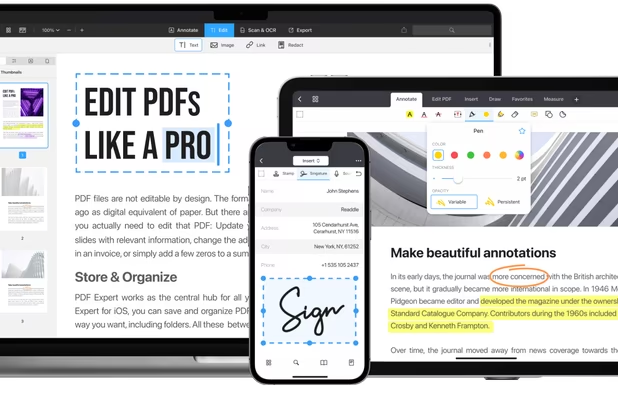
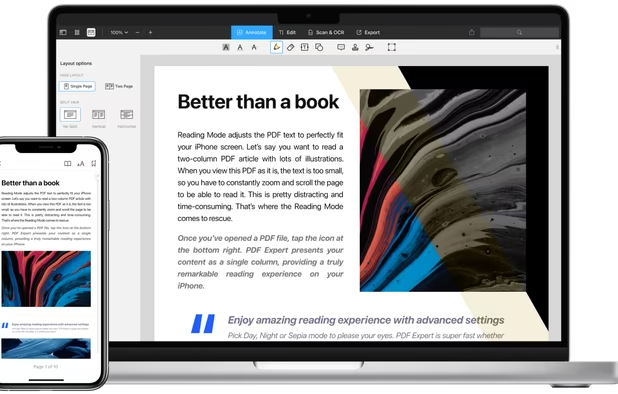
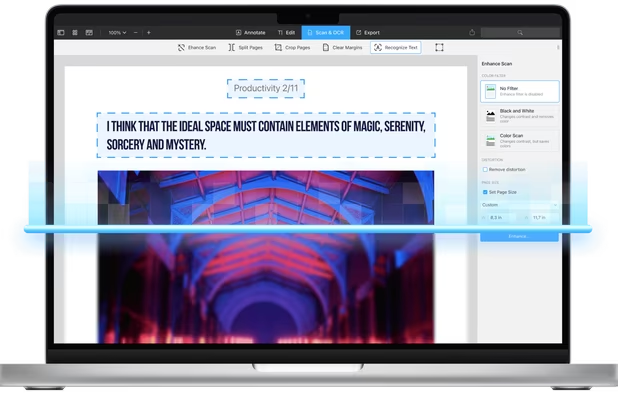
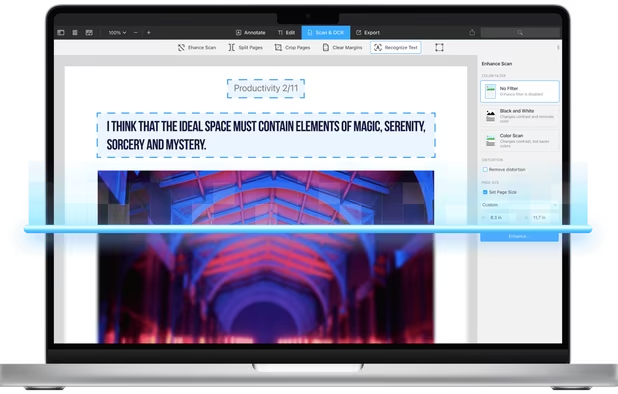


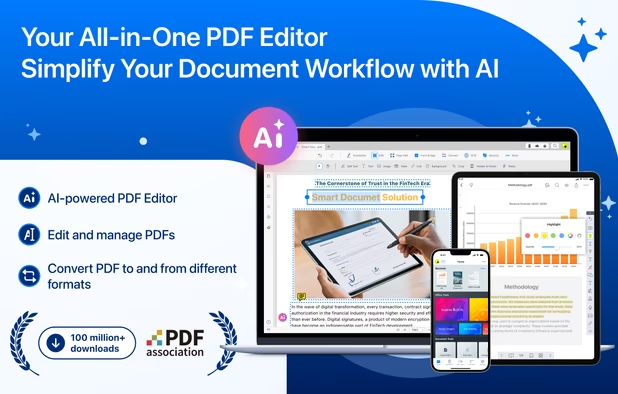
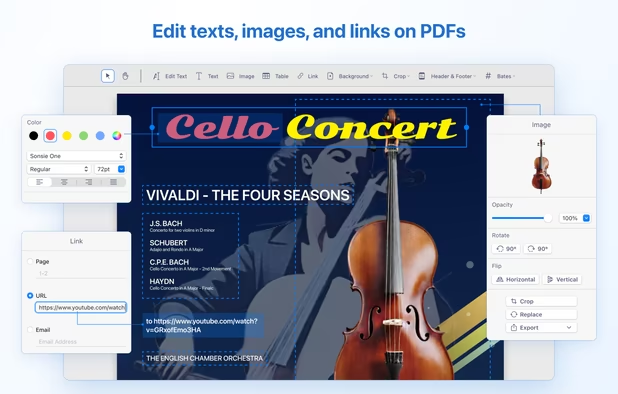
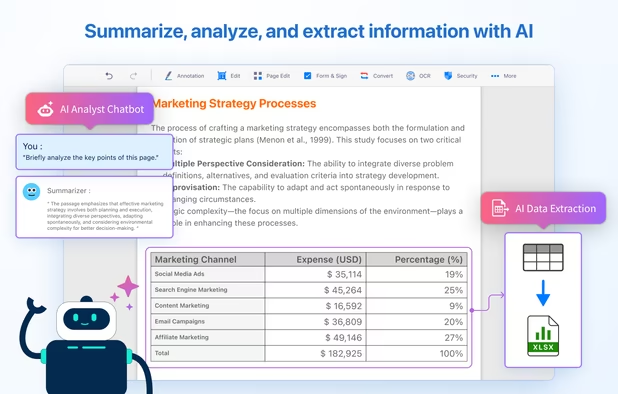
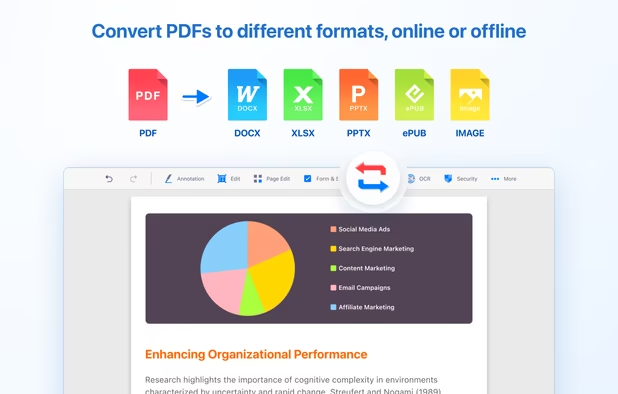
Comprehensive solution for editing, signing, form filling, OCR scanning, commenting, converting, and redacting PDFs, with AI-driven analysis and content extraction, data export to spreadsheets, text-to-speech, seamless use across desktop and mobile, and batch processing.


 Germany
 EU
EU
 India
India


 Netherlands
 France
 Switzerland
 Ukraine
 Taiwan