Cost / License
- Free
- Proprietary
Platforms
- Windows


EVGA Precision X1 is described as 'Allows you to fine tune your EVGA graphics card for the maximum performance possible, with Core/Shader/Memory clock tuning, real time monitoring support including in-game and compatibility with almost all EVGA graphics cards' and is a screenshot capture tool in the system & hardware category. There are more than 10 alternatives to EVGA Precision X1 for Windows, Linux, Proton and Mac. The best EVGA Precision X1 alternative is MSI Afterburner, which is free. Other great apps like EVGA Precision X1 are Nvidia App, MangoHUD, Rivatuner Statistics Server (RTSS) and GeForce Experience.


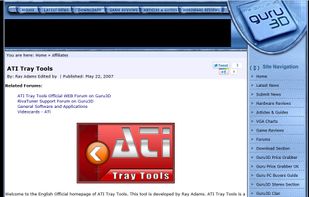
This tool is developed by Ray Adams. ATI Tray Tools is a Full Featured Radeon Tweaker that can be found in the windows tray which then allows instant access to options and settings. Quite handy and quite a small download. Just click the executable and you are good to go.

PowerStrip provides advanced, multi-monitor, programmable hardware support to a wide range of graphics cards - from the venerable Matrox Millennium I to recent AMD Radeon graphics. It is the only program of its type to support multiple graphics cards from multiple chipset...

PowerStrip is the most popular commercial alternative to EVGA Precision X1.
This app is designed to provide an informative overlay, always visible on the screen, displaying information about sensors. The overlay is currently non-clickable to avoid interfering with other windows.


Display Monitor is the most popular Mac alternative to EVGA Precision X1.
Intel® Graphics Software is your all-in-one solution for graphics settings, display settings, gaming/app profiles, performance monitoring, and video enhancement, enabled for Intel® Graphics products.


