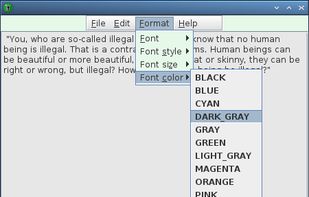
Protects your private notes with a password. Notebook PEA is a self-decrypting archive, that will never store unencrypted text on your disk.
Cost / License
- Free
- Open Source
Application type
Platforms
- Mac
- Windows
- Linux
- BSD



Apps similar to EverFastAccess include Zim, which is free and open source. Other options are CherryTree, Trilium Notes, Cryptee and Fossify Notes. You're spoiled for choice with Note-taking Tools like EverFastAccess: we list more than 100 alternatives for Windows, Mac, Linux, Android and iPhone.
Protects your private notes with a password. Notebook PEA is a self-decrypting archive, that will never store unencrypted text on your disk.

TakeNote was made by developers for developers - a simple, plain-text note-taking app for the web with Markdown support. What you see is what you paste. No WYSIWIG, no formatting pasted from the web, and no features you don't need or want.
 United States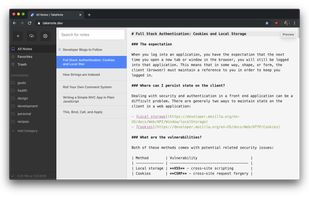


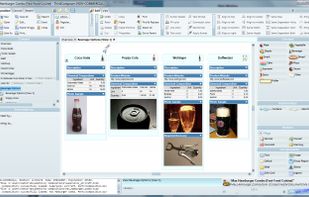
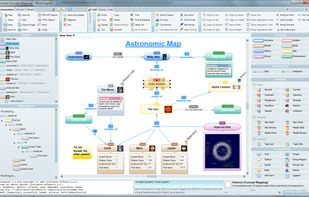
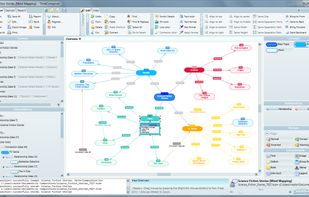
Create deep visual documents, adaptable and multi-level diagrams, flowcharts, concept maps, mind maps and models.
 Spain
Spain EU
EU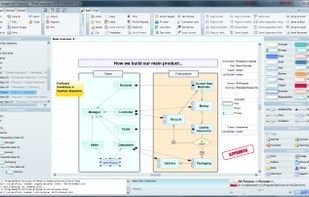

 United States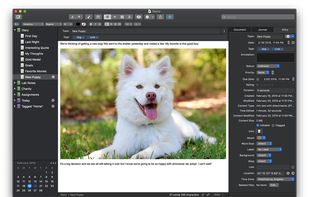
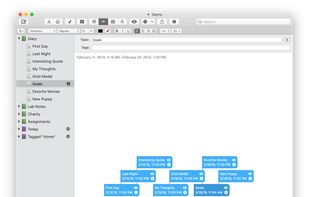
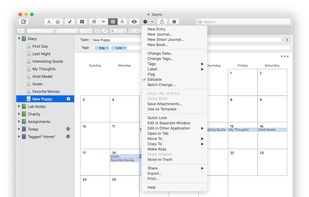


Collect your thoughts, think, write, brainstorm, and create the perfectly looking notes with this powerful, all-purpose, productivity tool.
 Ukraine


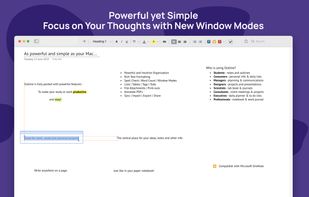


Flashnote is a quick notes manager created for such cases. When you need a rough copy to save or to process some pieces of a text, Flashnote is small, quick and convenient. Press the shortcut-key combination and a rough copy is on the screen in a flash of a second.
Ukraine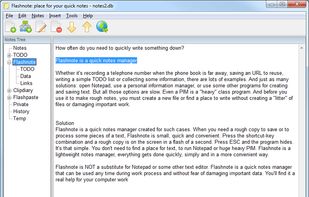


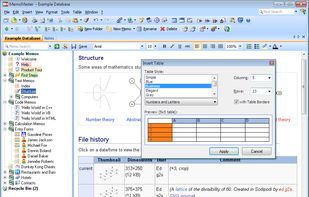
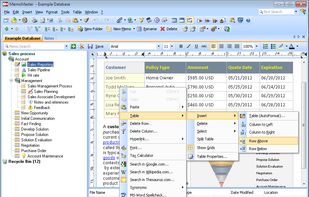
MemoMaster is a free outliner software to create, administer and reference texts and calculations in the familiar tree structure. It enables intuitive searching, browsing, and organization of information.
 GermanyEU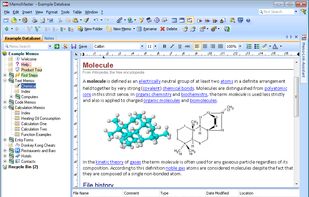



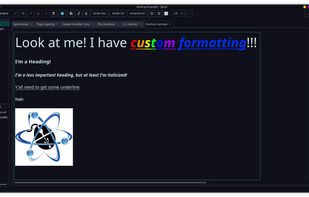
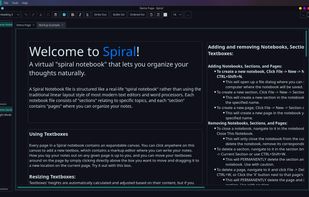
Spiral is a program that allows users to take notes in a format similar to a spiral notebook. Unlike traditional word processors and text editors that are configured in a way that makes it difficult to document things in a non-linear fashion, Spiral pages allow users to click...
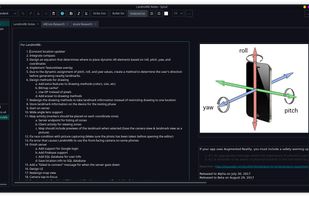


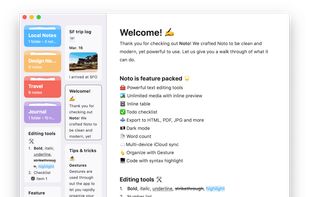
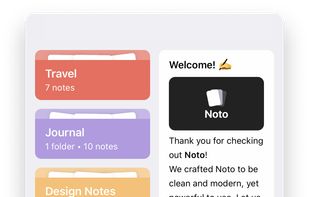
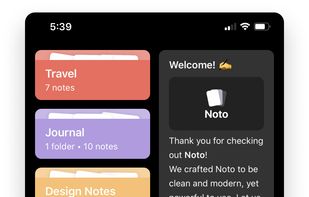
Noto is a modern writing app. With delightful interactions, powerful editing tools, and a beautiful design, Noto helps you capture the best of your everyday life.



Curio is an innovative and visual application for brainstorming, notetaking, and project management.
United States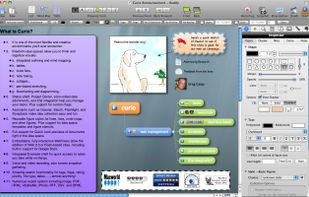
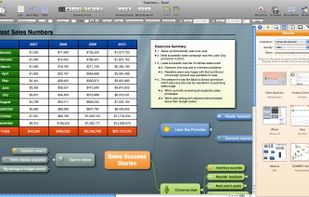
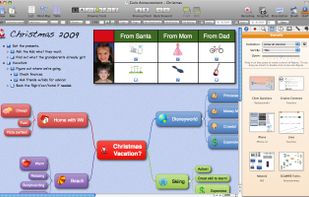


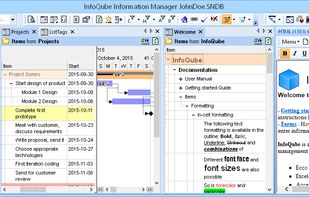
Full-featured Information manager, inspired by award-winning Ecco Pro. Outliner with user-defined columns, Calendar, Gantt and Timeline charts, Rich-text pane, MindMap, Pivot tables and charts.


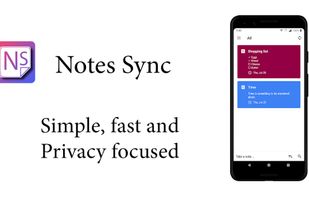
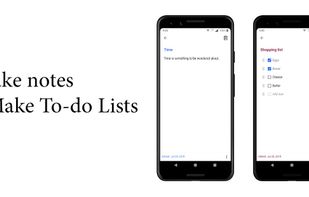
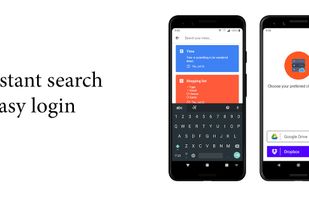
Notes Sync is the answer to your everyday note taking requirements. It comes with a feature to sync everything to the user's own Google Drive or Dropbox accounts.