Cost / License
- Free
- Proprietary
Application typeApplication types
Platforms
- Windows


EVEREST has been discontinued. Similar apps include CPU-Z, which is free. Other options are HWiNFO (32/64), Speccy, AIDA64 and GPU-Z. System Information Utilities like EVEREST are a crowded field, with more than 25 alternatives for Windows, Linux, Android, iPhone and iPad.

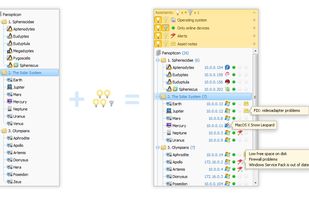
How do you get the PC features quickly? You may surely use special tab or panel, but the data will be located in different places. Smart System Informer will make it for you swiftly! Specific information includes computer ID, processor, BIOS, memory, disks, video, motherboard...
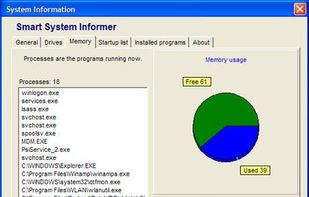
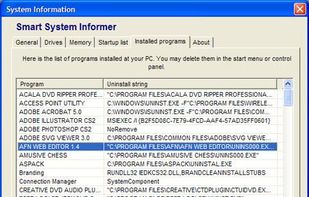


A utility to produce a specification of your system's hardware and software.
With System Spec you can see, save and print a complete spec of your PC. This standalone, system information utility can also perform various windows functions. Additional advanced info includes CPU, dr.
 United Kingdom
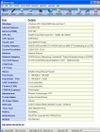


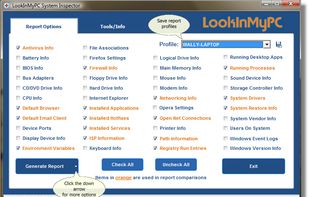
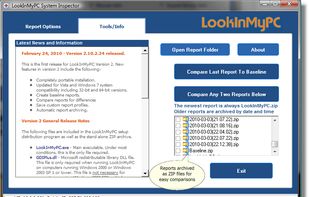
LookInMyPC is a free utility that allows users to generate complete and comprehensive profiles, audits, and diagnostic reports on their computers.
 United States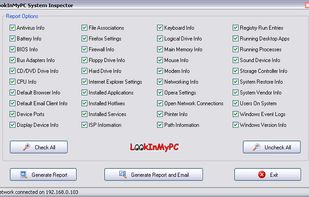


RightMark CPU Clock Utility (RMClock) is a small GUI application designed for real-time CPU frequency, throttling and load level monitoring and on-the-fly adjustment of the CPU performance level on supported CPU models via processors power management model-specific registers...
 Russia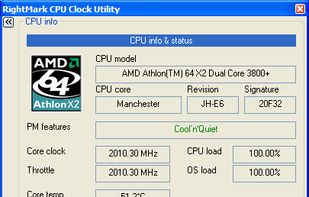


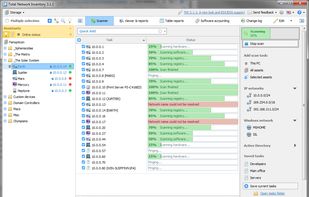
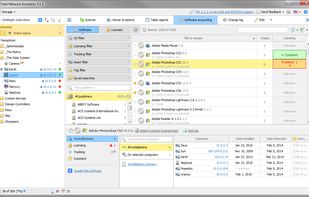
Total Network Inventory is a PC audit and network inventory software for office and large-scale enterprise networks. Total Network Inventory interrogates all computers and notebooks on a network and reports back with complete information about the OS, service packs, hotfixes...
 Belarus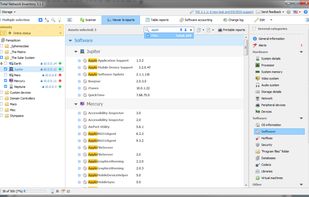


CrystalCPUID is a CPU utility software.
Key Features:
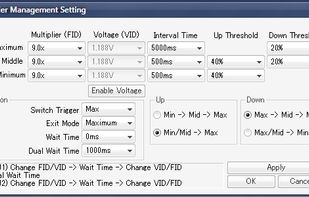
Support AMD64/EM64T Intel SpeedStep Control AMD K6/K7/K8/GeodeLX Multiplier/Voltage Control VIA CyrixIII/C3 Multiplier Control Multiplier Management MSR Editor/MSR Walker Clock, Cache, System Cloc.
 Japan
Japan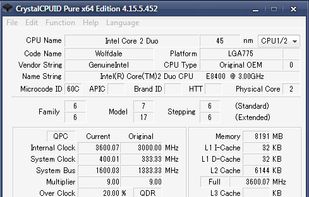


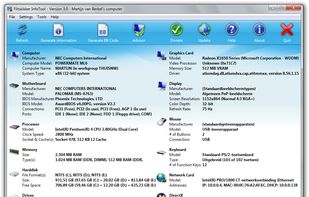
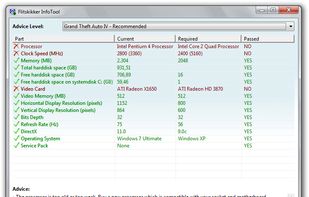
Flitskikker InfoTool offers you essential information about your system. Afterwards, you can save it as a text file, or BB Code to share on forums. Most people can help you better if you share your system information with them. Now you can do this easily with this free utility.

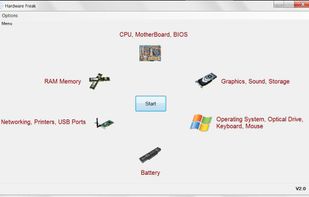
Hardware Freak is a small utility that will give you various information about your system. You can view CPU, BIOS, Motherboard, RAM Memory, Graphics card, Sound card, Hard Drive, External storage devices, Operating system, Optical Media, Networking, Printers, Keyboard, Mouse...
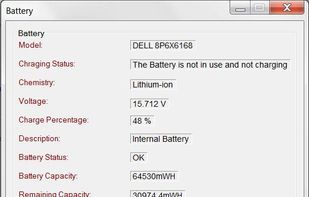

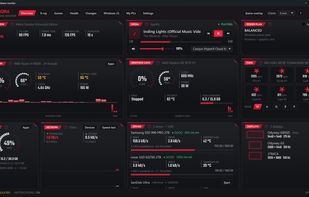
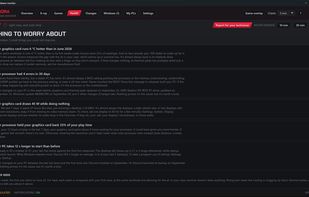
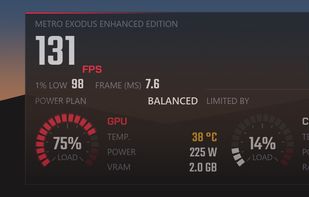
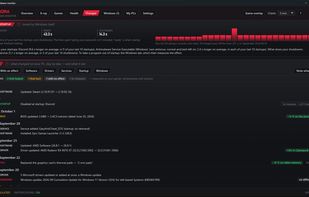
Aurora is a free hardware monitor for Windows 10 and 11. It shows temperatures, fans, drives, network and in-game FPS live on one dashboard, and explains in plain words whether the PC is doing well, what to do and what changed.
 Canada