EF*CK Chat Keyboard Alternatives

Apps similar to EFCK Chat Keyboard include Retro Typer, which is free and open source. Other options are Rocket, Smile, SymbolScribe and winMoji. You're spoiled for choice with Text Expanders like EFCK Chat Keyboard: we list more than 25 alternatives for Mac, Linux, Windows, the web and Android.

Copy a direct link to this comment to your clipboard
Alternatives
EF*CK Chat Keyboard alternatives page was last updated

Alternatives list

  1. Emoticon icon
     3 likes

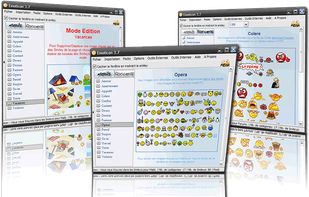
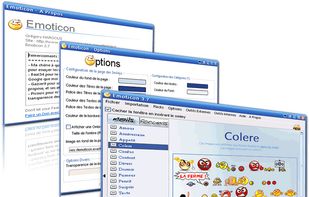
    Emoticon is a software to embellish easily Mails (Software and Web-mails), Forums (many types like phpbb, ezboard ...) and all documents (PowerPoint, Word, ...) inserting smileys and pictures.

    Cost / License

    • Free
    • Proprietary

    Since

    • Since 2016

    Platforms

    • Windows
    Good alternative?
     
  2. Keyboard.cool icon
     2 likes

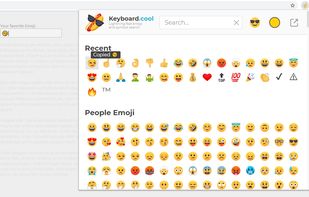
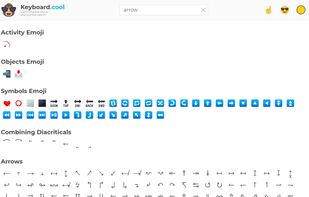
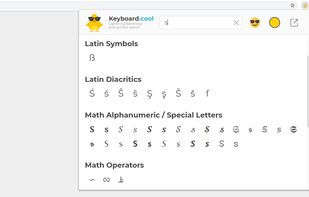
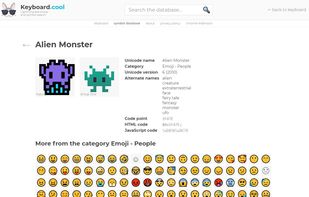
    Emoji and symbol keyboard with search, optimized for maximum speed. Available as an extension and a standalone website.

    Cost / License

    • Free
    • Proprietary

    Since

    • Since 2019

    Platforms

    • Online
    • Google Chrome
    Good alternative?
     
  3. Emoji Meanings allows you to see and input emoji on any website. Copy and paste.

    Cost / License

    • Free
    • Proprietary

    Since

    • Since 2017

    Platforms

    • Chrome OS
    • Online
    Good alternative?
     
  4. Macmoji icon
     Like

    Slack-style emoji for your mac.

    Cost / License

    • Free
    • Open Source (MIT)

    Application type

    Since

    • Since 2018 (updated Jul 2021)

    GitHub

    • GitHub stars: 1.7k

    Platforms

    • Mac
    Good alternative?
     
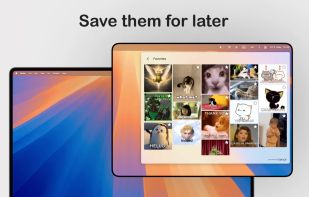
  5. Splice brings Slack-style emoji triggers and GIF search to macOS, so the right reaction is always a few keystrokes away.

    Cost / License

    • Pay once
    • Proprietary

    Since

    • Since 2026

    Platforms

    • Mac
    Good alternative?
     
  6. Emojify icon
     Like

    An emoji picker built with C++ and gtkmm-4.0 it provides a fast, responsive, and visually consistent experience for GNOME and other modern desktop environments.

    5 Emojify alternatives

    Cost / License

    Since

    • Since 2026 (updated May 2026)

    GitHub

    • GitHub stars: 42

    Platforms

    • Linux
    • GNOME
    • Arch Linux
    • Flathub
    • Flatpak
    • AppImage
    Good alternative?
     
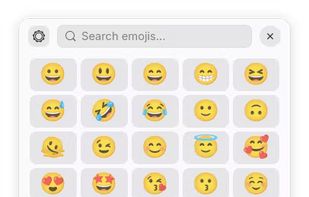
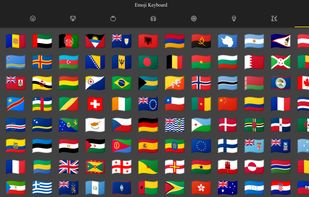
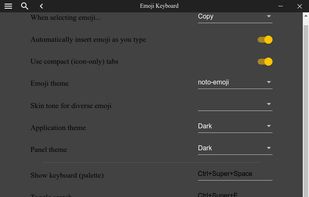
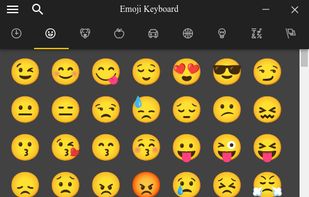
  7. Type emoji easily! Virtual keyboard-like emoji palette for Linux with lots of features.
    Cost / License

    • Free
    • Open Source (MIT)

    Since

    • Since 2022 (archived)

    GitHub

    • GitHub stars: 288

    Platforms

    • Linux
    Good alternative?
     
  8. FujiMoji icon
     Like

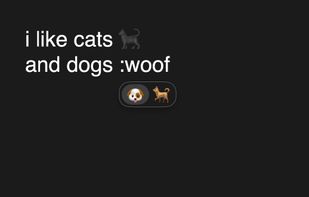
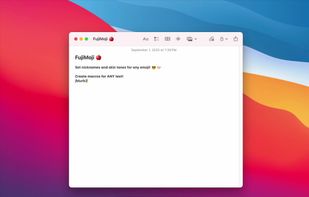
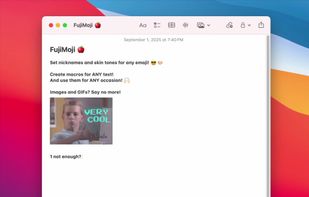
    Type any emoji, text snippet, or media by name from anywhere on your Mac. FujiMoji is a lightweight menu bar app that listens for your trigger key, shows fast suggestions, and pastes the selected result directly into the active text field.
    Cost / License

    • Free
    • Open Source (MIT)

    Since

    • Since 2025 (updated Sep 2026)

    GitHub

    • GitHub stars: 27

    Platforms

    • Mac
    Good alternative?
     
  9.  Like

    Emoji searcher but as a menubar app.

    Cost / License

    • Free
    • Open Source (MIT)

    Since

    • Since 2020 (archived)

    GitHub

    • GitHub stars: 2k

    Platforms

    • Mac
    • Linux
    • Electron / Atom Shell
    • Homebrew
    Good alternative?
     
  10. QuickGif icon
     Like

    Search and Share GIFs straight from your menu bar. Designed for macOS.

    Cost / License

    • Freemium (Pay once)
    • Proprietary

    Since

    • Since 2025

    Platforms

    • Mac
    Good alternative?
     
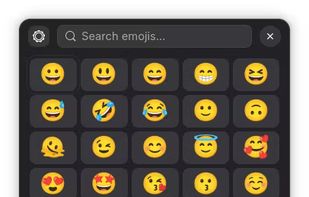
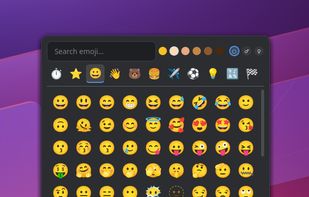
  11. A fast, KDE-styled emoji picker for Wayland (KDE Plasma 6) with direct insertion.

    Cost / License

    • Free
    • Open Source (MIT)

    Since

    • Since 2026 (updated Mar 2026)

    GitHub

    • GitHub stars: 34

    Platforms

    • Linux
    • KDE Plasma
    Good alternative?
     
  12. Mowji icon
     Like

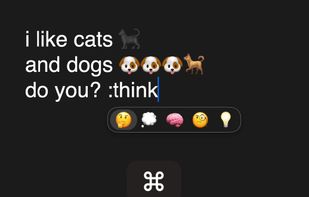
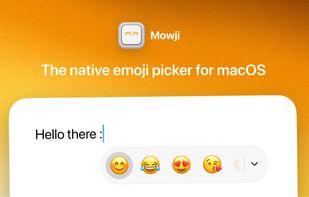
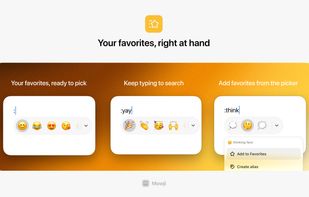
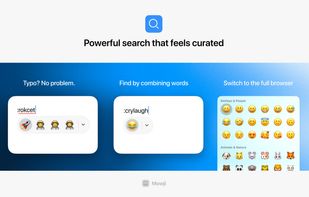
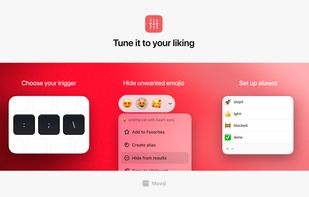
    Mowji is a native emoji picker for macOS that lets you find and insert emoji directly where you type. With the colon selected as your trigger, type a word such as :smile, use the arrow keys to choose a result, and press Return to insert it without leaving the text field.

    Cost / License

    • Pay once
    • Proprietary

    Since

    • New

    Platforms

    • Mac
    Good alternative?
     
You are at page 2 of EF*CK Chat Keyboard alternatives