



Economacs
Economacs is based on the regular bookkeeping concepts accounts and journal entries but adds a number of features that help you minimise the time you spend on your bookkeeping.
Cost / License
- Paid
- Proprietary
 EU
EUAlerts
- Discontinued
Platforms
- Mac
Website is no longer available.

Features
Tags
Economacs News & Activities
Recent activities
Economacs information
Developed by
 Aderstedt Software AB
 Licensing
Proprietary and Commercial product.Alternatives
31 alternatives listedSupported Languages
- English
AlternativeTo Category
Business & Commerce


What is Economacs?
Economacs is based on the regular bookkeeping concepts accounts and journal entries but adds a number of features that help you minimise the time you spend on your bookkeeping.
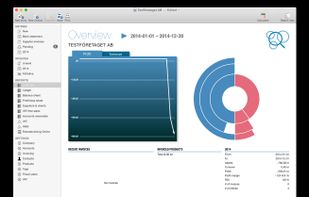
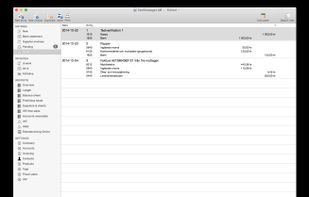
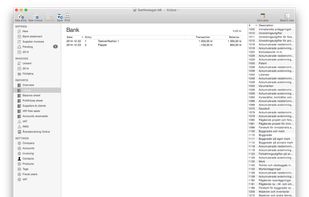
Intelligent search features and smart folders help you navigate among your entries and accounts. The balance sheet and profit / loss report give you rapid information on how your business is doing, and the VAT report is useful if you are registered for VAT.
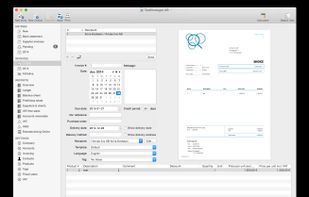
Economacs helps you create and send attractive invoices. You pick some items from your product list, fetch the recipient from the Mac OS X address book, and send the invoice. Then all you need to do is to notify Economacs when the invoice is paid; the invoice is filed automatically in your journal of entries.
Sometimes you might be lagging behind with your books, but want to be able to send invoices anyway. Using Economacs you can send invoices as you please; it will store the entries related to an invoice in a separate queue and keep track of when to file them in your journal.
Naturally you can create your own invoice templates, or just use the built-in template with your own logo.