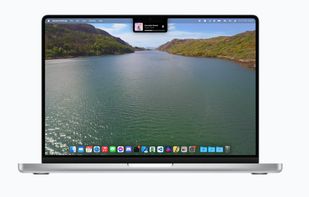
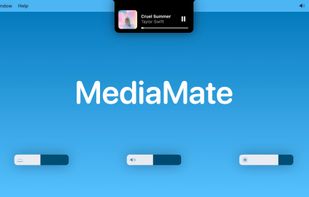
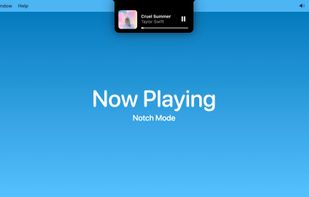
New, fresh visuals for changing your volume, brightness and now playing media throughout the Notch from your MacBook Pro.
Cost / License
- Freemium
- Proprietary
Application type
Platforms
- Mac




+4


Apps similar to EarTrumpet include FineTune, which is free and open source. Other options are Volume2, FluentFlyout, BetterTrumpet and SoundSource. You're spoiled for choice with Volume Control Tools like EarTrumpet: we list more than 25 alternatives for Windows, Mac, Linux and Android.
New, fresh visuals for changing your volume, brightness and now playing media throughout the Notch from your MacBook Pro.

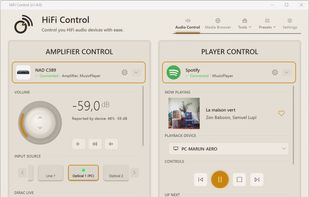
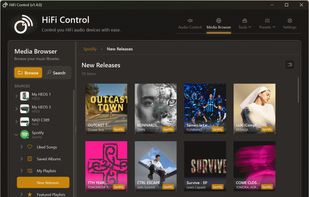
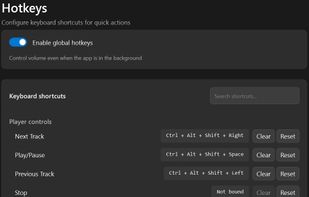
A Windows desktop application for controlling BluOS, HEOS and MusicCast networked audio equipment with system tray integration, global hotkeys, Microsoft Surface Dial support, cross-device presets, and Dirac Live profile switching.
 Netherlands
 EU
EU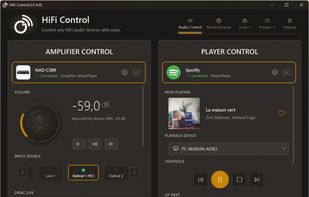


Software that enables you to connect to and control your Windows audio. You can control the audio of individual applications down to device inputs and outputs, all through whatever MIDI controller you have to hand.


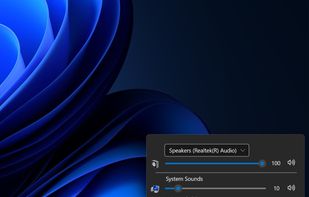
Volume mixer that allows you to set up global hotkeys to control your Windows audio system.


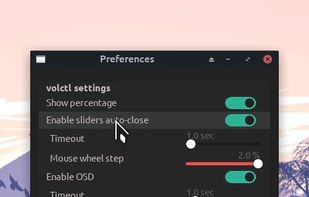
Volctl - Volume Control per application from System Tray for Linux
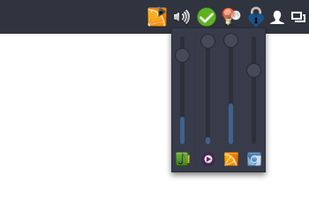
Volctl is a free and opensource app for Linux writen in python and gtk+ and that can be used to control volume per application and for enabled pulseaudio outputs from the system tray.
 United States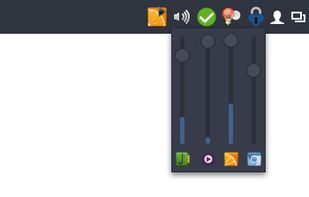
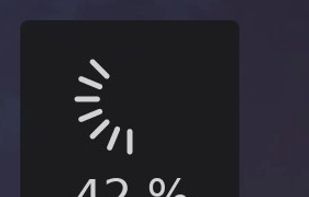

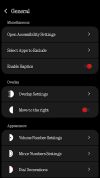
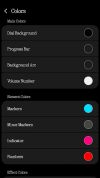
Upgrade your phone's volume control with NoVolume, the only volume slider with haptics, inspired by Nothing OS.
With this custom slider, enhance even more your phone experience!
 CzechiaEU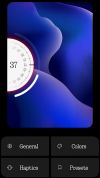


KMix is an application to allow you to change the volume of your sound card. Though small, it is full-featured, and it supports several platforms and sound drivers.
 GermanyEU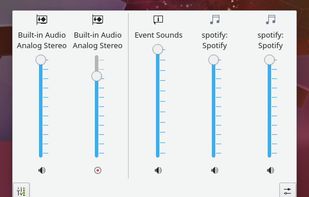


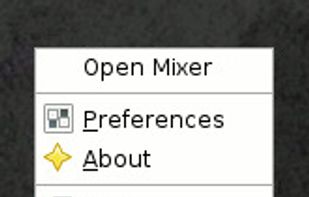
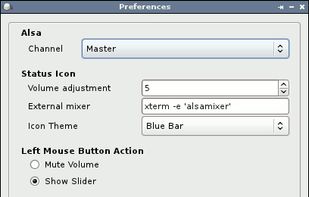
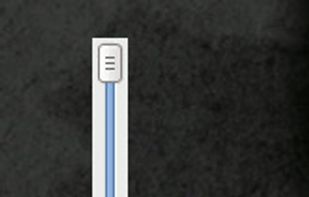
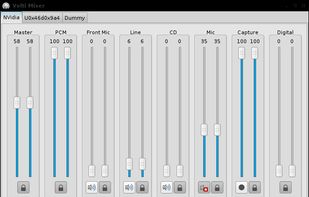
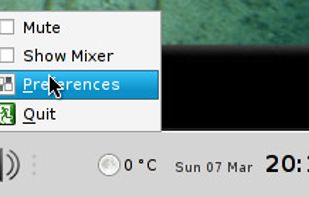
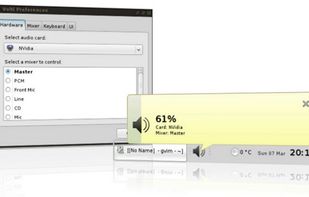
Volume Icon aims to be a lightweight volume control that sits in your systray. It is often used in conjuction with the lightweight tint2 panel/taskbar.


 CroatiaEU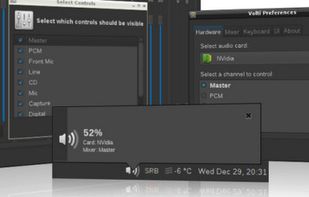


Volume Scroll lets you control your main volume by hovering with your mouse cursor over the top menubar and scrolling up or down to change your volume.


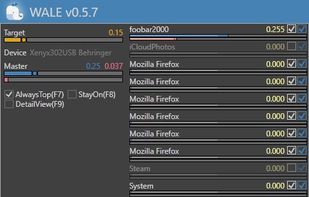
Windows Audio Loudness Equalizer
Wale calculates appropriate volume of each app in real time from app's average peak level and try to equalize peak levels of each app to desired level.