





DMGKit
1 like
Sign, notarize and staple app bundles and custom installers easily on macOS.
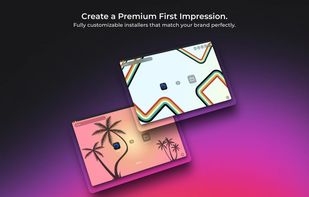
Fully design your background in-app, save design templates, add your terms to the installer with SLA injection, auto-localization and auto-translation.

Cost / License
- Pay once
- Proprietary
Platforms
- Mac


Features
Highlights All activities
DMGKit News & Activities
Recent activities
- Ben liked DMGKit
 Paul added DMGKit as alternative to Rilmazafone
- Miguel Carvalho added DMGKit
 Miguel Carvalho added DMGKit as alternative to DMG Canvas, Disk Utility, DMGBuilder, DropDMG and 2 more


Developed by
 Fuse Labs
 Licensing
Proprietary and Commercial product.Pricing
One time purchase (perpetual license) that costs $25.Alternatives
7 alternatives listedBadge
Get an embeddable badge for DMGKitSupported Languages


No comments or reviews, maybe you want to be first?