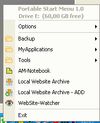
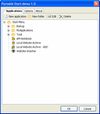
Portable Start Menu is a simple and free start menu application that can be installed on USB sticks or local PCs.
Cost / License
- Free
- Proprietary
Platforms
- Windows
 Austria
 EU
EU



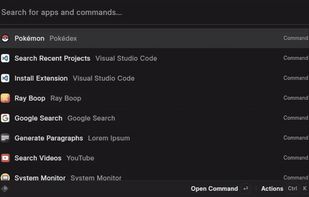
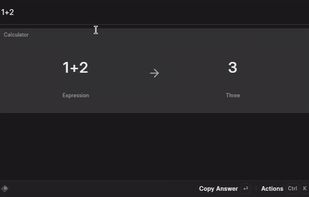
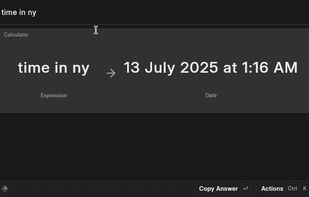
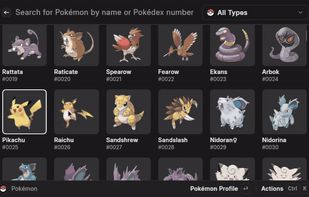
Apps similar to dmenu include Vicinae, which is free and open source. Other options are Raycast, Alfred, Listary and AppGrid for KDE. Application Launchers like dmenu are a crowded field, with more than 50 alternatives for Windows, Linux, Mac, iPhone and iPad.
Portable Start Menu is a simple and free start menu application that can be installed on USB sticks or local PCs.
AustriaEU
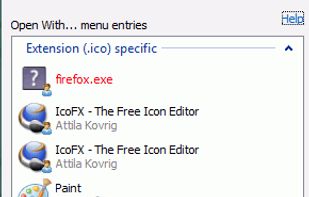
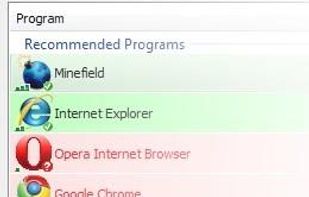
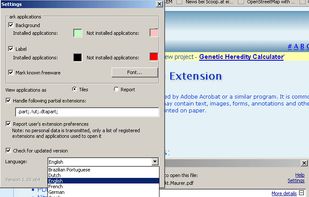
OpenWith Enhanced is a small freeware application which replaces the standard Windows 'Open With...' window with an improved comprehensive yet intuitive dialog box.
 United States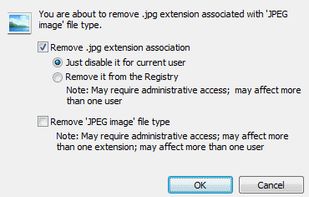


SlickRun is a free floating command line utility for Windows. SlickRun gives almost instant access to any program or website. SlickRun allows you to create command aliases (known as MagicWords), so C:\Program Files\Outlook Express\msimn.exe becomes MAIL.


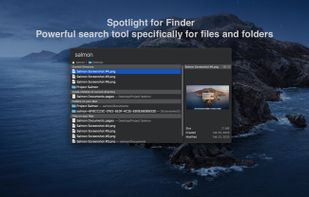
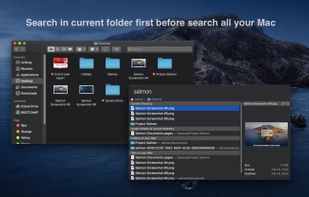
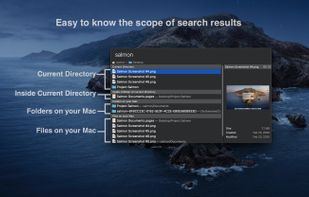
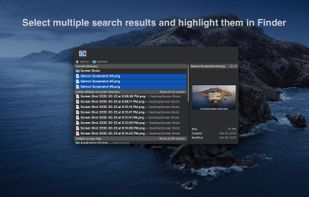
Salmon - Spotlight for Finder. Powerful search tool for files and folders with support for multiple selection. Powerful @modifiers to filter and sort.


Rocket is an application launcher for KDE Plasma. It sorts all of your applications in a horizontal grid alphabetically, so you will always find what you are looking for at first glance. No more menu navigation, only scrolling.
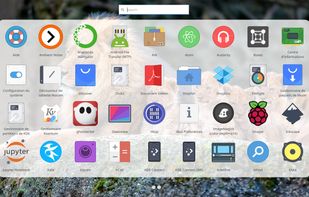
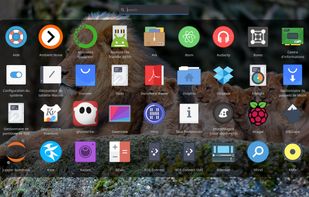
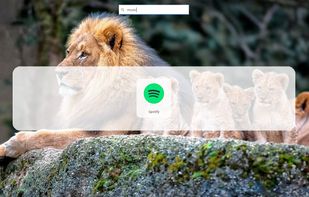
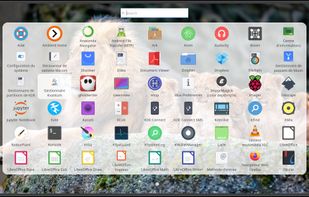


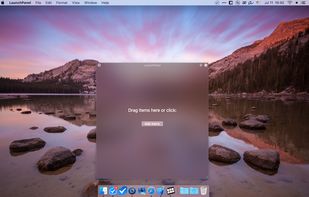
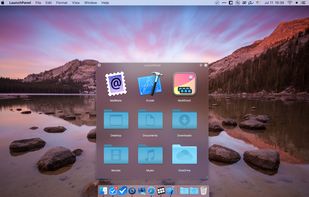
LaunchPanel is a completely FREE application that allows you to quickly launch applications, open files and folders.
 Ukraine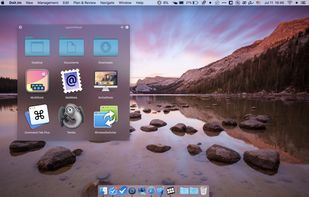



Do you often find yourself looking for a program in the long list of the Start menu?
 Russia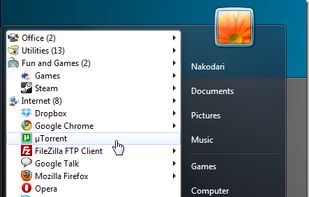






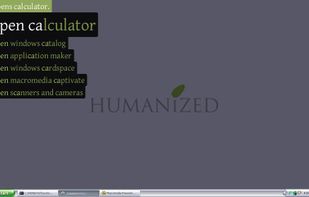
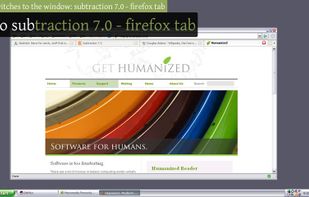
Enso is dead simple to use. You just hold down the Caps Lock key and type an Enso command, which is displayed in a translucent overlay. Once the command is typed, you simply release the Caps Lock key to activate it, and the overlay disappears.
United States