


Cost / License
- Paid
- Proprietary
Platforms
- Windows
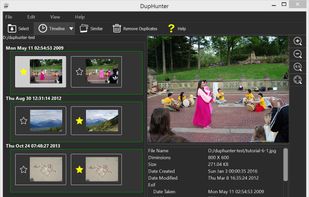

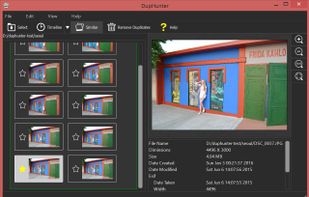


Apps similar to Disk Xray include BleachBit, which is free and open source. Other options are WinDirStat, CCleaner, Czkawka and WizTree. System Cleaners like Disk Xray are a crowded field, with more than 100 alternatives for Windows, Mac, Linux, Android and iPad.

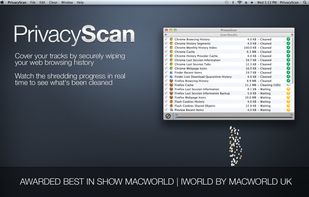
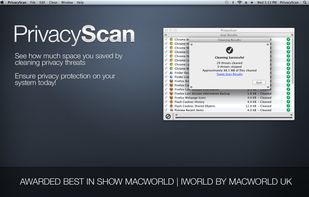
Securely erase those pesky files that violate your privacy by allowing people to see where you were surfing and what you were doing on your computer. Safely and securely destroy Internet files used for tracking your whereabouts such as cache files, browsing history, cookies...
 United States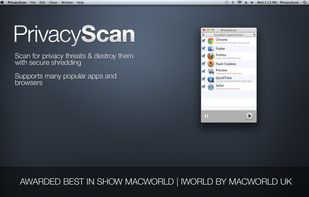
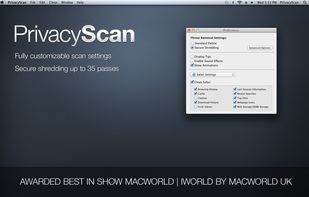


WinExt Privacy Protector is a 100% FREE software. It can protect your privacy also make your system and browsers run faster by sweeping the traces of Windows, Microsoft apps and browsers.
United States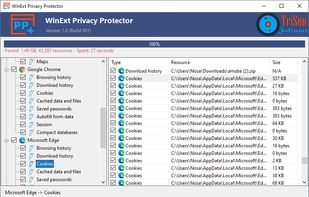

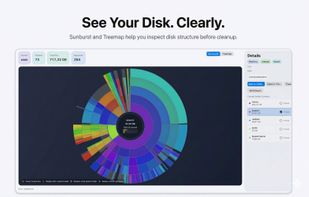
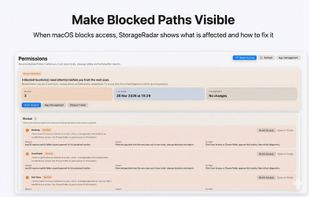
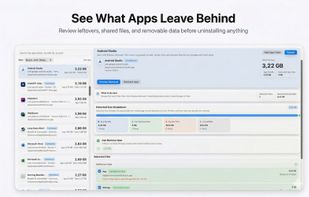
StorageRadar maps your disk, shows blocked paths instead of hiding them, lets you dry-run cleanup, and compares what changed over time. Scan data stays local, while analytics and diagnostics remain separately controllable in settings.
 Thailand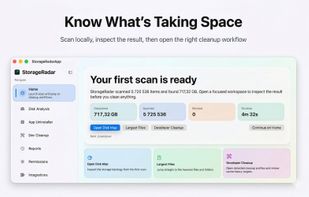


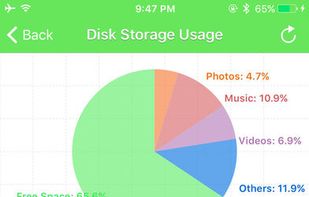
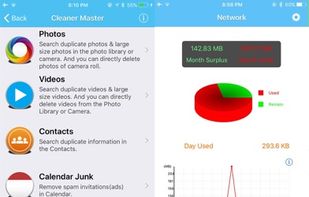
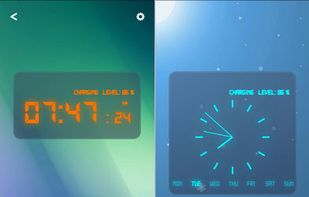
Mobile Doctor let you easily to manage your phone at any time, including the following major features:
 China
China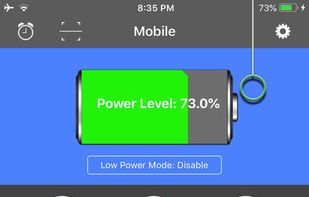


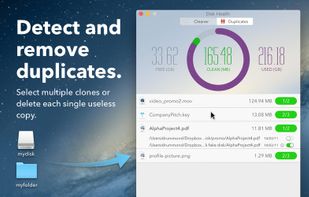
Clean up your Mac's hard drive of tons of unneeded files and find duplicate files with just a drag & drop.
 Italy
Italy EU
EU


MacDirStat is a free, open-source disk space analyzer for macOS, inspired by WinDirStat. It scans a drive or folder and draws every file as a color-coded rectangle sized by its disk usage, so the biggest files and folders stand out at a glance.
United States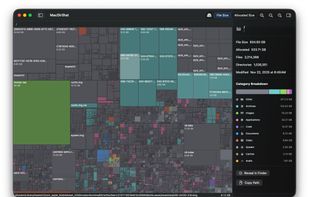

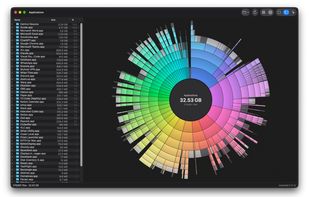
Native macOS disk analyzer that scans folders and space, presenting file-type treemaps or ring charts beside a Finder-style outline. It can reveal items, send them to Trash after confirmation, flag caches and build output, and offer an optional read-only JSON CLI.
 Canada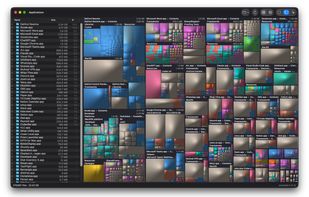


Fireebok Duplicates Finder is a powerful duplicate file finder for your Mac. This app quickly scans your folders or entire hard drive, and find out all duplicate files on your computer. By eliminating these duplicates, your previous disk space will be retrieved.
China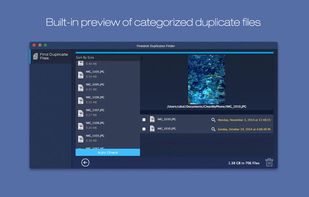


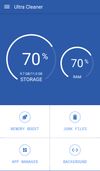
Ultra Cleaner helps clean up junk files, cache files, junk notifications and unused RAM to improve phone performance!



Find what is filling a disk, mark what should go, and remove it — with the volume's free space in view the whole time.
Canada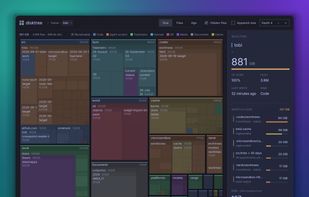


 India
India


