

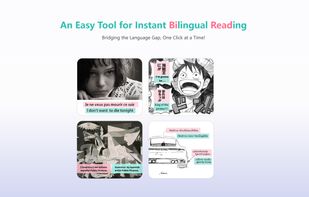
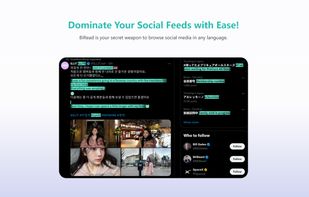
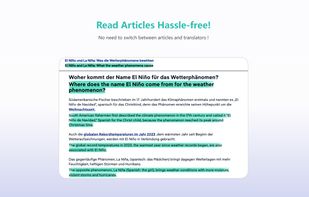
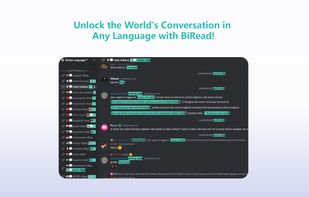
Transform any website content into bilingual text with a single click, using AI. Make reading in other languages easy.
Cost / License
- Freemium
- Proprietary
Platforms
- Google Chrome



+2


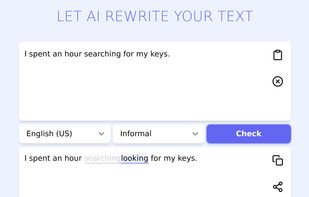
Sites and apps similar to DeepL Write include Jan.ai, which is free and open source. Other options are LanguageTool, AnythingLLM, Alpaca - Ollama Client and Grammarly. There's no shortage of AI Writing Tools like DeepL Write, with more than 100 alternatives for Mac, Windows, iPhone, Linux and Android.
Transform any website content into bilingual text with a single click, using AI. Make reading in other languages easy.

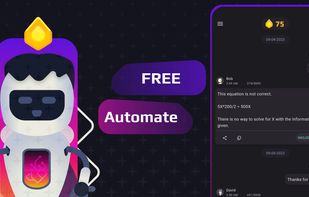
Create your own custom chat assists to boost your productivity with ChatGPT.






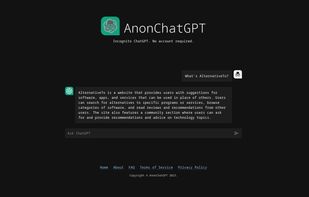
AnonChatGPT is a ChatGPT client that provides a convenient way to interact with ChatGPT without needing an account or disclosing any personal information.


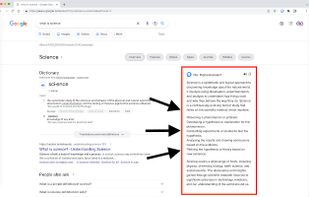
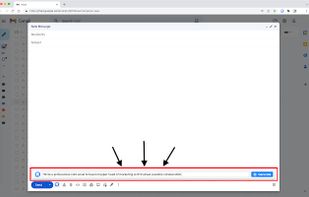
AI Writer and Assistant. Supports Search Engines/Emails/Social Media/YouTube Summary and more powered by Open-AI Chat-GPT.




Alchemi.ai is an AI-driven platform that automates content creation and management, providing high-quality, SEO-optimized content to streamline workflows and save time.



 United States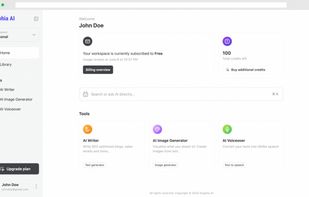
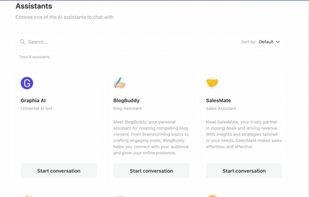


In the ever-evolving landscape of academic writing, Aithor emerges as a powerful tool designed to assist students, researchers, and professionals in crafting high-quality essays and papers. This AI-driven platform offers a plethora of features that streamline the writing...





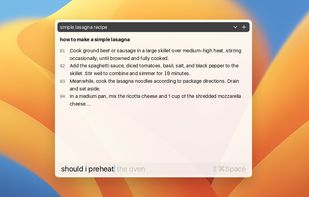
Atua is an easy-to-use application that allows instant access to ChatGPT on any Mac app with the use of a shortcut key. It helps users maximize the benefits of ChatGPT, from content creation to code modification, with minimal context switching.


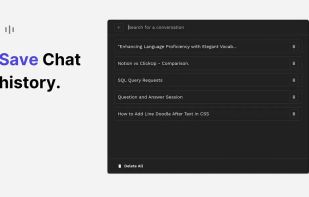


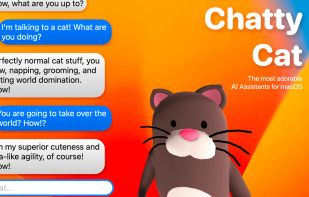
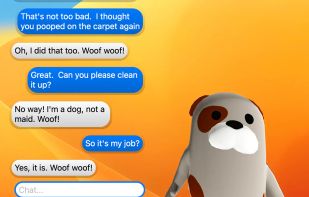
Introducing the purrrrfect way to brighten your day. Chatty Cat is your very own adorable and interactive chatty pet!