


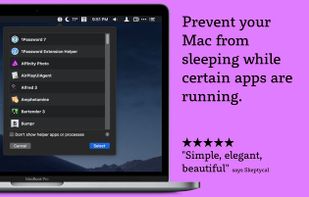
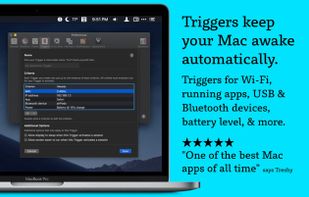
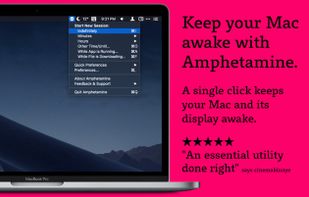
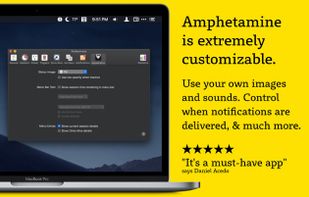
Amphetamine is a little app that lives in your menu bar which can effortlessly override your energy saver settings and keep your Mac awake.
Cost / License
- Free
- Proprietary
Application type
Platforms
- Mac
 United States



+1


Apps similar to Dantrolene include Amphetamine, which is free. Other options are caffeinate & disablesleep, Caffeine for Mac and @home. In total there are four Prevent Sleep Mode Apps like Dantrolene for Mac.
Amphetamine is a little app that lives in your menu bar which can effortlessly override your energy saver settings and keep your Mac awake.
United States
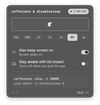
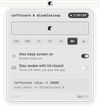
caffeinate & disablesleep replaces two macOS terminal commands: caffeinate -disu and sudo pmset -a disablesleep 1. One click keeps the Mac awake, with an option to stay awake when the lid is closed. Timed sessions run from 15 minutes to 8 hours, or forever.
 Australia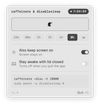


Caffeine is a tiny program that puts an icon in the right side of your menu bar. Click it to prevent your Mac from automatically going to sleep, dimming the screen or starting screen savers.
United States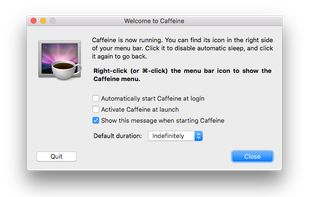


@home is a tiny convenience utility, that knows when you are at home (based on your wireless network name) and prevents your computer from locking the screen. When you are away from home, your normal locking idle times apply.


