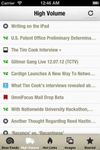
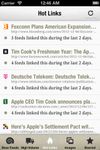
FeedDemon is a popular RSS reader for Windows, with an easy-to-use interface that makes it a snap to stay informed with the latest news and information.
Platforms
- Windows
 United States


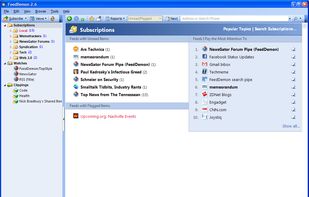


FeedDemon is a popular RSS reader for Windows, with an easy-to-use interface that makes it a snap to stay informed with the latest news and information.
United States
Feeder.co is a simple way to follow your favorite feeds and sites. Feeder supports most RSS and Atom feeds on the web. Browsing your feeds has never been easier.
 Sweden
 EU
EU




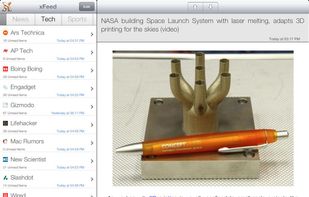
The fastest, leanest, most user friendly feed reader for the iPhone and iPad!
xFeed helps you gather all of your favorite news, sports, blogs or whatever and makes them simple to import, customize and view. Once you have your favorite sites saved you can enjoy how quick and eas.

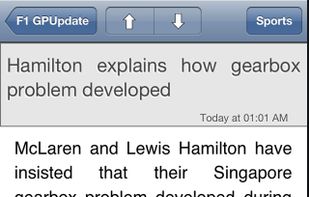



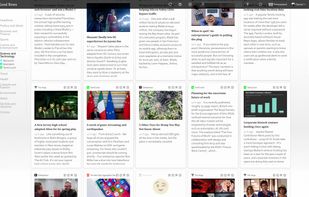
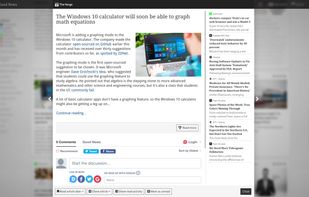
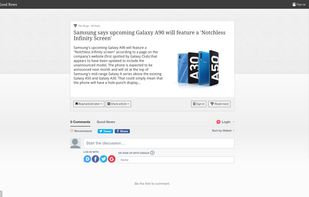
Good News is your personal news stream. It helps you discover and share the latest news on your favorite topics from the sources you trust.


Read RSS feeds, download and listen to podcasts/video casts directly on your phone.
United States




Read and share your favorite websites and blogs with an amazing newspaper-like layout.
United States




Looking for a simple and open feed reader?
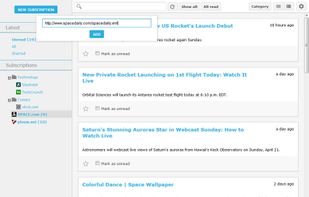
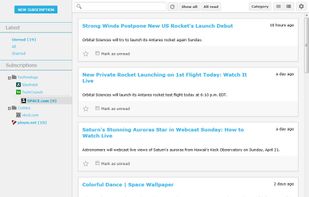
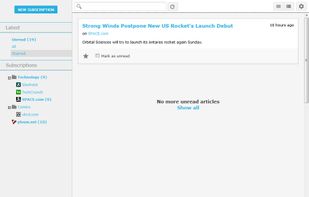
Free, open source, easy to use, Sismics Reader is what you need to keep your feeds under control.
Central
Access all your RSS and Atom feeds in one central easy readable place.
Easy
Sismics Reader can be installed in few steps on al.
 FranceEU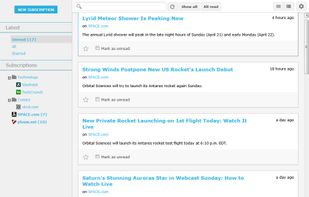


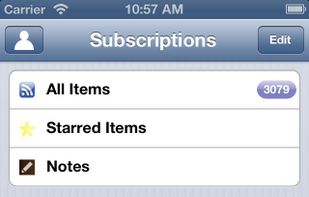
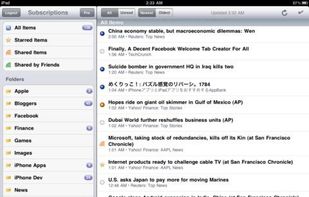
Feeddler is a fast and highly customizable RSS Reader that presents RSS stories in an easy-to-ready interface. Feeddler is a universal app that supports iPhones, iPod touches, and iPads. The free version is ad-supported.
United States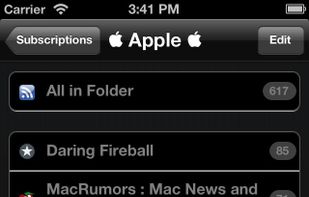



ReadKit is a full-featured news reader and read later client that supports services from Instapaper, Pocket, Pinboard, Feedly, Fever, NewsBlur, Feedbin and Feed Wrangler and has built-in RSS capabilities.
 HungaryEU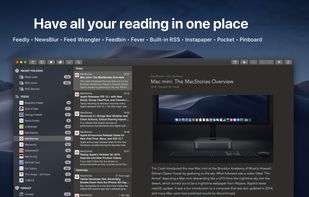
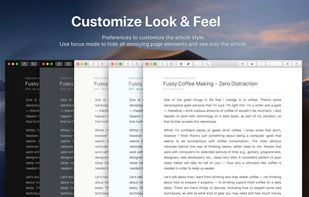
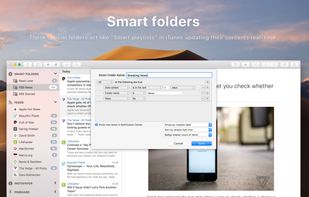
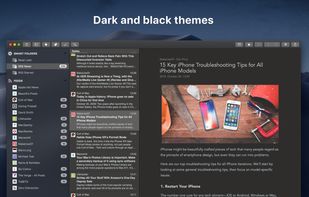


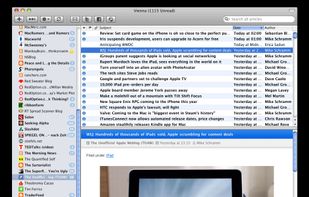
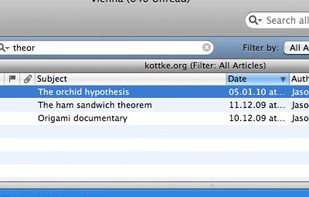
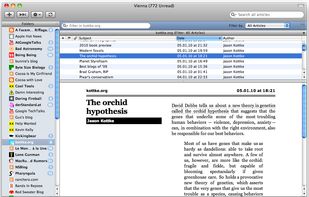
Vienna is an RSS and Atom newsreader, packed with powerful features that help you make sense of the flood of information that is distributed via these formats today.


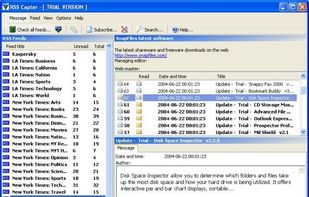
RSS Captor is an easy-to-use RSS client with a three-pane interface. Feeds are listed on the left, a list of stories on the top right, and details on the lower right. Tabs offer quick access to sections where you can set up folders for automatically saved messages and manually...


 Switzerland