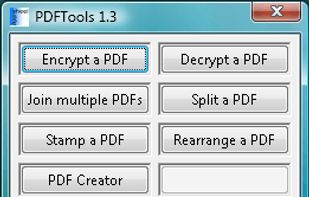
PDFTools is a PDF management application. It can encrypt, decrypt, join, split, stamp, create and rearrange a PDF file.
Cost / License
- Free
- Proprietary
Alerts
- Discontinued
Platforms
- Windows


Apps similar to CutePDF Writer include Stirling PDF, which is open source with a free version. Other options are PDF24 Creator, Adobe Acrobat DC, PDFCreator and PDF24 Tools. There's no shortage of PDF Printers like CutePDF Writer, with more than 50 alternatives for Windows, the web, Mac, Android and iPhone.
PDFTools is a PDF management application. It can encrypt, decrypt, join, split, stamp, create and rearrange a PDF file.

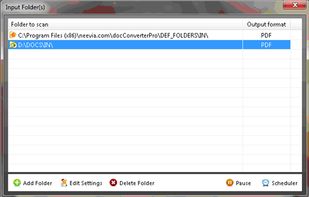
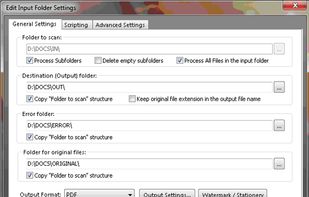
Neevia Document Converter Pro is a software product that dynamically converts Microsoft Office 2003/2007/2010/2013/2016/2019/365, WordPerfect, HTML, AutoCAD DWG/DWF, EML, MSG, PostScript and many other document types to PDF, PDF/A, PostScript, JPEG, TIFF, PNG, PCX, BMP.
 United States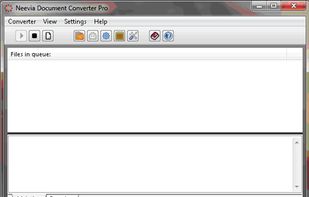


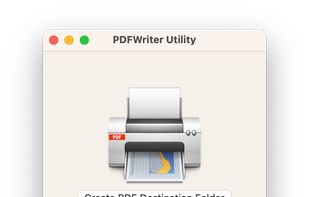
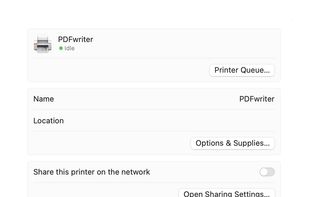
RWTS PDFwriter is an OSX 11.0+ compatible print driver that enables you to “print” your documents directly to a pdf file. It has similar functionality to CutePDF on Windows.


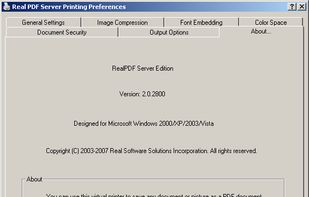


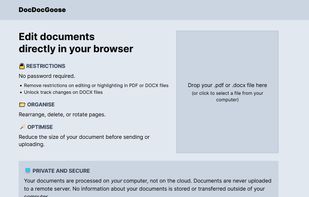


Pdf995 makes it easy and affordable to create professional-quality documents in the popular PDF file format. Its easy-to-use interface helps you to create PDF files by simply selecting the "print" command from any application, creating documents which can be viewed on...


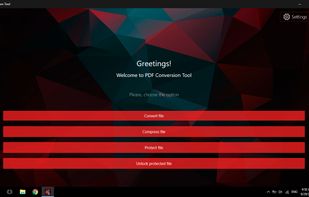
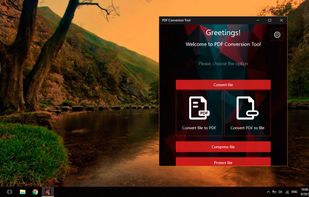
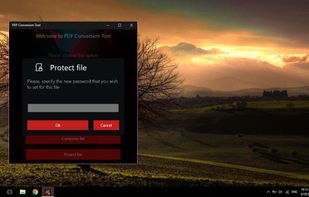
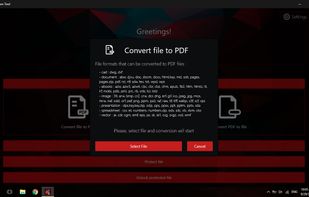
PDF Conversion Tool allows you to easily and quickly convert almost any file into PDF format and back. Easily converts PDF file to Microsoft Word format (doc, docx) and to almost any images format (png, jpg, gif, etc.).


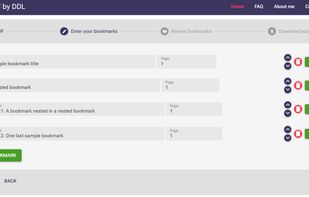
Bookmark PDF is a free, browser-based tool designed to simplify the process of adding, editing, and organizing bookmarks in PDF files. Unlike traditional tools, Bookmark PDF operates entirely online, ensuring maximum privacy and security for your documents.


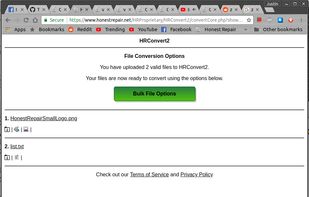
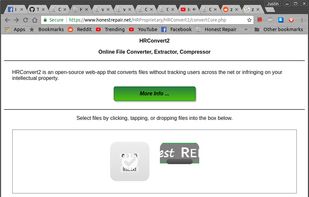
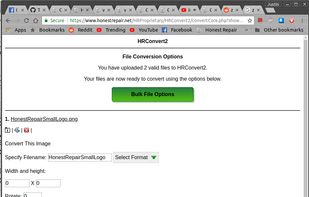
HRConvert2 is an open-source web-app that converts files without tracking users across the net or infringing on your intellectual property.


 Germany
 EU
EU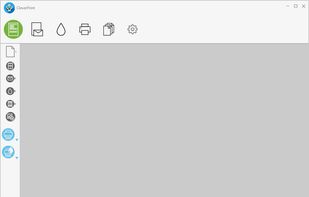
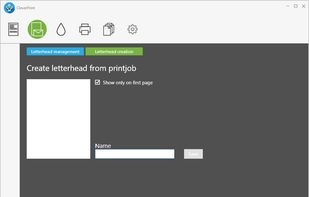
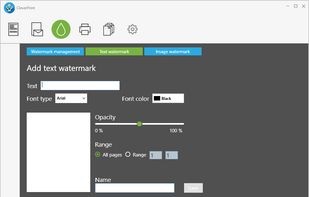
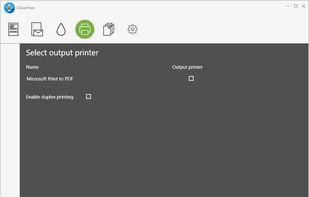

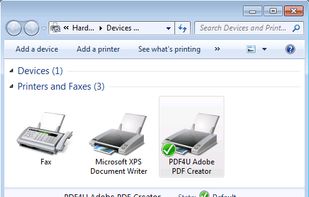
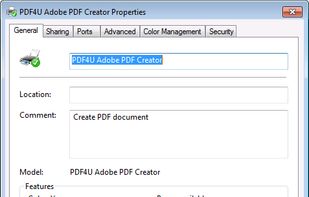
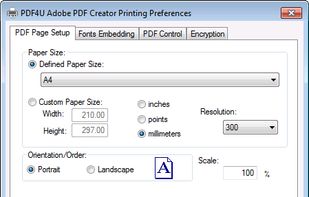
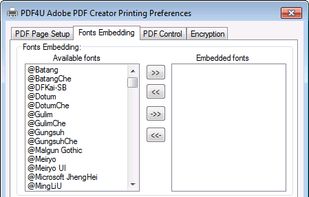
PDF4U creates PDF files from any Windows application running on Windows. The software installs itself as a print driver, all you have to do is to click "Print" from your application to create PDF files.
United States