


CurrPorts
27 likes
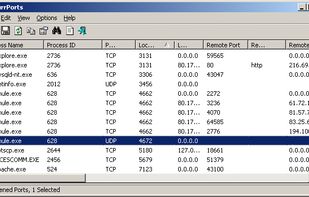
Displays all open TCP/IP and UDP ports with full process details including name, path, version, creation time, and user information. Supports closing connections, killing processes, marking suspicious ports, exporting data in multiple formats, and portable operation for network monitoring.

Cost / License
- Free
- Proprietary
Application type
Platforms
- Windows

Features
Highlights All activities
CurrPorts News & Activities
Recent News
No news, maybe you know any news worth sharing?
Share a News Tip
Recent activities
- Danilo Venom updated CurrPorts
 Danilo Venom added CurrPorts as alternative to TCP Viewer
 Mauricio B. Holguin added CurrPorts as alternative to PortKiller


Developed by
 NirSoft
 Licensing
Proprietary and Free product.Alternatives
25 alternatives listedBadge
Get an embeddable badge for CurrPortsSupported Languages


No comments or reviews, maybe you want to be first?