PureRef was created to be a simple and lightweight tool for artists to organize and view their reference images. Image can be scaled and collage can also be made.
Cost / License
- Freemium
- Proprietary
Application type
Platforms
- Mac
- Windows
- Linux



CThruView Transparent Image Viewer has been discontinued. Similar apps include PureRef, which has a free version. Other options are Kasasa, LayerX, PixelPerfect and Overlay2. In total there are nine Image Viewers like CThruView Transparent Image Viewer for Mac, Windows and Linux.
PureRef was created to be a simple and lightweight tool for artists to organize and view their reference images. Image can be scaled and collage can also be made.

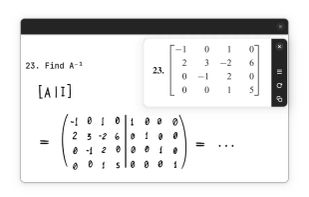
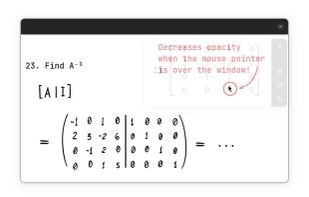
Take screenshots and put them on small floating windows; the application also allows you to decrease the window opacity when the mouse pointer is over it.
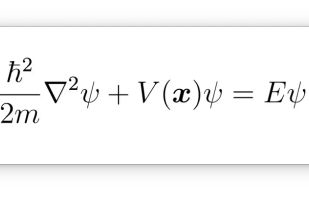
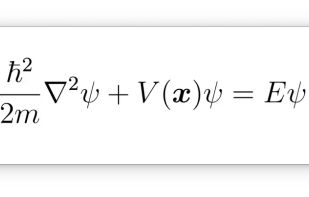


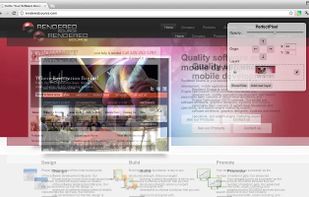
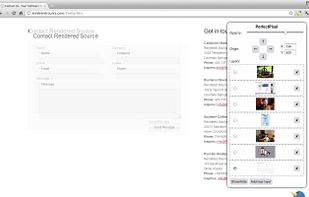
Allows developers to put a semi-transparent image overlay over the top of the developed HTML and perform per pixel comparison between them. Works with DevTools and Firebug.
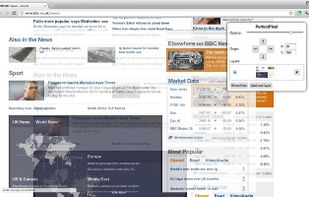


Overlay2 is like digital tracing paper for your computer. It opens a semi-transparent floating image over video capture or editing software, or 3D modelling software, so you can use the image as a reference or positioning guide.
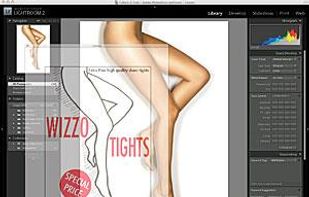
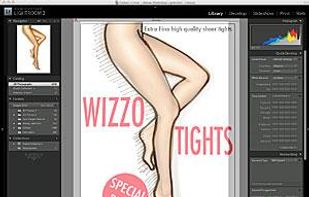


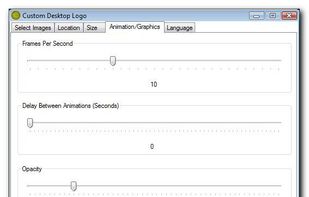
Create static or animated desktop logos using PNG images. Use it for presentations and fair booths to help brand your company or product. Your mouse movements and clicks pass right through the logos so it doesn't interfere with your work.

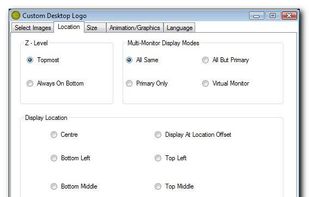


Useful for digital artists who want to use a photo reference with virtually any 3D package (i.e. zBrush, Silo, Blender, Messiah, etc).


A frame that allows you to have an image or even PDF displayed semi-transparently in front of everything. It enables you to copy, trace, or compare designs, images, and documents with ease, since you can lock the frame and make it undisturbed by mouse gestures.
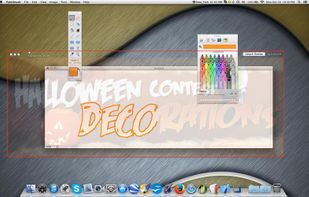


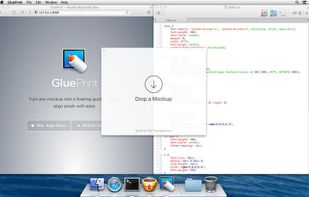
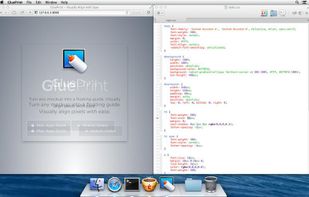
Turn any mockup into a floating guide, and visually align pixels with ease.
Use GluePrint to implement your interfaces pixel perfect. Simply open a mockup and lock it on top of your work to see how it compares. Position with the arrow keys and scroll to adjust the transparency. .
 United States