
Cost / License
- Pay once
- Proprietary
 United States
Platforms
- Mac
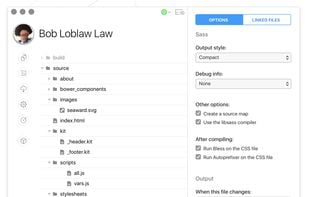


CodeKit is the most popular Mac alternative to Crunch!.
CodeKit is the most popular commercial alternative to Crunch!.
- CodeKit is Paid and Proprietary


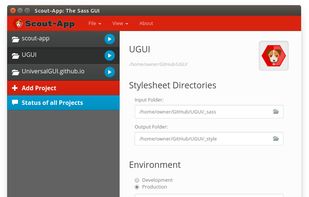
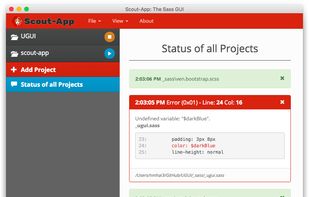
Crunch! is described as 'Write your LESS markup. Crunch it into a CSS file. Link the crunched CSS file in your HTML. CRUNCH allows you to organize your LESS/CSS styles into some well-organized libraries, and then just serve a single file to the browser' and is a Compiler in the development category. There are more than 10 alternatives to Crunch! for Mac, Windows, Linux, Web-based and NW.js. The best Crunch! alternative is CodeKit. It's not free, so if you're looking for a free alternative, you could try Prepros or Live.js. Other great apps like Crunch! are Scout-App, Fire.app, SiteFlow and SimpLESS.
CodeKit is the most popular Mac alternative to Crunch!.
CodeKit is the most popular commercial alternative to Crunch!.

Compile Less, Sass, Scss, Stylus, Jade, Coffeescript, Haml and Markdown with live browser refresh.
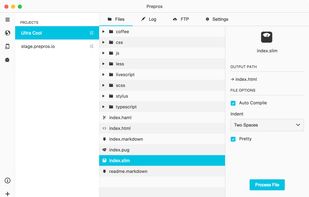
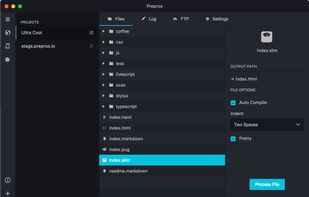
Prepros is the most popular Windows & Linux alternative to Crunch!.
Prepros is the most popular free alternative to Crunch!.

Say goodbye to Alt-Tab. Live.js makes sure you're always looking at the latest version of the page you're working on, whether you're writing HTML, CSS or Javascript.
Live.js is the most popular Web-based alternative to Crunch!.
Live.js is the most popular Open Source alternative to Crunch!.

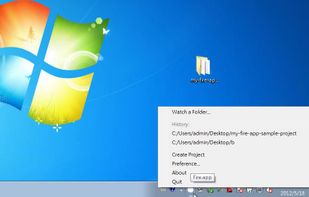
Fire.app is a menu bar only app for dead easy HTML prototyping. It supports Sass/Compass, Haml, ERB, Markdown, CoffeeScript, and more.

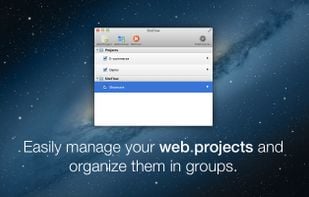
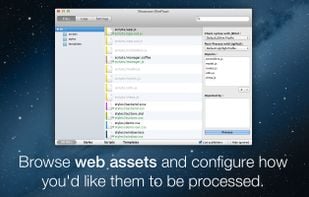
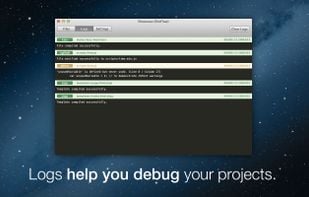
The life-saver app for web developers ! Easily check syntax, minify or process all your web assets (stylesheets, scripts and templates) as you edit them with your favorite text editor!
Styles processing: Whether you're working with plain CSS or with Less, Sass or Stylus, Si.

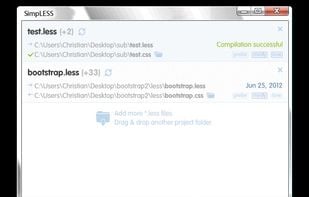

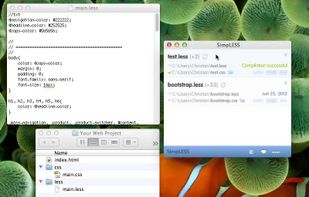
WinLess is a Windows GUI for LESS.js. WinLess is a must-have for the webdeveloper who uses Windows. It automatically compiles LESS files on change.

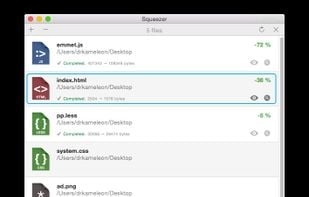
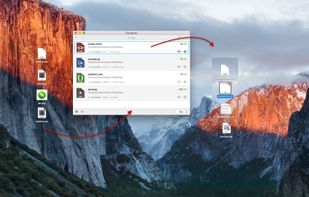
Tired of having to compile your scripts manually? Do you want to optimize your website images? Do you really want to speed up your website by shaving off unnecessary file bulk?

 Nepal
Nepal
 Netherlands
 EU
EU


 Taiwan
 France
 Germany