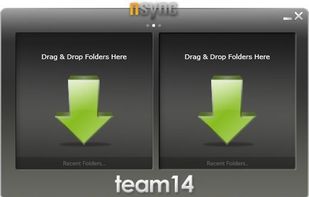
nsync is a free, open source software that performs synchronization of your data between desktop PCs, laptops, USB drives and more.
Cost / License
- Free
- Open Source
Application type
Platforms
- Windows


Apps similar to CopyInOrder include FreeFileSync, which is open source with a free version. Other options are Total Commander, rsync, SyncBack and Unison File Synchronizer. You're spoiled for choice with File Sync Tools like CopyInOrder: we list more than 50 alternatives for Windows, Mac, Linux, Android and iPad.
nsync is a free, open source software that performs synchronization of your data between desktop PCs, laptops, USB drives and more.

PureSync is a professional file backup and synchronization software, that can automatically keep a backup of your important files, import files from your digital camera and synchronize the contents of multiple folders, but not from "Windows Mobile" devices and no...
 Germany
 EU
EU



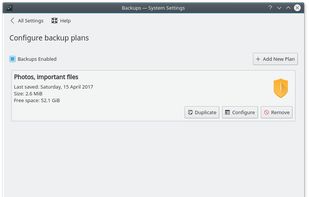
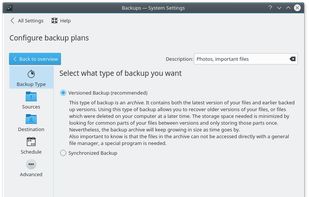
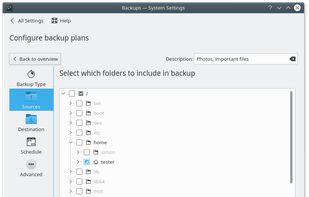
Kup is created for helping people to keep up-to-date backups of their personal files. Connecting a USB hard drive is the primary supported way to store files, but saving files to a server over a network connection is also possible for advanced users.


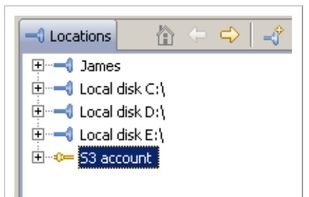
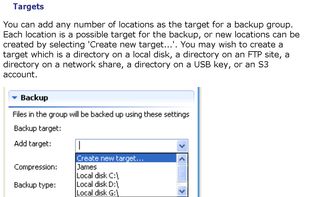
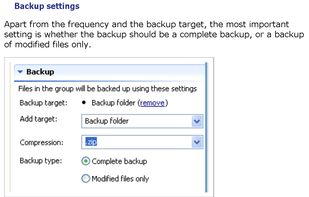
Despite a name that conjures up comedic visions, Bonkey the Backup Monkey is a serious backup program with tremendous potential. Not that it isnt good now; The program is easy to use, puts all the relevant options at your fingertips and backs up to multiple locations--including...



DropSync is a super fast and flexible folder synchronization tool.
It is ideal for a wide range of syncing tasks including:
 United States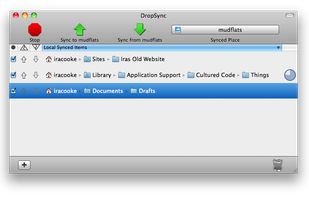


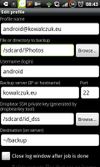
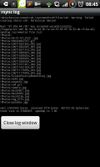
rsync backup is a tool that will, in essence, allow the user to copy data back and forth between the user’s computer and their Android device remotely. It uses SSH for the communication with the server, but users that are not familiar with this should probably read a bit before...


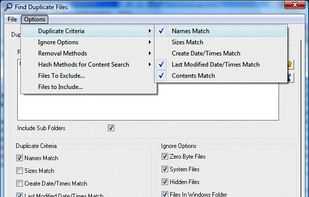
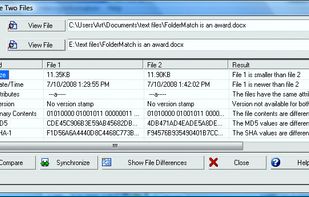
FolderMatch is a program that compares directories and files, showing the differences clearly.
United States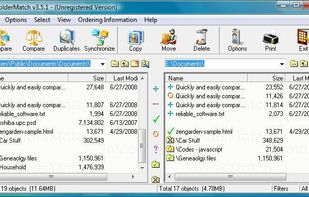


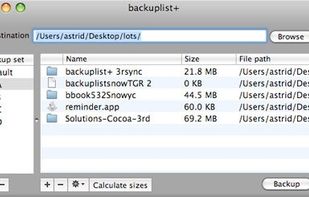
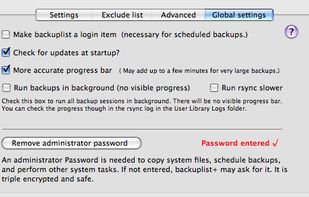
Backuplist+ is a popular "wrapper" application for the new rsync 3.0.6 copy tool. It is a powerful backup application that is simple for novice users and offers many choices for the more advanced user.



Fast Real-Time Backup. Continuously monitor folders for changes and update their backup copies immediately after the originals are modified. Or run backups at fixed time intervals. Specify an exact set of files to be backed up using simple and flexible folder and file filtering...
 Canada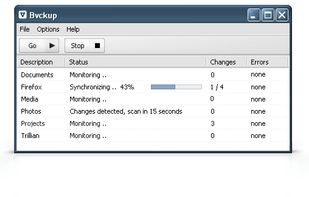


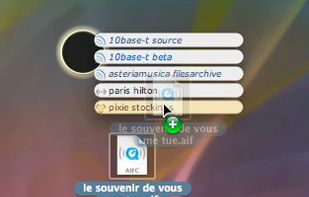
Easily and quickly send files and folders to multiple destinations across your LAN by simply dragging files onto recipients in a popup window.



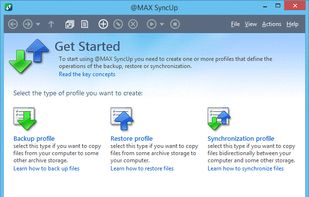
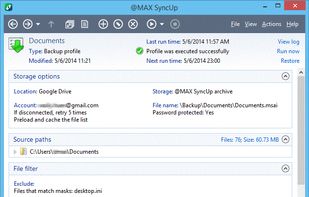
@MAX SyncUp is a feature-rich utility for backing up and synchronizing data on a local network or over the Internet. @MAX SyncUp provides an Apple Time Machine style backup using hard links. It allows for the effective remote synchronizing through an RSync-like algorithm to...
 Russia