


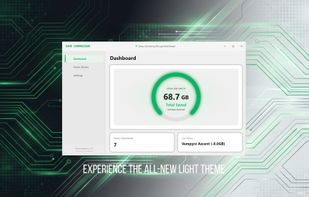
Stop deleting games due to low disk space! Game Compressor uses advanced Windows LZX technology to reduce game file sizes by up to 50%.
Cost / License
- Paid
- Proprietary
Application type
Platforms
- Windows


Apps similar to CompactGUI include Game Compressor. It's paid, but Compactor and WinDriveSpace are free. In total there are three File Compressors like CompactGUI for Windows.
Stop deleting games due to low disk space! Game Compressor uses advanced Windows LZX technology to reduce game file sizes by up to 50%.

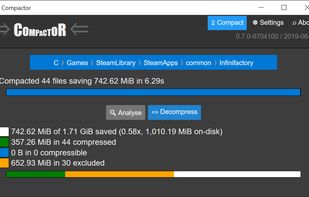
With modern lightweight compression algorithms running at gigabytes per second per core, it's practically a no-brainer to apply them to filesystems to make better use of storage and IO.


WinDriveSpace frees disk space by compressing suitable files with Windows' built-in file compression, without deleting files.