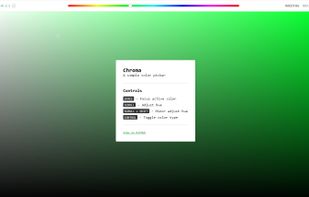
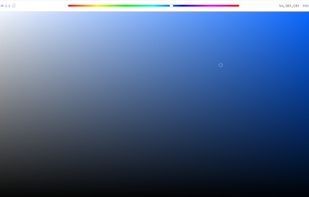
Chroma is a browser-based color picker that focuses on color selection. It was built using React Color.
Cost / License
- Free
- Open Source (MIT)
Application type
Platforms
- Online
- Self-Hosted



Apps similar to Color Pocket include gpick, which is free and open source. Other options are Rickrack, Instant Eyedropper, ColorKeep and System Color Picker. You're spoiled for choice with Color Picker Tools like Color Pocket: we list more than 25 alternatives for Mac, Linux, the web, Windows and iPhone.
Chroma is a browser-based color picker that focuses on color selection. It was built using React Color.

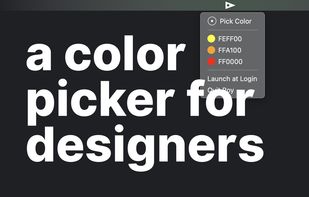




Pick Color Online is the best way to pick any color from your screen. With just one click you can easily extract any color from a PDF file, website, image or anywhere on your screen.


Cyotek Palette Editor allows you to create and work with colour palettes, in a variety of formats such as JASC, GIMP and Adobe Color.
 United Kingdom


Get the right colors for your webpage. Make the users feel comfortable surfing your website.
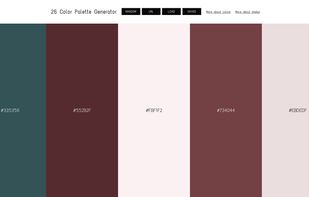
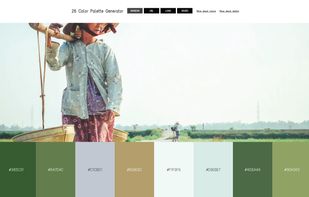


In today's world of simple designs, choosing the right colors matters more than ever. Paletter offers flexible controls that will help you find all the colors and variants you could ever need.
 United States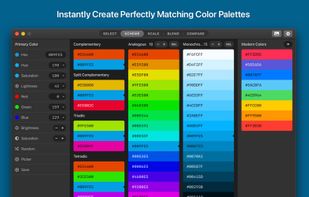
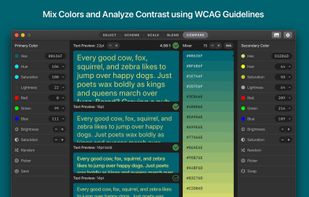
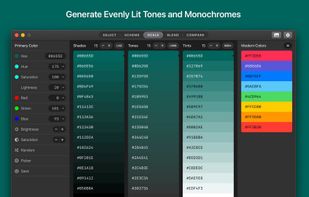
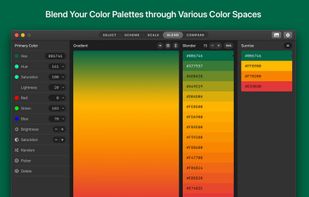


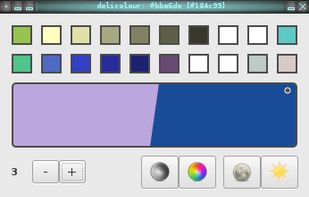


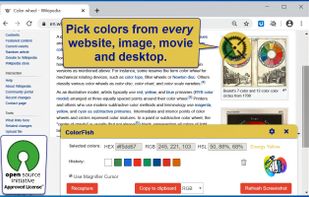
Open-Source Color Picker for Websites and Desktop Apps. It is an eyedropper tool to select color values from websites and desktop. Get a color reading from any point in your browser and from any point in your desktop.
 Germany
 EU
EU




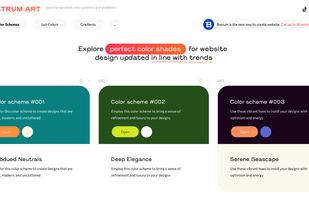
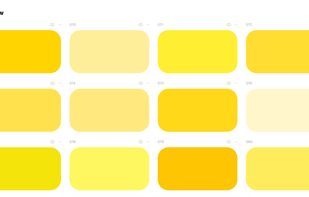
Spectrum Art offers ready-to-use color schemes for websites, covering backgrounds, headers, text, buttons, and cards. In addition to this, we provide handpicked colors and gradients.



 United States


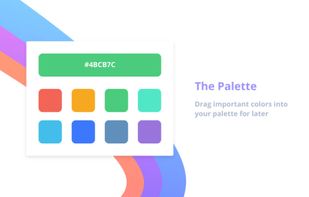


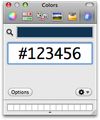
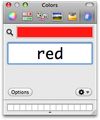
Hex Color Picker puts an extra tab in the system-wide color panel. Instantly see the hex color code for any color, and edit it just the same with a number of shorthands.