


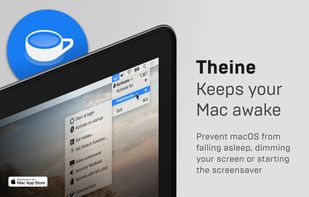
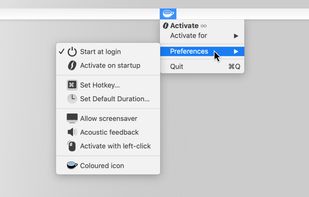
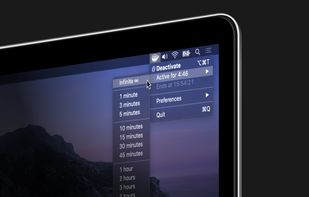
Prevent your Mac from falling asleep, dimming your screen or starting the screensaver. Theine keeps macOS awake just like caffeine does with you.
Cost / License
- Paid
- Proprietary
Application type
Platforms
- Mac
 Germany
 EU
EU



+4


Apps similar to Coffee: Keep Display Awake include Essentials, which is free and open source. Other options are goguma app, Amphetamine, Caffeinate and Caffeine for Windows. There's no shortage of Prevent Sleep Mode Apps like Coffee: Keep Display Awake, with more than 50 alternatives for Mac, Windows, Android, Linux and the web.
Prevent your Mac from falling asleep, dimming your screen or starting the screensaver. Theine keeps macOS awake just like caffeine does with you.
GermanyEU
This application is used to prevent the computer from going to sleep without changing system settings


Keep your screen on when your device is running your GPS application, favorite remote control, playing a movie or slideshow, etc... Perfect to keep your screen on without dimming for application development. Your screen will never go back to sleep until you want it to...
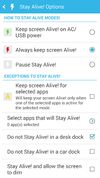
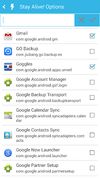
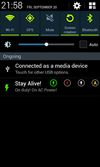


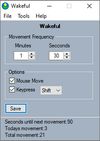
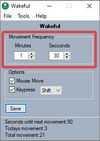
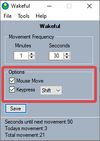
Keeps your computer in an active state. No install required, fully portable and can run from a USB. Completely free for everyone.


Anti-Sleep App for your Mac.
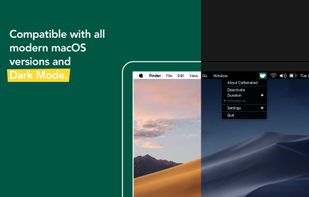
Caffeinated prevents your Mac from going to sleep, dimming your screen or starting the screensaver.
GermanyEU


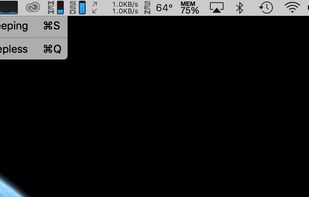


Espresso is a Caffeine alternative with support for retina displays and the black or white menu bar introduced in OS X Yosemite.
GermanyEU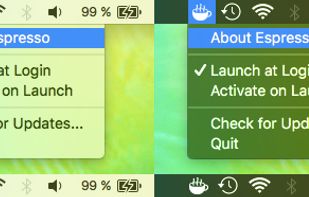


This app will keep your system awake for a defined period of time. It will pause the energy settings and prevent the screensaver from starting.
GermanyEU
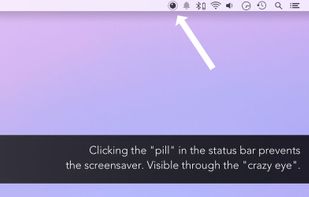


MoccaFaux is a flexible scheduler that prevents the activation of screen savers and power-saving modes when certain conditions are met.


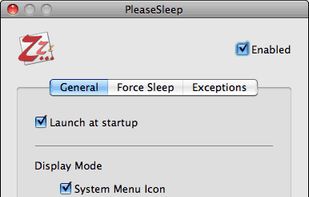
PleaseSleep is a utility software designed for Mac OS X that helps put your computer to sleep when you know some other app is preventing your Mac from going to sleep.


NoSleep makes closing of your MacBook lid possible without going to a sleep mode. Now you shouldn't have to plug your mouse and monitor to stay computer awake - just activate it by clicking a menu bar icon or check a tick in the System Preferences and continue downloading...
 Russia


Deep Sleep is a simple Dashboard widget which allows users to put their computer into hibernation mode, also sometimes called software suspend mode. This widget only works on a limited number of Apple computer models.


