
jsFiddle lets one easily test snippets of JavaScript/CSS/HTML code on-the-fly, adding optional libraries like jQuery.
 Poland
 EU
EU


Comments about jsFiddle as an Alternative to CodePen

- jsFiddle is Freemium and Proprietary
- jsFiddle is Lightweight


The best free Code Editor alternative to CodePen is jsFiddle. If that doesn't suit you, our users have ranked more than 50 alternatives to CodePen and many of them are free Code Editors so hopefully you can find a suitable replacement. Other interesting free Code Editor alternatives to CodePen are Replit, Firebase Studio, Qoder IDE and CodeSandbox.
jsFiddle lets one easily test snippets of JavaScript/CSS/HTML code on-the-fly, adding optional libraries like jQuery.

Replit is a collaborative cloud development environment offering in-browser IDE features like AI assistance, real-time collaboration, Git support, hosting, deployment, syntax highlighting, plugin extensibility, ad-free UI, dark mode, and live code sharing.
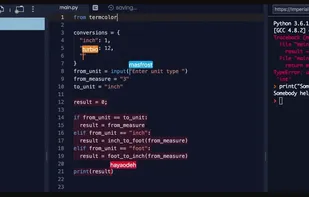
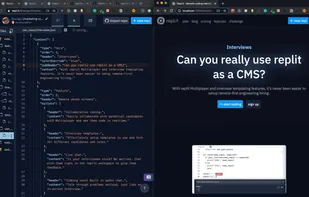
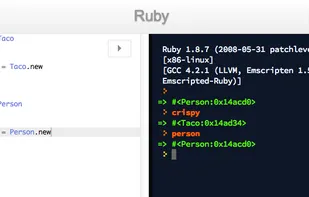

I like replit because they have a great free version with AI autocomplete and chat.


A cloud-based, agentic development environment designed to accelerate how you build, test, deploy and run production-quality AI applications, all in one place.
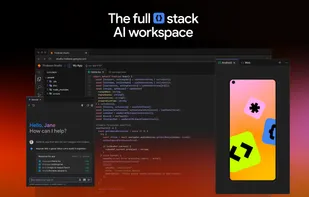
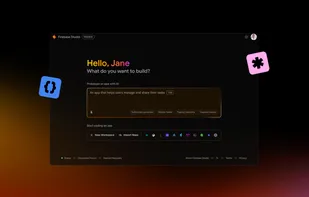
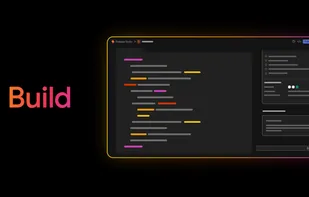


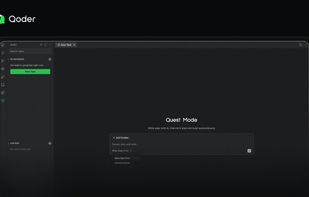
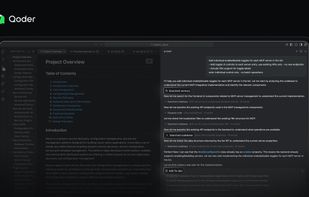
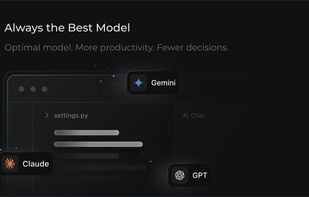
Qoder is an AI-powered agentic coding platform and IDE that automates complex software development tasks using autonomous AI agents.


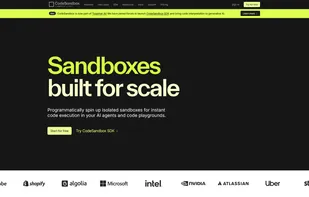
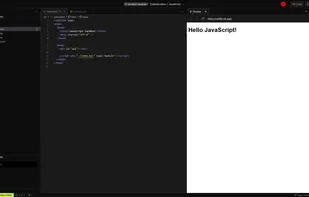
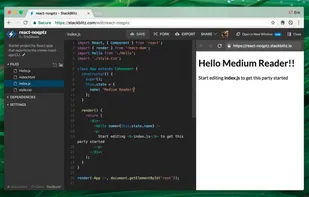
CodeSandbox is an online editor with a focus on creating, sharing and importing new React projects

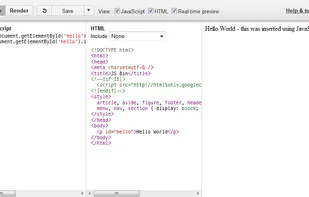
JS Bin is a collaborative open source JavaScript debugging tool. Enter Javascript in one pane and HTML in the other and see the result; share using a short URL. Choose popular JS libs from a menu, so you don't have to remember the URL.

JSPad is a fast and lightweight online code editor for writing, testing, and previewing HTML, CSS, and JavaScript snippets instantly.
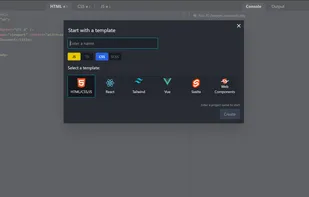
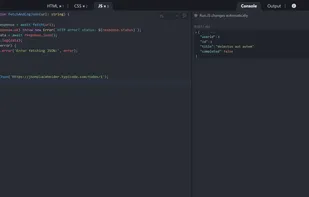
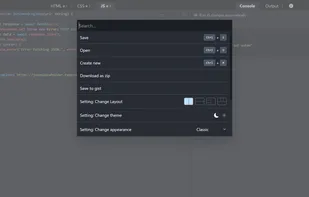
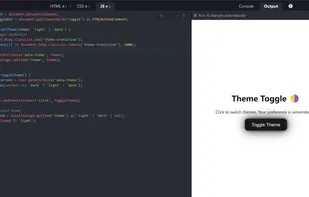


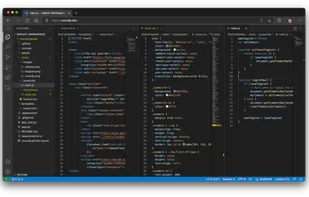




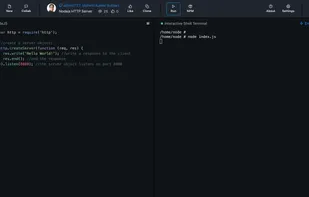
JSitor is an online tool for testing and showcasing user-created and collaboration HTML, CSS, JavaScript and NodeJS snippets.
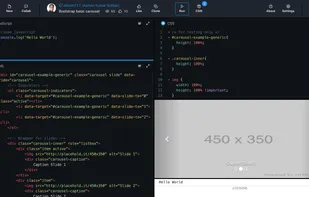


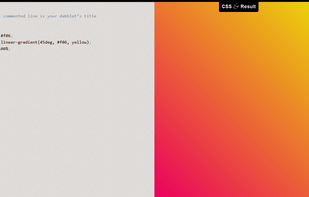
dabblet is an interactive playground for quickly testing snippets of CSS and HTML code. It uses -prefix-free, so that you won't have to add any prefixes in your CSS code. You can save your work in Github gists, embed it in other websites and share it with others.

It's purdy and doesn't have a lot of the fluff that CodePen does. Changes take place much faster here.


Flems is a playground for web development. It's ideal for prototyping ideas & sharing working front-end code examples.



 United States
 China
China
 Netherlands
 United Kingdom


 India
India Greece
Very similar, both have fields for HTML/JS/CSS and both don't require an account.