


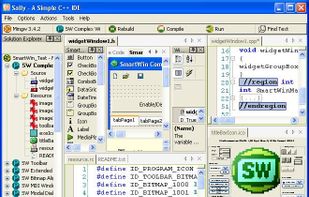
"Sally - A Simple C++ IDE" is a GPL multi-compiler C++ IDE for WindowsXP/2000.
Platforms
- Windows


Apps similar to Code::Blocks include Visual Studio Code, which is free. Other options are Eclipse, Microsoft Visual Studio, Apache NetBeans and Qt Creator. You're spoiled for choice with IDEs like Code::Blocks: we list more than 50 alternatives for Windows, Linux, Mac, iPad and Android.
"Sally - A Simple C++ IDE" is a GPL multi-compiler C++ IDE for WindowsXP/2000.

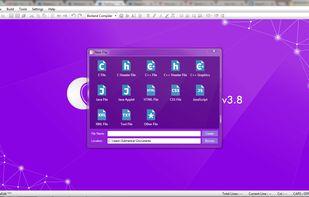
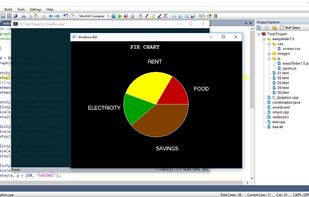
JCppEdit v3.8 is a multiple programming language IDE that offers you a unique platform to code many programs in a single environment, starting from C, C++, Java to HTML, CSS, JavaScript, XML and Text files.




 United States


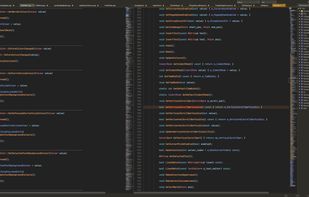
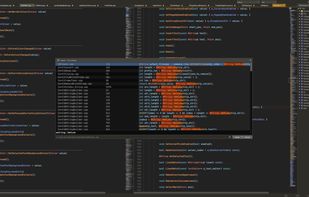
10x is the new C++ Editor from Stewart Lynch. Developed over 6 years, with almost everything written from scratch, 10x is a new breed of editor, combining the raw speed of traditional old-school editors with the productivity features of a modern-day IDE.



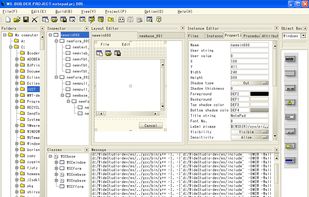
WideStudio is an open source, Integrated Development Environment for desktop applications purely made in Japan. This enables you to develop GUI applications that can run on Windows95/98/Me/NT/2000/Xp, WindowsCE, Linux, FreeBSD, SOLARIS, MacOSX(w/X11), BTRON, T-Engine...
 Japan
Japan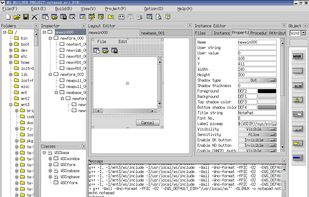


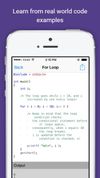
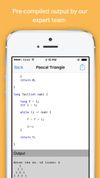
The best app to learn 14+ programming languages such as Python, Assembly, HTML, VB.NET, C, C++, C# (C Sharp), JavaScript, PHP, Ruby, R Programming, CSS, Java and much more!.
 India
India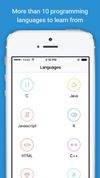


XVT is a software development environment for building cross-platform GUI applications in C or C++. XVT allows developers to graphically lay out an application's GUI, and provides cross-platform libraries to aid development.


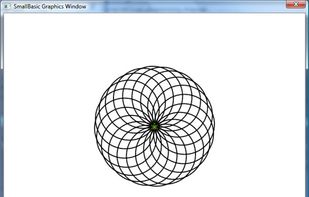
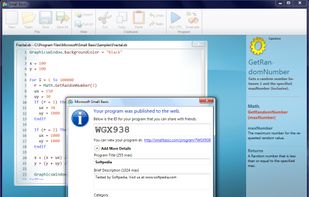
Microsoft Small Basic puts the fun back into computer programming. With a friendly development environment that is very easy to master, it eases both kids and adults into the world of programming.
United States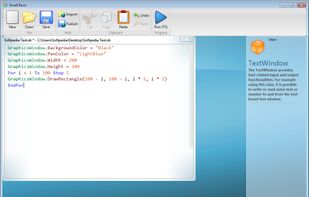


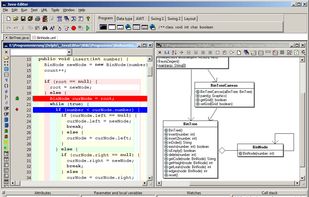
Integrated Java development environments set high requirements on the computer equipment.


APDE (Android Processing Development Environment) is a Processing IDE for creating and running sketches on Android devices. You can download APDE from Google Play or the releases page.


 Germany
 EU
EU


