


Clipy Alternatives
Clipy is described as 'Clipboard extension for macOS' and is a clipboard manager in the office & productivity category. There are more than 100 alternatives to Clipy for a variety of platforms, including Mac, Windows, Linux, iPhone and iPad apps. The best Clipy alternative is CopyQ, which is both free and Open Source. Other great apps like Clipy are Ditto, PasteBar, CopyCat Clipboard and Planck.
Alternatives list

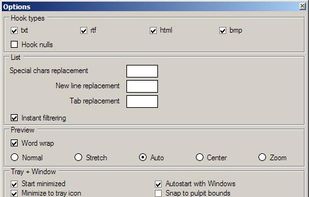
Fast, reliable multi-clipboard tool. It allows to save text, rtf, html and bitmap formats for future use. Especially useful for software engineers.
Platforms
- Windows



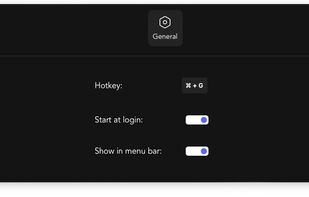
Verve is a lightweight and blazingly fast launcher for accessing and opening applications, files and documents. It serves as a replacement for popular tools such as Spotlight, Raycast, and Alfred, and is written in the Rust programming language using the Tauri Framework.
Cost / License
- Free
- Open Source (AGPL-3.0)
Application typeApplication types
Platforms
- Mac



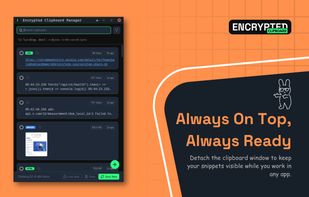
A premium, Zero-Knowledge encrypted clipboard manager for Chrome and Chromium browsers that lives in your Side Panel. Securely sync text, code, and images across all your devices with a focus on privacy and productivity.
Cost / License
- Freemium
- Proprietary
Application type
Platforms
- Microsoft Edge
- Google Chrome
- Brave
- Chromium
 Bangladesh

 +4
+4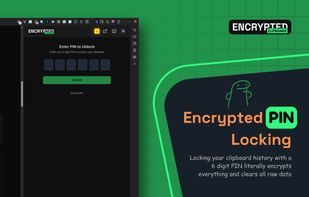


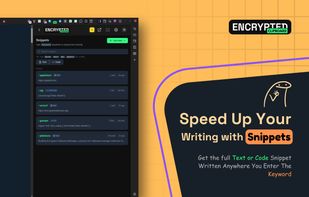
Slashit App is a productivity tool that helps you reply faster using dynamic placeholder templates, text snippets, AI to rewrite sentences, and a clipboard history manager.
Cost / License
- Paid
- Proprietary
Application typeApplication types
Platforms
- Mac
- Windows
- Bangladesh


 +2
+2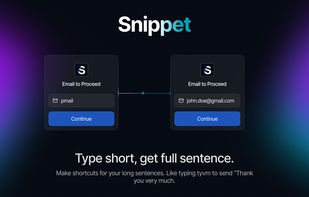


Cost / License
- Free
- Open Source (MIT)
Platforms
- Linux


A native macOS clipboard manager with full-text history search and on-device image OCR — fully local, free, and open source.
Cost / License
- Free
- Open Source (MIT)
Application type
Platforms
- Mac




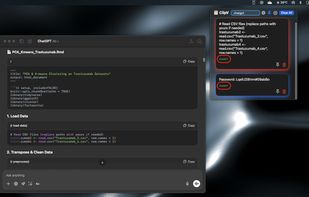
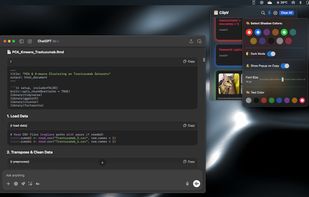
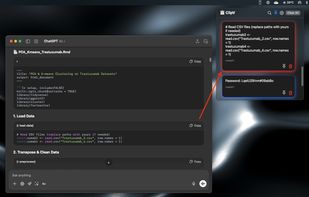
Minimal, native clipboard manager for macOS — one-time purchase, cross-type history (text, code, images, files), and instant search.
Cost / License
- Paid
- Proprietary
Application type
Platforms
- Mac

Cost / License
- Free
- Open Source (GPL-3.0)
Application type
Platforms
- Linux
- Wayland
 K
K
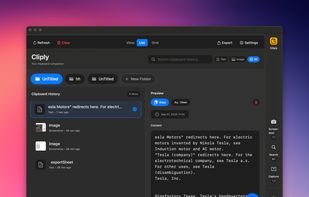
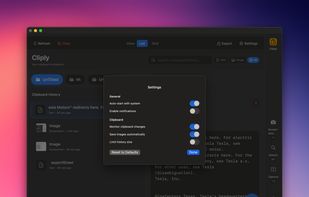
Cliply keeps everything you copy on macOS—text, images, screenshots—and lets you paste it instantly. ??V to open, type to find, ?? to paste. Local database, no cloud, zero tracking. One-time purchase with 14-day refund. Apple Silicon native.
Cost / License
- Paid
- Proprietary
Application type
Platforms
- Mac
 United States

Cost / License
- Free
- Open Source (GPL-3.0)
Application type
Platforms
- Linux
- Wayland
- Rust
C
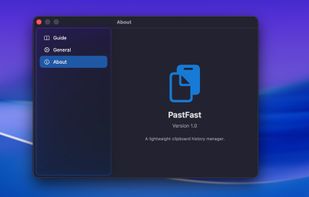
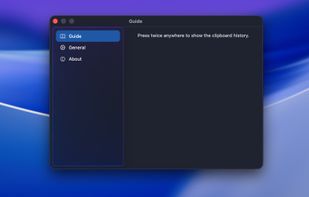
PasteFast is a lightweight, fast clipboard history manager for macOS. Double-press your hotkey to instantly access your clipboard history featuring both text and images. Customizable shortcuts, automatic panel hiding, source app identification, and minimal resource usage.
Cost / License
- Free
- Proprietary
Application type
Platforms
- Mac
 China
China
 +1
+1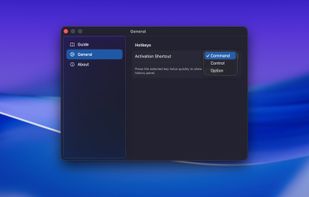


 Poland
 EU
EU


