Cost / License
- Free
- Proprietary
Application types
Platforms
- Online
- Google Chrome

- Firefox


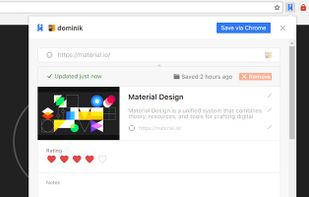
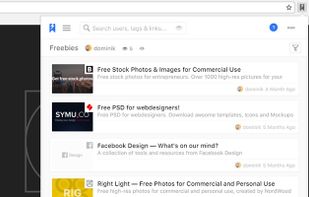
ClipKeep is described as 'Simple web clipper that simplifies how you save, organize, and access digital insights. Capture web pages effortlessly, categorize your content, and retrieve it instantly—all with just a click' and is a bookmark manager in the web browsers category. There are more than 10 alternatives to ClipKeep for a variety of platforms, including Google Chrome, Web-based, Mozilla Firefox, iPhone and iPad apps. The best ClipKeep alternative is Karakeep, which is both free and Open Source. Other great apps like ClipKeep are Obsidian Web Clipper, Memex, LinkAce and Linkeeper.


Bookmark Sidebar is an extension for Chrome, which adds a toggleable sidebar with all your bookmarks on the left or right side of your screen. You can sort, edit, delete or rearrange your bookmarks easily from within the sidebar.


"Highlights - Highlighter and Web Clipper" chrome extension by Learning Paths, helps you organise your content across the internet.


LinkHub is a simple and effective link management application that can help you to easily manage your own links with no ads!


Access your bookmarks on any device (desktop, notebook, mobile) in any browser All your bookmarks are kept private, Bookmark Ninja is not a social bookmarking site.


PasteDeck is a home for all of your favorite websites, links, images, videos, articles and so much more! All of your bookmarks in one place, organized the way you want them, accessible from any location, any time and from any device!


Pincone is a simple and well-designed bookmarking tool for websites, newsletters, feeds, articles, and much more 💛.


KnowMinder is an AI-powered personal knowledge management system designed to help users capture, and retrieve information efficiently.

We browse various websites every day, many of which are frequently visited pages. Although we can add these pages as bookmarks for easier access next time, there are still several problems: