


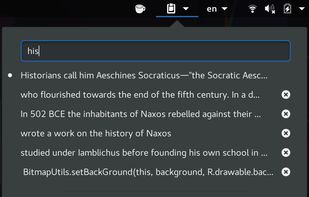
Clipboard Manager extension for Gnome-Shell: Adds a clipboard indicator to the top panel, and caches clipboard history.
Cost / License
- Free
- Open Source (MIT)
Application type
Platforms
- Linux
- GNOME


ClipMenu has been discontinued. Similar apps include CopyQ, which is free and open source. Other options are Ditto, PasteBar, Alfred and CopyCat Clipboard. There's no shortage of Clipboard Managers like ClipMenu, with more than 100 alternatives for Mac, Windows, Linux, iPhone and iPad.
Clipboard Manager extension for Gnome-Shell: Adds a clipboard indicator to the top panel, and caches clipboard history.

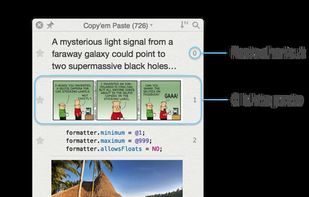
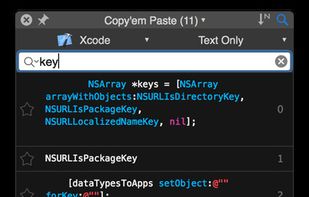
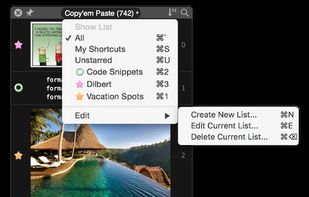
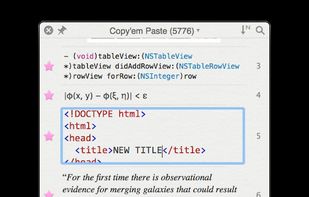
Copy'em Paste lets you collect the things you like by simply copying them! Unlike regular clipboards which can store only one clipping, Copy'em Paste can store as many as you want, without limitation.


ClipMate is The Ultimate Clipboard Extender for Windows.
ClipMate saves time and makes you more productive by adding clipboard functions that the Windows clipboard leaves out, such as holding thousands of "clips", instead of just one at a time. ClipMate has functions t.
 United States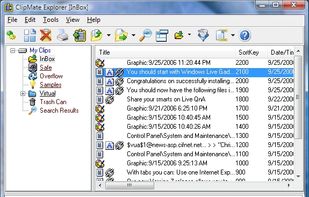


Qopy is a fixed clipboard manager designed as a simple alternative to the standard clipboard in Windows. It aims to provide a smoother, more reliable experience. Plus, it's compatible with Linux, so you can enjoy the same great features on both operating systems.
 Switzerland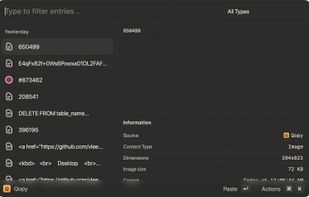



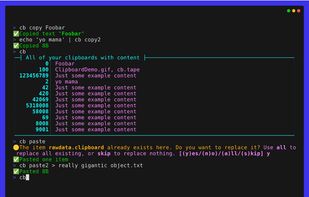
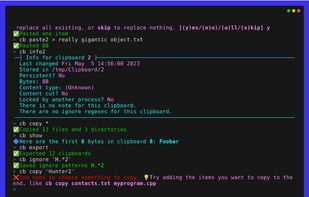
The Clipboard Project (CB for short) is the full-featured yet oh-so-easy-to-use clipboard manager for everyone.


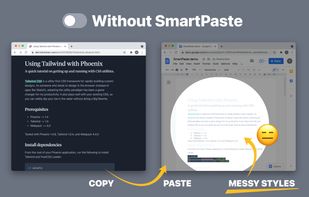
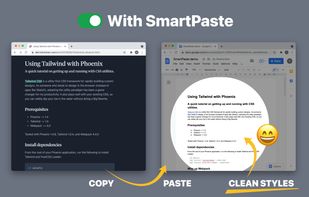
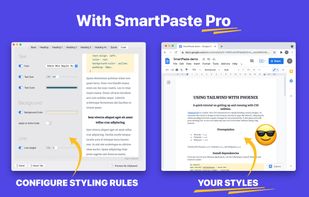
Copy-paste nicely styled text to apps like GMail and Google Docs without learning new shortcuts.


ClipCapsule is a minimalist clipboard manager for Linux. It supercharges your productivity by allowing you to manage and switch clipboard entries using only keyboard shortcuts—no mouse or GUI required.


Utilize a cloud-based clipboard to sync text and images across devices effortlessly. Access history with Windows key + V, pin frequently used items, keep data readily available, and facilitate transfers between Windows PCs seamlessly.
United States
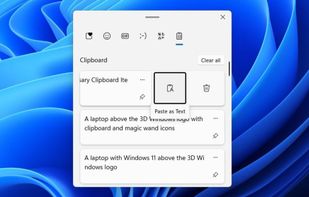
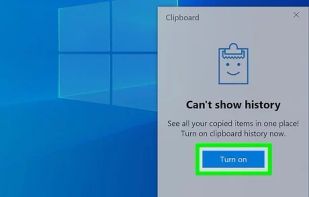


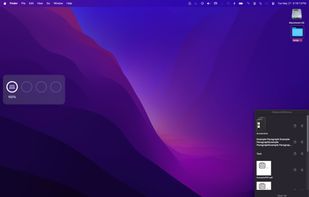
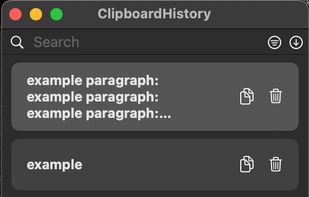
Mac clipboard history manager inspired by Windows, holding text, images, files, folders, and groups. Customize up to 50 items. Access via shortcuts and command keys. Opens at the bottom right, with a status menu bar icon. Provides comprehensive usage tips.
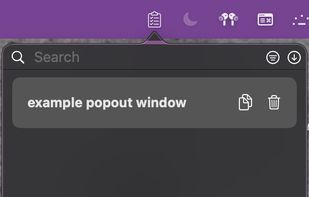


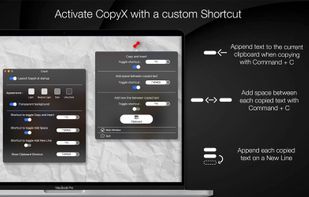
Copy text with Command + C and append it to the last copied text instead of replacing it! Activate inserting with a custom shortcut.

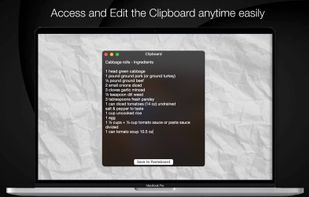


A fast, easy-to-use and customizable clipboard manager. Be more productive by using keyboard shortcuts and the integrated search to move through your history.
 France
 EU
EU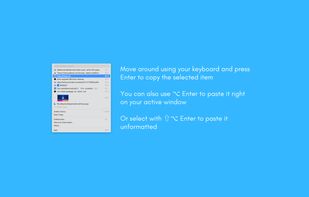





· You can add any type of clipboard item and copy them directly or redirect to specific app depends of the item type.





 Nigeria


