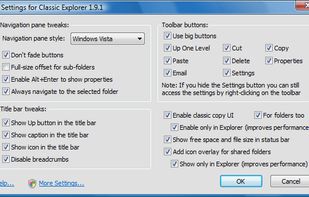
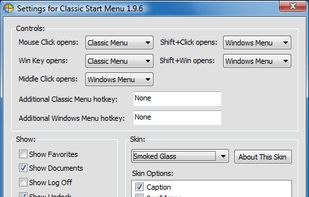
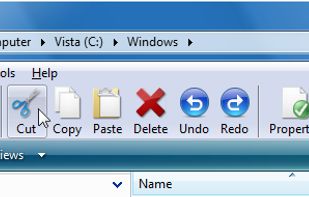
Classic Shell is free software that improves your productivity, enhances the usability of Windows, and empowers you to use the computer the way you like it.
Cost / License
- Free
- Open Source
Alerts
- Discontinued
Platforms
- Windows
 Bulgaria
 EU
EU



+3


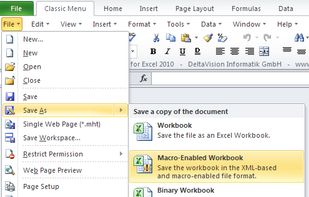
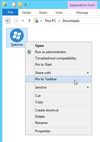
Apps similar to Classic Menu for Office include Classic Shell, which is free and open source. Other options are Spencer, UBitMenu, ACCM Office Classic Menu and DeltaVision Classic Menu for Office. In total there are five System Tweakers like Classic Menu for Office for Windows.
Classic Shell is free software that improves your productivity, enhances the usability of Windows, and empowers you to use the computer the way you like it.
BulgariaEU
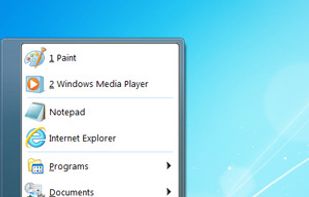
Bring back the Classic Windows XP Start Menu to Windows 8 & 10. With one click you have access to all of your Start Menu entries. Plus direct access to the Control Panel, Administrator command line and Run dialog.
 GermanyEU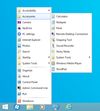


UBitMenu emulates / activates the Office 2003 menu in Word 2013, Excel 2013 and Powerpoint 2013 (also Word 2007 & 2010, Excel 2007 & 2010, Powerpoint 2007 & 2010).
 Switzerland
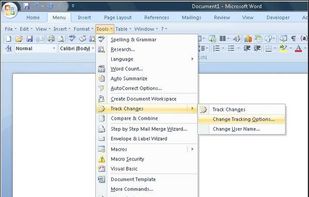
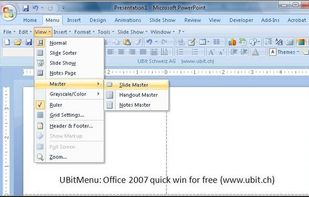
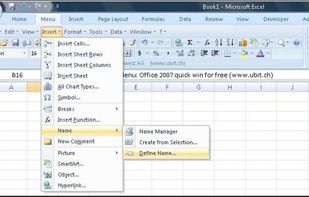


Familiar menus and toolbars of Microsoft Office 2003 on the Ribbon of Microsoft Office. A powerful and easy-to-use add-in for showing the classic menus and toolbars of Microsoft Office 2003 on Ribbon of Microsoft Office 2007, 2010, 2013 and 2016.
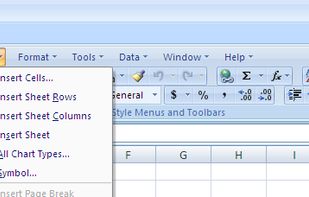
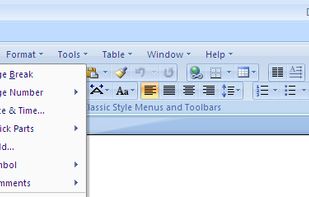


Emulates the menus and standard toolbars known from Office 2003 and earlier on a single ribbon.
GermanyEU