Cost / License
- Free
- Proprietary
Application type
Platforms
- Windows


Apps similar to Capto include ShareX, which is free and open source. Other options are Greenshot, Snipping Tool, PicPick and Bandicam. There's no shortage of Screenshot Capture Tools like Capto, with more than 100 alternatives for Windows, Mac, the web, Linux and iPhone.

Generate web page full-length screenshot for free online.
 United States


Snap! is a PowerPoint plugin that lets you quickly develop basic courses, presentations, training, and content. Add narration and Flash animation, plus record video, create tests, and more. Then package your presentation into a self-running Flash file.


Easy, free and full-featured screenshot application to capture, edit, cloud store and share your screenshots effortlessly.


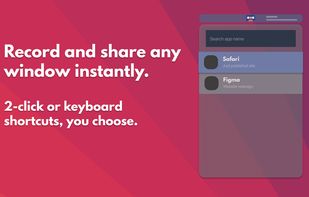

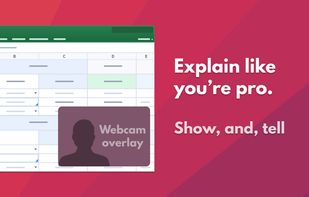



Lightning fast and ultra elegant screenshot and annotation tool that does all you need without the bloat. Made for Mac and Windows.
United States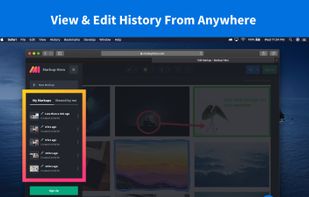
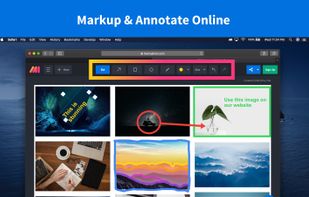
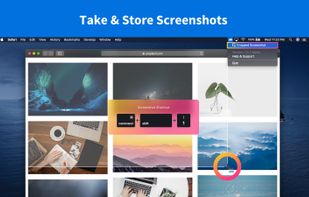
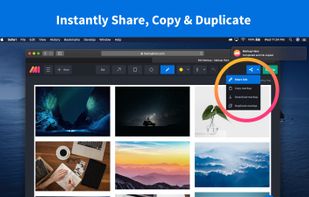


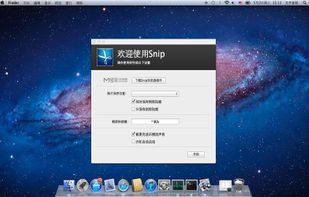
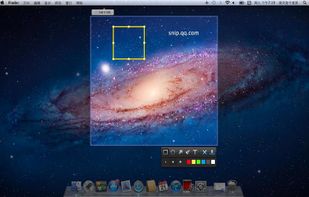
Snip is a screen-capture application that can capture the active window or custom areas. Drag to zoom in/out the screen shot; add labels, texts and handwriting contents of your choice and save it to your device or the clipboard.
 China
China


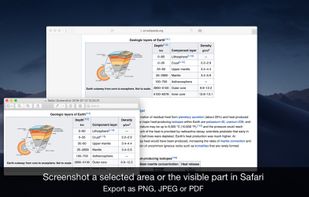
Page Screenshot for Safari is an awesome extension, just a click away, ready to use every time you need to capture a webpage screenshot, either the full page or just part of it.
 Romania
 EU
EU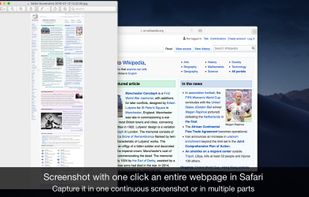


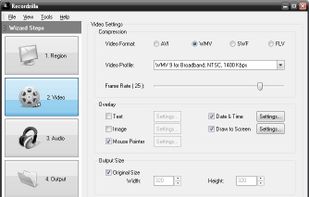
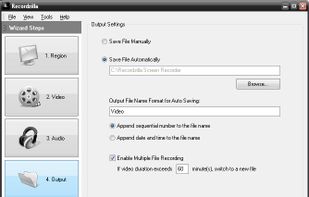
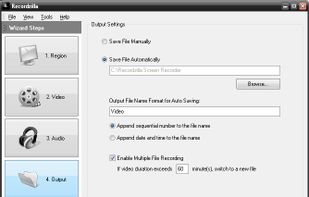
Recordzilla is a screen recorder software that lets you capture video, audio and pictures of anything you see on your computer screen and save it as video AVI, WMV, Flash SWF, or Flash FLV.
 Malaysia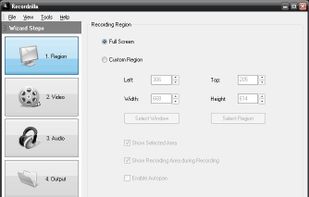


Fii is a completely free online sharing application which brings visualization to your online conversation. You can show your co-worker, friend, teacher, boss, parents or whomever you want a part of your screen with a single mouse click.