Platforms
- Android
- F-Droid


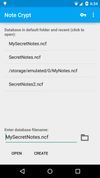




Apps similar to Headnote include Zim, which is free and open source. Other options are CherryTree, TiddlyWiki, Trilium Notes and Cryptee. There's no shortage of Note-taking Tools like Headnote, with more than 50 alternatives for Windows, Android, Mac, the web and iPhone.

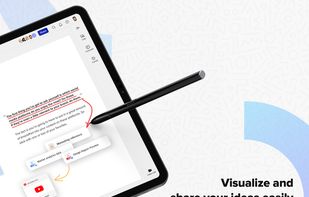
Allo is the online workspace for visual collaboration and teamwork for remote teams. With our interactive and visual workspace teams can collaborate over, notes, design, sketches, tasks, processes, and work.
 United States




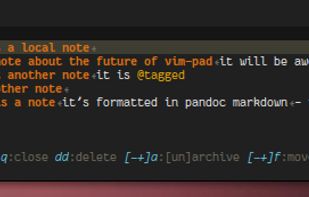
a quick notetaking plugin. Contribute to fmoralesc/vim-pad development by creating an account on GitHub.


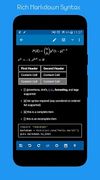
neutriNote is an all-in-one preservation of written thoughts, be those text, math (LaTeX), rich markdown, drawings, etc., in fully searchable plain text (universal UTF-8).




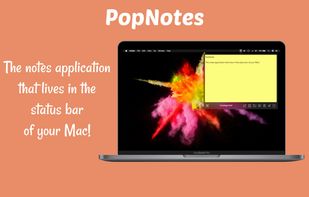
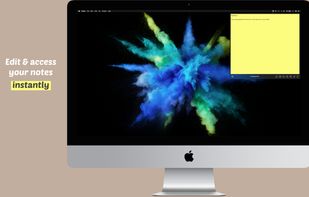
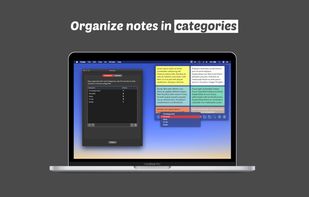
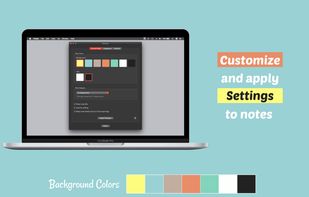

"SimpleNotes" lets you create, edit and organize all your notes anytime, anywhere. Easy switching between Desktop and Mobile. You can share your notes with everyone you want. The Website is free to use and a Desktop and Mobile APP is also available.

The Guide is a two-pane outliner - a program that allows you to arrange text notes in a tree-like structure. It supports formatted text, exporting to RTF and hyperlinks (both internal and external).


Simple checklist app. Just rows of text entries and a checkbox for each. No B.S., i.e., no categories, no sub-tasks, no time tracking, and no other crazy wizzbang features.
United States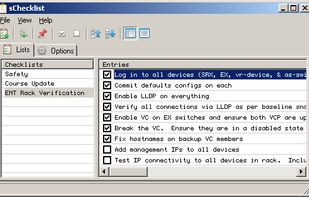


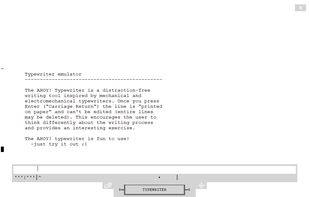
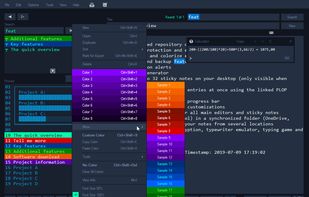
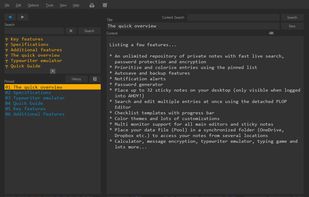
AHOY! is a light-weight note-taking application for Windows. In spite of its simplicity AHOY! is a versatile tool that can be inserted into many applications where it is necessary to keep track, organize and follow up on projects, for managing large collections of text and for...
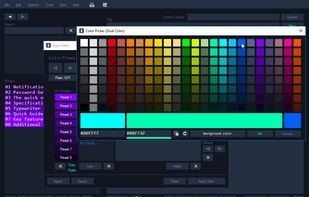


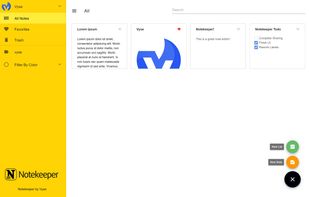
An easy to use note keeping app available on all platforms with data stored on your own storage! Fully decentralized based on Blockstack platform. Also, fully open source!







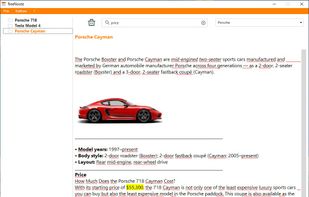
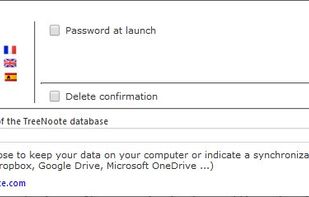
TreeNoote is a brand new note-taking program, free, secure and available in a portable version.